Feed library

The reading room

Android Authority

80 articles/Updated Visit source
Atom feed Refresh

This preview uses the same feed and article caches as your subscriptions.

01Google already has a fix rolling out for those Android Auto One UI 9 connectivity problems - Android Authority
Read on androidauthority.com

android-auto-launcher-home-screen-1.jpg


Andy Walker / Android Authority

Add Android Authority on Google:

TL;DR

  • Numerous Samsung users reported connectivity glitches with Android Auto after updating to On UI 9.
  • Google earlier confirmed awareness of the problem, and now tells Android Authority that a fix is rolling out.
  • Impacted Android 17 and One UI 9 devices should see resolution soon.

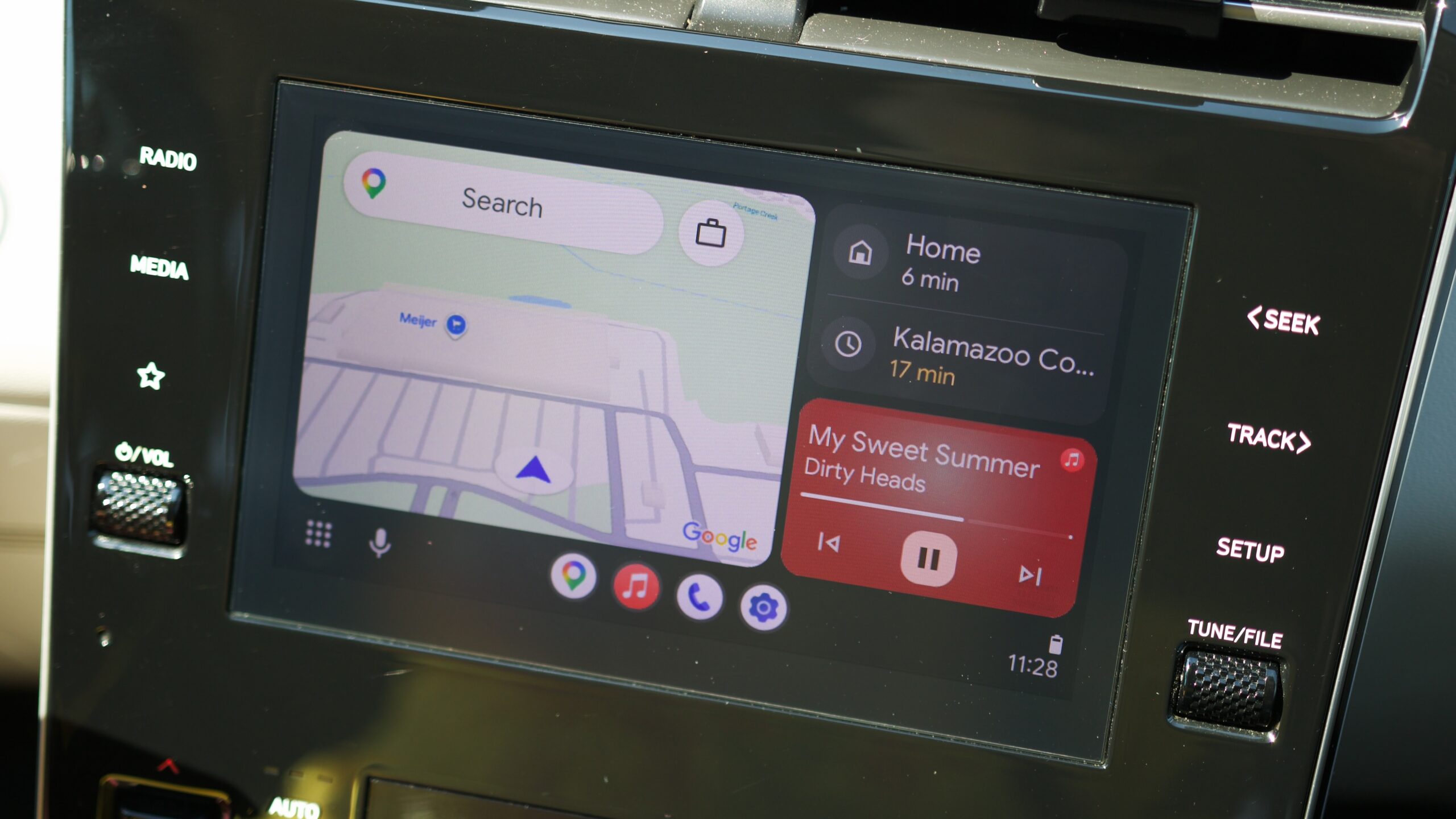
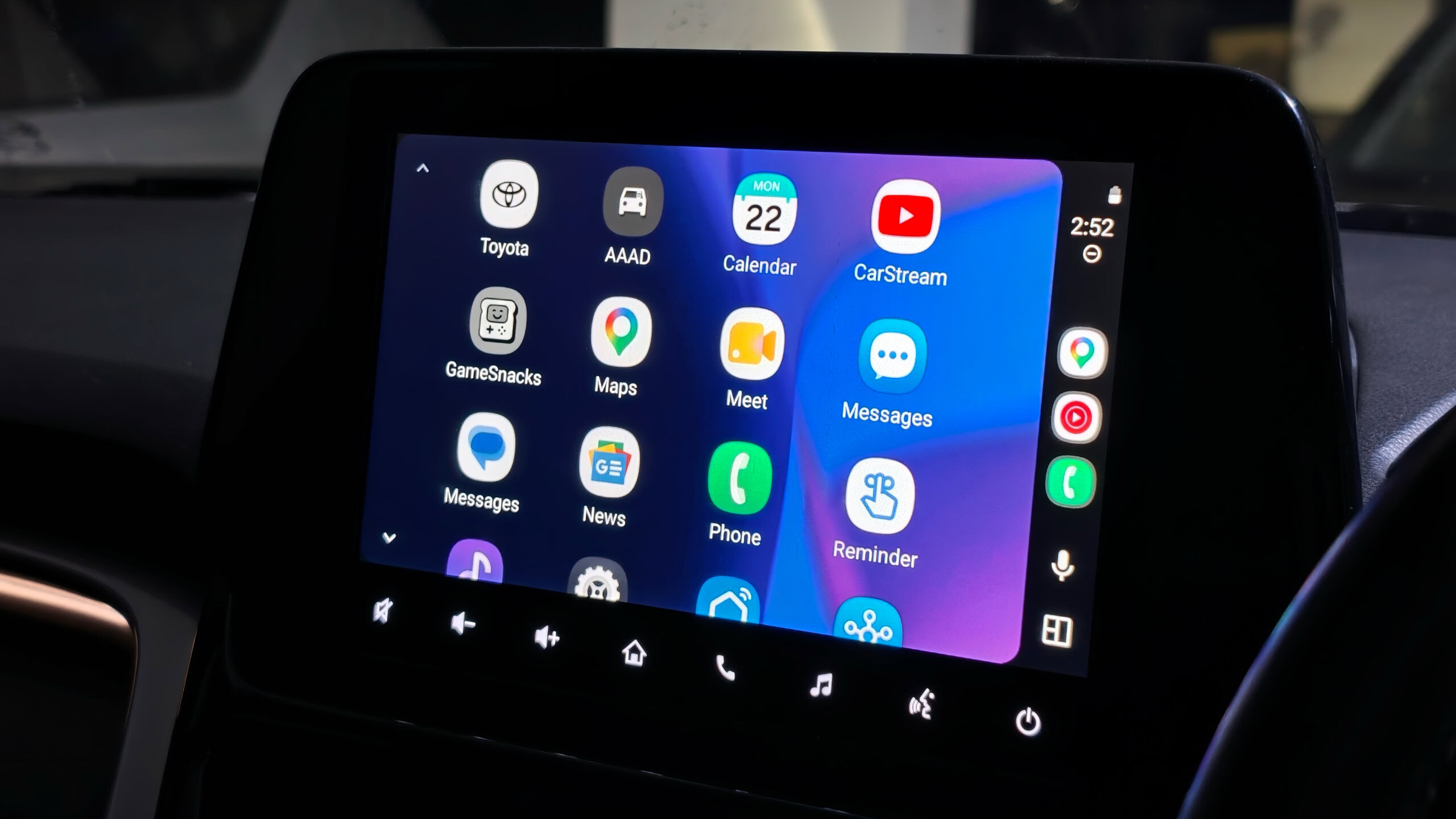
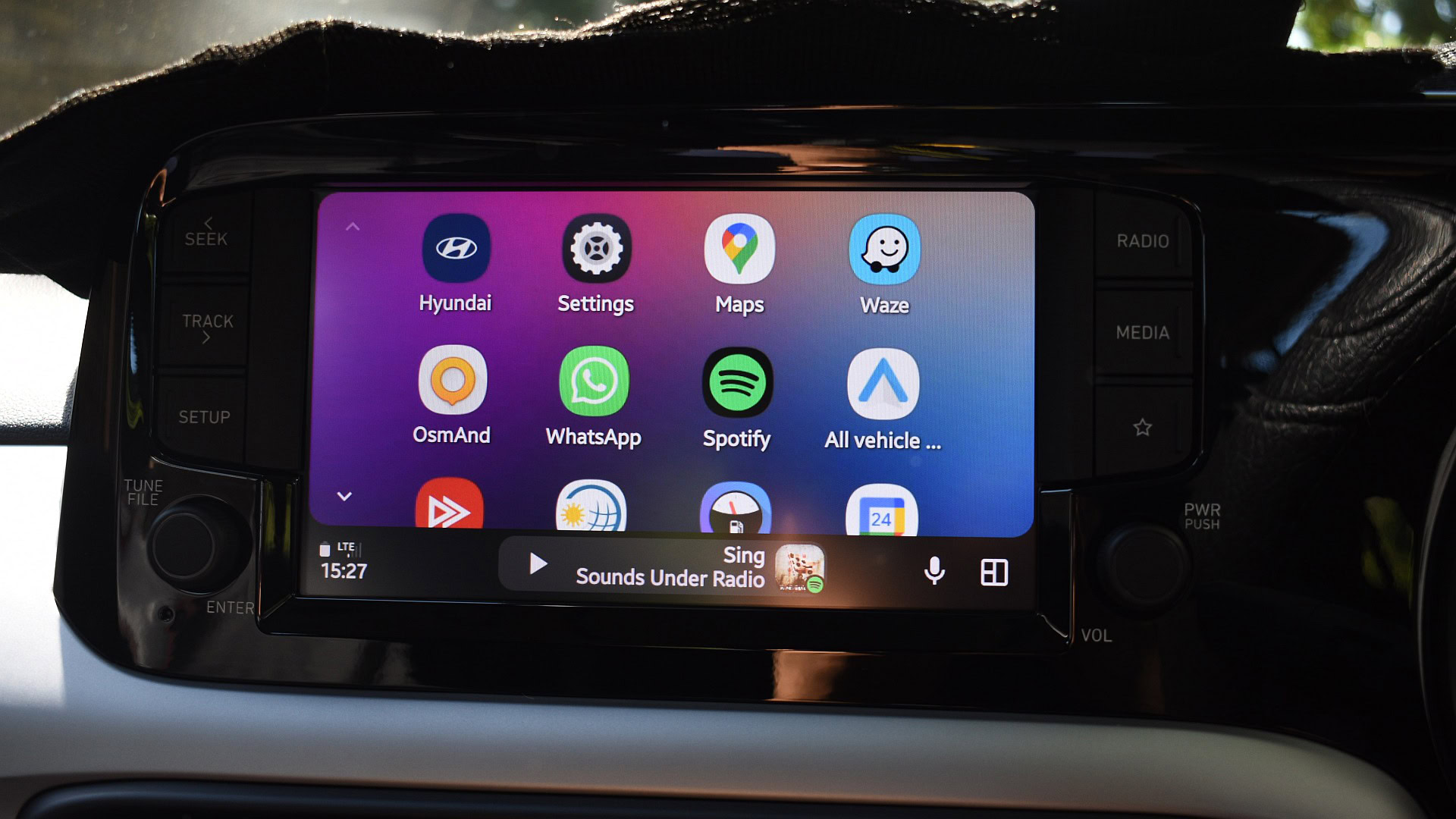
Android Auto is a huge upgrade for a lot of car owners — when it works. Having access to some of the best Android apps, along with your notifications, right on your dash can be great, but it feels like we’re constantly hearing about new updates breaking some part of that experience. We just told you about the frustrations that some Samsung users have been having with Android Auto in their cars, and we’ve already got some good news to share.

The problem seemed to be popping up for Galaxy users who had just updated their handsets to One UI 9. Impacted users would find their devices unable to connect to their cars at all, or frequently dropping their connections. Not even switching to a wired connection seemed to do any good.

We found a whole bunch of similar stories telling versions of the same tale, and while it wasn’t definitive, One UI 9 sure looked like a viable culprit, with tests on some phones running One UI 8.5 not producing problems.

We knew that Google was aware of the issue before, with an account associated with the Android Auto team confirming reception. But now the company has reached out to Android Authority to share that a fix has been deployed.

A spokesperson tells Android Authority that the fix, which the company frames slightly more broadly as addressing an “Android 17 / One UI 9” issue, is already rolling out. It may not have hit your devices just yet, but Google says that “the issue should be resolved soon.”

That’s great to hear, and we look forward to seeing some of those One UI 9 users share that their connectivity problems have finally come to an end.
02Quick Share will soon work directly in Android and iOS apps - Android Authority
Read on androidauthority.com

Pixel-10a-tips-quick-share.jpg


Ryan Haines / Android Authority

Add Android Authority on Google:

TL;DR

  • Google will launch a Quick Share SDK for Android and iOS in the first half of 2027.
  • This will allow developers to embed peer-to-peer file sharing and Tap to Share inside of apps.
  • With this functionality, you’ll be able to share without having to bring up the share sheet and launch the full-screen Quick Share experience.

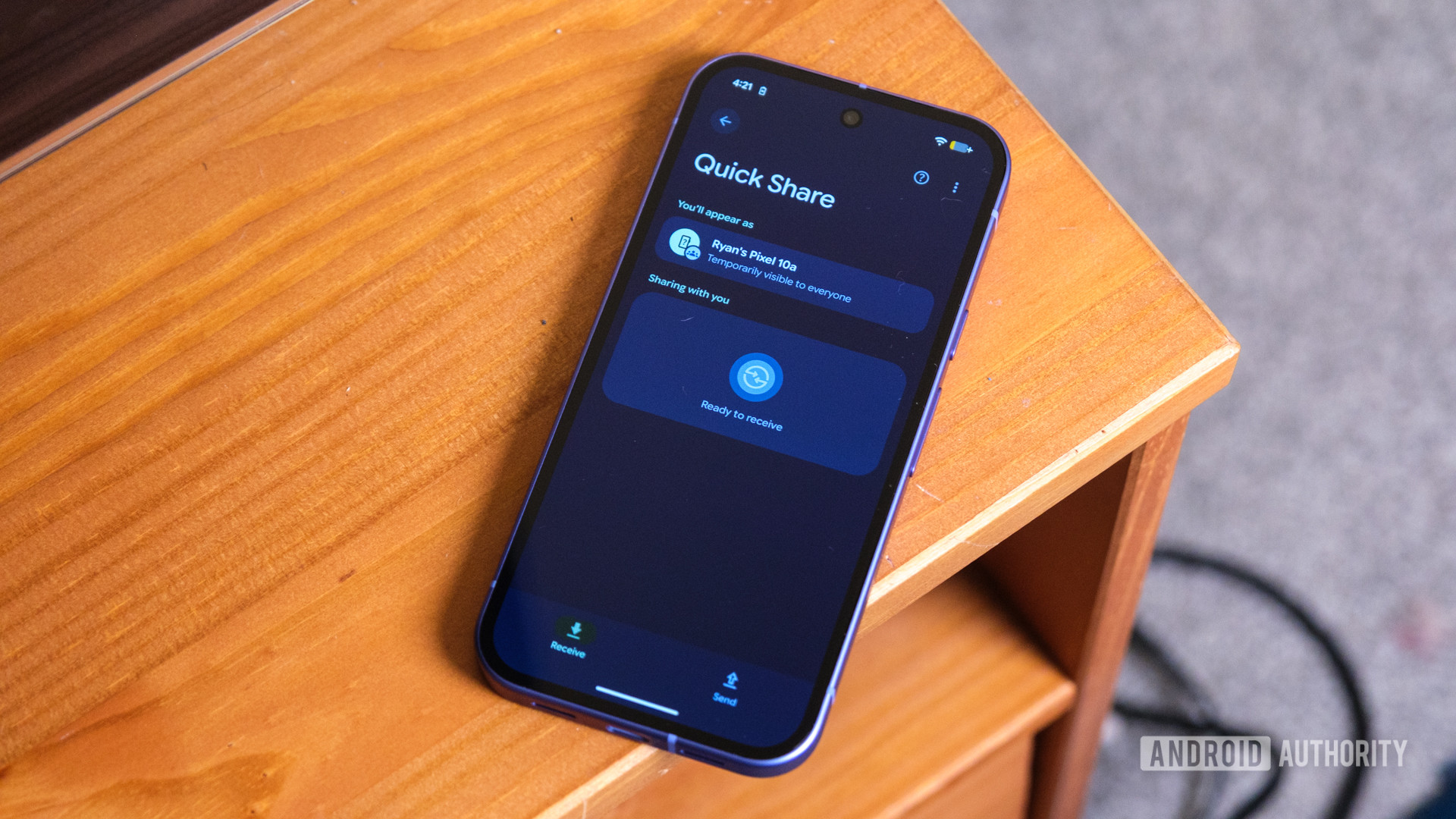
In case you didn’t know, Google recently held its Android Dev Summit. In addition to offering a few details about Android 18, it also announced some news related to Quick Share. The company will be launching an SDK that will make the file-sharing tool even more convenient than it currently is.

As the name suggests, Quick Share is a quick and fairly simple way to share files between two devices. While it works fine right now, it can always be better. Case in point, Google will release a Quick Share SDK in the first half of 2027 for both Android and iOS apps. This will let developers embed peer-to-peer file sharing and Tap to Share inside their apps.

The user benefit that comes with this integration is convenience. When you want to share something, you’ll be able to do it directly in the app. That means you won’t have to go through the process of bringing up the share sheet and launching the full-screen Quick Share experience.

In the images above, you can see an example of how it would work between an Android and Apple device. Starting Quick Share will bring up a bottom sheet. Users will be able to see the files being sent as a preview.

Google also highlights five key capabilities, including E2E encryption, low latency and maximum transfer speeds, no need for compression, offline functionality, and no costly infrastructure.

03Next time your flight touches down, Google Maps could be there with a custom greeting - Android Authority
Read on androidauthority.com

google-maps-ask-maps-chip-home-screen-image.jpg


Akshay Gangwar / Android Authority

Add Android Authority on Google:

TL;DR

  • Google Maps appears to be working on new greeting messages for when users take flights to new cities.
  • The greetings seem designed to encourage the use of the app’s Ask Maps feature.
  • Google’s building out support for messages in over 90 airports around the world.

Have you ever landed at an airport and seen some smartly dressed valets standing around with travelers’ names printed on cards, waiting to greet them? Not all of us will ever be the sort of bigwig who gets that kind of white-glove service, but we might be able to at least pretend a little bit, thanks to a new system that’s in the works for Google Maps.

You’re reading an Authority Insights story. Authority Insights brings you all the latest exclusive reports, app teardowns, leaks, and in-depth tech coverage from the Android Authority team that you won’t find anywhere else.

Granted, it’s nowhere near as fancy as having your own private chauffer to drive you around, but in the new version 26.45.00.1011720968 update of Google Maps for Android, we’re seeing the app prepare to deliver new airport-arrival greetings.

Code

<string name="AIRPORT_ARRIVAL_NOTIFICATION_TITLE">Welcome to %1$s</string>
<string name="AIRPORT_ARRIVAL_NOTIFICATION_BODY">"Ask Maps to help you get into town, find a great first meal, and discover what's happening tonight."</string>

As you can see from those text strings, the message seems designed to steer your attention towards Ask Maps, encouraging you to take advantage of the tool in the new city you find yourself in.

Code

<string name="AIRPORT_ARRIVAL_ASK_MAPS_QUERY">"I just landed in %1$s! Help me get into town, recommend a great spot for my first meal, and tell me about what's happening tonight."</string>

We also find this pre-formatted Ask Maps request, further lowering the bar for getting users started with giving the feature a try.

So far, this appears to be largely location-based, and involves the presence of a new AirportGeofenceSyncWorker component to figure out when you’re arriving from a flight in the first place, all while working in the background. That said, we do know that Ask Maps can already tap into Gemini Personal Intelligence if you’ve got that enabled, so it may be possible to pick up further insight into your travel plans by directly accessing emails and calendar entries.

Google’s plans for the tool look quite broad at the moment, and we find reference to over 90 individual airports:

  • Abu Dhabi
  • Amsterdam
  • Athens
  • Atlanta
  • Auckland
  • Austin
  • Bali
  • Baltimore
  • Bangalore
  • Bangkok
  • Barcelona
  • Birmingham
  • Boston
  • Brisbane
  • Bristol
  • Calgary
  • Cancun
  • Charlotte
  • Chennai
  • Chicago
  • Cleveland
  • Copenhagen
  • Dallas
  • Delhi
  • Denver
  • Detroit
  • Doha
  • Dubai
  • Dublin
  • Edinburgh
  • Fort Lauderdale
  • Fort Myers
  • Frankfurt
  • Hong Kong
  • Honolulu
  • Houston
  • Hyderabad
  • Indianapolis
  • Istanbul
  • Johannesburg
  • Kansas City
  • Kitchener
  • Kolkata
  • Kuala Lumpur
  • Las Vegas
  • Lisbon
  • London
  • Los Angeles
  • Madrid
  • Malaga
  • Manchester
  • Manila
  • Melbourne
  • Mexico City
  • Miami
  • Minneapolis
  • Montreal
  • Mumbai
  • Munich
  • Nashville
  • New Orleans
  • New York
  • Oakland
  • Orlando
  • Palma de Mallorca
  • Paris
  • Perth
  • Philadelphia
  • Phoenix
  • Portland
  • Raleigh
  • Rome
  • Sacramento
  • Salt Lake City
  • Santa Ana
  • San Antonio
  • San Diego
  • San Francisco
  • San Jose
  • Seattle
  • Seoul
  • Singapore
  • St. Louis
  • Sydney
  • Taipei
  • Tampa
  • Tel Aviv
  • Tokyo
  • Toronto
  • Vancouver
  • Warsaw
  • Washington, D.C.
  • Zurich

Google first introduced Ask Maps back in March of this year, and if you haven’t been taking advantage of it, you sound like exactly the sort of user this upcoming airport notification is designed for.

Ask Maps offers an AI-powered, conversational way to easily tap into the service’s database of destinations and points of interest. Rather than worrying about filters to refine search results, you can just tell Ask Maps precsiely the sort of place you’d like to check out, and it will do all the legwork of narrowing down possible options.

⚠️ An APK teardown helps predict features that may arrive on a service in the future based on work-in-progress code. However, it is possible that such predicted features may not make it to a public release.

04Forget texting and driving, this everyday phone habit sends even more people to the ER - Android Authority
Read on androidauthority.com

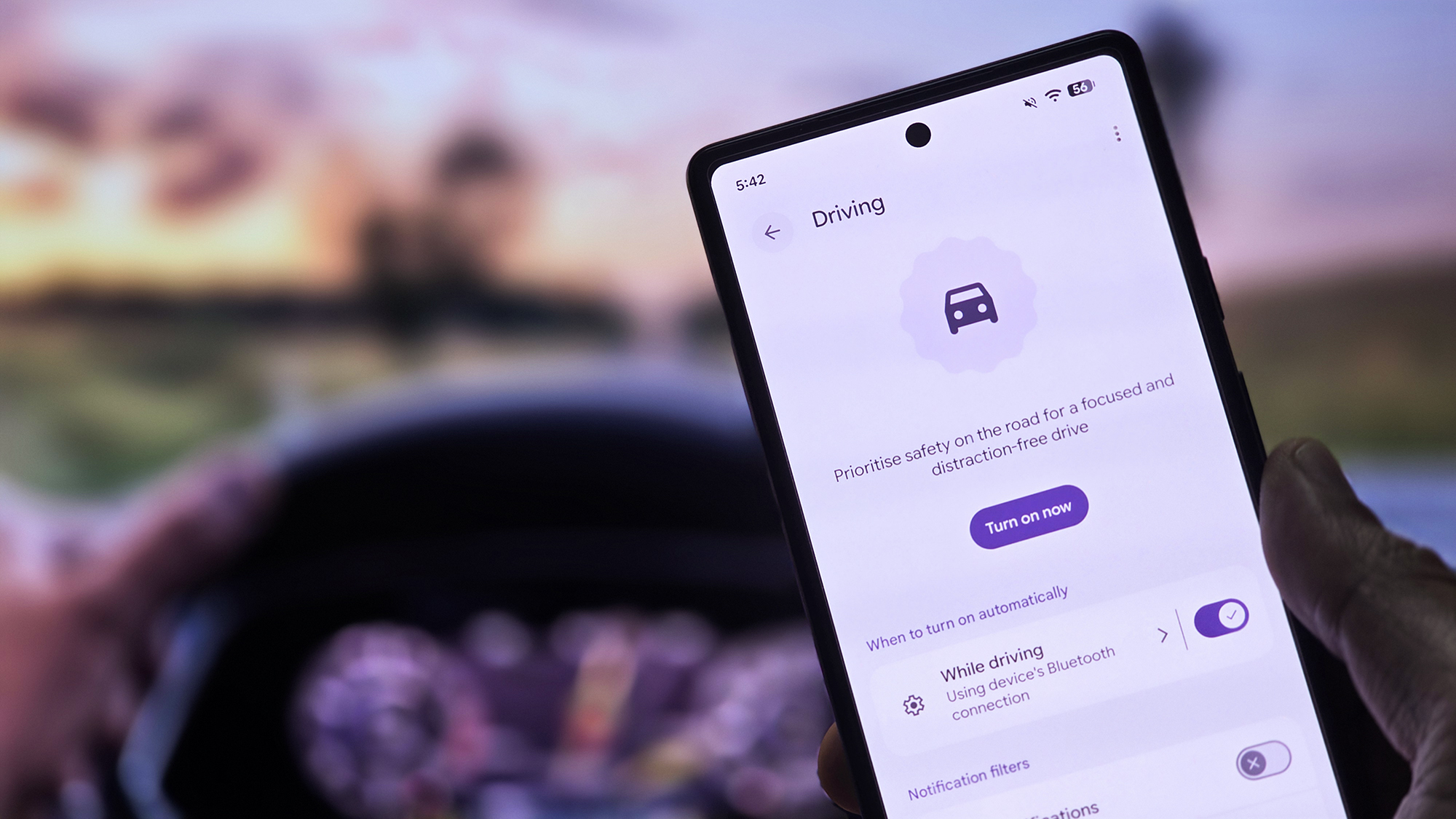
Android-16-driving-mode.jpg


Tushar Mehta / Android Authority

Add Android Authority on Google:

TL;DR

  • A new study analyzing nearly 1.8 million federal hospital records reveals the everyday phone habits linked to thousands of ER visits in the US.
  • Losing balance while walking and using a phone topped the list, accounting for an estimated 7,760 ER visits between 2021 and 2025, with seniors most affected.
  • Distracted driving, falling down stairs, and walking into obstacles were also among the leading causes of phone-related injuries.

Smartphones have become such an integral part of our lives that many of us hardly ever think twice before pulling one out of our pockets. I know I’m guilty of pulling mine out even when I’m in the middle of real-world conversations, and as it turns out, people are doing the same, albeit in far more serious situations.

Phones are convenient, though they aren’t necessarily harmless, and a new study is reiterating how glancing at your phone at the wrong moment could land you in the emergency room (ER).

The new study, which was published by Calderon Law Firm, examined roughly 1.8 million federal hospital records to find out which “everyday activities” caused the most phone-related injuries, and the results are truly surprising. You’d have presumed that distracted driving would be the biggest culprit, but it turns out doing something as simple as walking with your phone out has the highest chance of landing you in the ER.

According to the study, using your phone while walking around might be the most dangerous phone habit in the US. Losing balance while walking and using a phone accounted for roughly 7,760 ER visits between 2021 and 2025, with those 65 and older being the most affected group, and head fractures being the most frequently injured body part and injury type.

Younger people aren’t exactly safe from the dangers of walking either. Falling down the stairs, walking into poles, walls, and doors, falling on curbs & uneven sidewalks, missing a step on the stairs, and even falling over rugs, cords & pets were all among the leading causes of phone-related ER visits in the US.

ActivitySettingEstimated ER visits (US, 2021–2025)Share of all phone-use injuries (2021–2025)Most-injured body partMost common injuryWho gets hurt most
Losing your balance while walkingOn foot7,76018%HeadFractureSeniors (65+)
Answering or picking up the phone while drivingBehind the wheel4,85011%HeadBruise or scrapeAdults (25–44)
Looking at the phone while drivingBehind the wheel4,65011%HeadBruise or scrapeAdults (25–44)
Falling down the stairsOn the stairs4,0009%AnkleFractureMiddle-aged (45–64)
Walking into poles, walls & doorsOn foot3,1457%HeadHead injury (incl. concussion)Adults (25–44)
Falling on curbs & uneven sidewalksOn foot3,0207%AnkleFractureAdults (25–44)
Riding a bikeOn wheels2,3205%HeadBruise or scrapeAdults (25–44)
Riding e-bikes & scootersOn wheels1,9805%FaceFractureAdults (25–44)
Missing a step on the stairsOn the stairs1,9505%AnkleSprain or strainMiddle-aged (45–64)
Falling over rugs, cords & petsOn foot1,8404%FaceFractureSeniors (65+)

Elsewhere, the report strangely groups answering a phone call and picking up a dropped phone into the same category. The latter is clearly more dangerous, especially considering that answering calls can be managed without physically handling your phone. That’s not to say that hands-free calling is completely safe, but grouping it with the physical act of picking up a dropped phone while driving doesn’t make much sense.

Regardless, the report does make a convincing case for being more mindful of when and where we use our phones. Distracted driving, of course, gets attention, but even seemingly harmless habits like checking your phone while walking or climbing the stairs can have serious consequences.

05Sneak peek: Google app is preparing a big change for its bottom bar - Android Authority
Read on androidauthority.com

Google-logo-on-smartphone-stock-photo-1.jpg


Edgar Cervantes / Android Authority

Add Android Authority on Google:

TL;DR

  • Google is working on a “You” tab that could replace the “Activity” tab in the Google app.
  • In addition to various history groups, the new tab would include your profile picture, email, and a drop-down icon for the account switcher.
  • A pinning feature for your AI conversations could also be on the way.

Google just recently announced redesigns for the Messages, Contacts, and Phone apps. As those redesigns roll out, the company is quietly toiling away on another change, this time targeting the Google app. This update could shake up the tab bar, replacing one of the tabs with something new.

You’re reading an Authority Insights story. Authority Insights brings you all the latest exclusive reports, app teardowns, leaks, and in-depth tech coverage from the Android Authority team that you won’t find anywhere else.

The current version of the Google app has four tabs located at the bottom of the screen. This tab bar includes Home, Search, Notifications, and Activity. The Activity tab is where you go if you want to check on your AI Mode history or normal search history. This page also includes sections for Saved items, Collections, Recent Songs Searches, and Lens Searches.

While digging into version 17.72.13.sa.arm64 of the Google app, we found that Google is working on a UI change. This change would introduce a new “You” tab, and it would replace the Activity tab. In the screenshots below, you can see what this new You tab brings to the table.

First and foremost, your profile picture is featured prominently at the top of the page. The header area also includes your email address and a drop-down icon. You’ll use this drop-down icon to access the account switcher, which shows at the bottom of the screen. In the top right corner, you’ll also find a gear icon to open the Google app settings page.

Along with these details, there are sections for Saves & collections, Lens searches, and Song searches. For whatever reason, AI mode history and regular search history are missing on this page. We suspect these sections are likely missing because the You tab is still a work in progress.

AssembleDebug / Android Authority

Something else we noticed during our investigation is that the tech giant is working on a pinning feature for your AI Mode conversations. Currently, if you access your AI Mode search history from the sidebar in the Google Home screen, long pressing on a thread/conversation in “Recent” section shows the following options: Add to notebook, Share, and Delete.

We found strings of code suggesting a new pin/unpin option could be added to this menu in the future.

Code

<string name="googleapp_aim_threads_pin_text">Pin</string>
<string name="googleapp_aim_threads_unpin_text">Unpin</string>

Additionally, we found a few plural strings, which hint that you may be able to select multiple chats to pin/unpin at the same time.

Code

<plurals name="assistant_robin_threads_ia_bulk_pinned_confirmation">
<item quantity="one">%1$d chat pinned</item>
<item quantity="other">%1$d chats pinned</item>
</plurals>

Code

<plurals name="assistant_robin_threads_ia_bulk_unpinned_confirmation">
<item quantity="one">%1$d chat unpinned</item>
<item quantity="other">%1$d chats unpinned</item>
</plurals>

⚠️ An APK teardown helps predict features that may arrive on a service in the future based on work-in-progress code. However, it is possible that such predicted features may not make it to a public release.

06Google may already be having second thoughts about this recent Gemini change - Android Authority
Read on androidauthority.com

pixel-phone-showing-gemini-temporary-incognito-chat-button.jpg


Rita El Khoury / Android Authority

Add Android Authority on Google:

TL;DR

  • Gemini debuted a new interface last month, with Chat/Task buttons on the home screen to choose your preference.
  • Instead of making that selection each time, Google may be considering a new “Answer type” default app setting.
  • It’s not clear if Google intends to move forward with this or not, but it would mark a sudden reversal in terms of UI design.

By this point, smartphone owners are well used to the idea of apps that are constantly being updated, but AI has really taken that to the next level. When we’re not full-on seeing new models arrive, it feels like there’s always at least something else new in play, whether that’s added functionality, app connectivity, or just a tweaked interface. A couple weeks back, we saw Google start rolling out a new UI for Gemini, with “Chat” and “Task” buttons to get started. But now we’re wondering if Google’s already planning to change that up.

You’re reading an Authority Insights story. Authority Insights brings you all the latest exclusive reports, app teardowns, leaks, and in-depth tech coverage from the Android Authority team that you won’t find anywhere else.

It clearly took a long time for Google to settle on that choice of Chat/Task buttons, as you see below on the left. In the months leading up to that rollout, we saw Google considering an “Assign” button, or an “Assign task” menu option. And now with version 17.72.13.sa.arm64 of the Google Android app, we’ve spotted what sure looks like another revision in the works.

With this release, we can see Google preparing a new settings option, previewed above on the middle and right screens. The new “Answer type” entry would allow Gemini users to choose Task or Chat as their default, rather than selecting each time they go to interact with the app.

After making their choice, users would get either the Chat or Task interface when opening Gemini:

It’s a curious change, given the way it feels like such an outright rejection of the only-recently-added new interface. That said, we have no real sense for how serious Google might be about pushing this out as the official new look for Gemini, and the company may just be feeling things out right now.

If you’re heavily into either standard Gemini Chats or getting things done with Tasks, especially if that’s to the exclusion of the other, we suppose this approach makes enough sense. And compared to the chips we have now, this is arguably a cleaner approach. But it also feels like one that’s a lot less flexible, with more work required from users interested in taking advantage of everything that Gemini’s capable of.

As a result, we’ll be very curious to see where Google goes with this. Will it be another series of behind-the-scenes tweaks over the next few months before a fresh UI rolls out? Or could Google already be planning an abrupt about-face on a look that only just arrived? We’ll be keeping a close eye on future Google app updates in the hopes of learning how this turns out.

⚠️ An APK teardown helps predict features that may arrive on a service in the future based on work-in-progress code. However, it is possible that such predicted features may not make it to a public release.

07Don’t look now, but these Google apps are getting a facelift - Android Authority
Read on androidauthority.com

Google-Messages-logo-on-smartphone-laying-on-table-4.jpg


Edgar Cervantes / Android Authority

Add Android Authority on Google:

TL;DR

  • Google has rolled out refreshed icons for three apps: Google Contacts, Google Messages, and Phone by Google.
  • These icons now feature gradient coloring and updated curvature.
  • They are designed to appear sharper and clearer on your home screen.

If you follow our coverage, then you know that Google was preparing a redesign for the Messages app icon. The update would bring the app more in line with the company’s other refreshed icons. However, it turns out that the Messages app won’t be the only one getting a new look.

After we gave you an early look at the new Google Messages icon, the tech giant has now made it official. In a blog post, Google reveals that the redesign will start rolling out today. Along with the Messages app, the Google Contacts and Phone by Google apps are getting the same treatment.

The refresh adds gradient coloring to the icons and gives the designs a more minimalist look. These icons also feature updated curvature, so they are more rounded than before. According to Google, the purpose of the facelift is to make the icons appear “sharper and clearer on your home screen.”

While these apps are getting updated icons, you can still expect the same experience. No changes have been made to the functionality of these apps. As the update is rolling out now, you should see the change on your phone soon.

08Google could soon let you put your kids’ Gemini chats on a timer - Android Authority
Read on androidauthority.com

Google-Gemini-logo-on-smartphone-stock-photo-2.jpg


Edgar Cervantes / Android Authority

Add Android Authority on Google:

TL;DR

  • Google appears to be working on a feature that would let parents set daily Gemini usage limits for supervised accounts.
  • Once children reach their daily limit, Gemini could display a lockout screen telling them when they can use the assistant again.
  • It’s unclear whether the limits will apply only to the Gemini app or across other Gemini experiences, such as the overlay and Google Messages.

Did you know Google already lets you decide whether your children can use Gemini or not? As a parent, you have the option, via the Family Link app, to either let your kids experiment with generative AI. This approach, however, is all or nothing. You either give them access or block it completely. Currently, there’s no middle ground, and it looks like Google wants to change that.

The tech giant appears to be working on a functionality that would let parents set daily usage limits for Gemini.

You’re reading an Authority Insights story. Authority Insights brings you all the latest exclusive reports, app teardowns, leaks, and in-depth tech coverage from the Android Authority team that you won’t find anywhere else.

We spotted the development in the Google app’s latest version 17.72.13.sa.arm64 build, with several new strings pointing to the tech giant working on daily Gemini time restrictions for supervised accounts. All of these strings, for reference, are written from the perspective of the child’s device. They highlight what a supervised account holder will see on their phone.

Should kids have access to AI assistants like Gemini?

3 votes

One of the strings reads, “Your parent set a daily time limit for Gemini,” which will likely appear as a snackbar notification informing a child that their parents have imposed a usage limit for Gemini. Similarly, “Your daily Gemini time limit changed,” will pop up when a parent makes an adjustment to the allotted time.

More importantly, the new strings also reveal what happens when that allotted time runs out.

Code

<string name="assistant_robin_time_limit_lockout_body">Gemini will be ready again at %1$s.</string>
<string name="assistant_robin_time_limit_lockout_body_unknown_reset_time">Gemini will be ready again when your daily limit resets.</string>
<string name="assistant_robin_time_limit_lockout_close_app_button">Close app</string>
<string name="assistant_robin_time_limit_lockout_title">"You've reached your daily limit for Gemini"</string>

If and when a child uses up all the allotted Gemini time, the app will tell them about the daily limit and when they’ll be able to start using Gemini again. Likely, the prompt would also offer a dedicated Close app button on the app lockout screen.

Plus, similar to the allotment adjustment notification, Google has also added an in-app message that reads, “Your daily Gemini time limit was turned off,” which will likely show up when a parent removes the time restriction.

Note that the strings don’t spell out whether the timer is limited to the dedicated Gemini app or the overall Gemini experience. After all, Gemini isn’t restricted to the standalone app. It can also be accessed via the Gemini overlay, and even through integrations in other apps like Google Messages.

What the experience will look like on the parents’ side also remains unclear for now. Nevertheless, the development should give parents more granular control over their children’s AI usage.

⚠️ An APK teardown helps predict features that may arrive on a service in the future based on work-in-progress code. However, it is possible that such predicted features may not make it to a public release.

09T-Mobile says it’s winning the fight against SIM swap attacks after years of trouble - Android Authority
Read on androidauthority.com

T-Mobile-logo.jpg


T-Mobile

Add Android Authority on Google:

TL;DR

  • T-Mobile says successful SIM swap attacks have dropped by more than 99% since 2022, following stronger account security measures.
  • The carrier also reports a 99% reduction in phishing-related employee credential compromises and billions of blocked scam calls and texts.
  • Despite these improvements, attempted intrusions increased 37% over a recent 12-month period, showing that security threats remain a serious challenge.

In a new cybersecurity report published today, the carrier says successful SIM swap attacks against its customers have fallen by more than 99% since 2022. That’s a remarkable turnaround for a company whose security record has repeatedly made headlines for the wrong reasons.

T-Mobile says its security overhaul is paying off

T-Mobile

The carrier credits tighter identity checks, biometric verification, and features such as SIM Protection and Port-Out Protection for the improvement.

These safeguards matter because a phone number can become a skeleton key to someone’s digital life. As we recently saw with Garmin Messenger, even legitimately recycled numbers can raise troubling questions about access to private conversations when services rely heavily on SMS verification. SIM swapping creates a different, more deliberate route to the same underlying danger: someone else controlling the number you trust to protect your accounts.

Interestingly, T-Mobile restored self-service SIM transfers through its T-Life app last year, reversing a 2022 restriction introduced amid security concerns. But customer accounts aren’t the only battleground. Phishing-related employee credential compromises have also dropped by more than 99% after the company switched to passwordless authentication using FIDO2 hardware security keys.

The report highlights several other milestones:

  • Nearly three billion scam and spam texts blocked in 2025.
  • More than 160 billion unwanted calls identified or blocked since 2017.
  • Its zero-trust security platform blocked over six million online threats.

T-Mobile also claims its defenses stopped the Salt Typhoon hacking group from accessing sensitive customer communications during a 2024 intrusion attempt. Still, the attackers haven’t disappeared. Attempted intrusions actually increased 37% over a recent 12-month period.

For a carrier that has repeatedly made headlines for security failures, these numbers mark a welcome change of direction. But there’s still a telling twist: while T-Mobile says successful attacks are plummeting, attempts to break into its systems are actually increasing. The hackers clearly haven’t given up. T-Mobile just wants us to believe it’s getting much better at keeping them out.

10Windows 11 now lets you access Android apps straight from Search - Android Authority
Read on androidauthority.com

Samsung-Phone-Link-screen-mirroring-scaled.jpeg


Dhruv Bhutani / Android Authority

Add Android Authority on Google:

TL;DR

  • Microsoft has rolled out a new Insider Experimental Preview Build that lets you open apps from your Android phone using Windows 11’s taskbar Search.
  • Opening an app from Search launches the app on your phone and mirrors it on your PC through Phone Link.
  • The feature works with select Samsung, HONOR, OPPO, ASUS, vivo, Xiaomi, iQOO, and Realme phones.
  • Microsoft has also made it so that you can call or text and access phone actions from Search.

Microsoft wants to bring Windows 11 and Android closer together. This year, the company has worked on a number of changes, like adding a new Mobile devices tile and improving clipboard history syncing between PC and phone. Taking another step in that direction, Microsoft has made opening phone apps on PCs much more convenient.

This weekend, Microsoft released its latest Insider Experimental Preview Build (version 26340.9843). The change notes state that you can now use the taskbar Search to call or text a friend and access phone actions, like Do Not Disturb. In the example Microsoft shared, a user types “dnd phone” into Search to bring up an action to “Turn on do not disturb.” The tech giant says this feature is available now for Android, and iPhone support will come early next year.

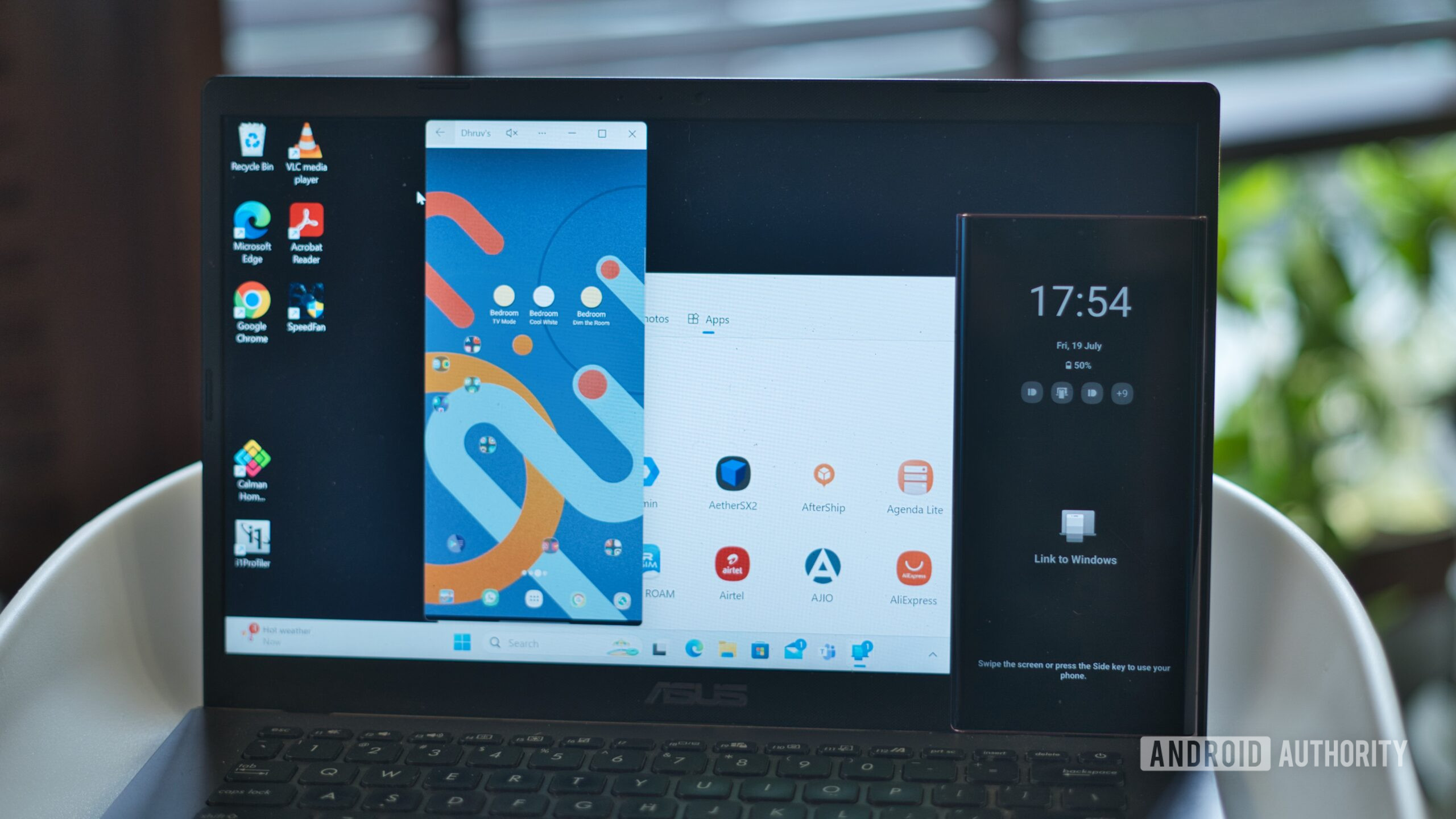
Not mentioned in these change notes is the ability to use Search to open Android apps. Spotted by Windows Latest, a user can type the name of the app they want to open into Search. That app will appear in the results with “Mobile app” located right under the name. Clicking on the option launches the app on your phone and mirrors it on your PC through Phone Link.

While you could already open supported Android apps through Phone Link, this change streamlines the process. Previously, you had to open the Phone Link app, open the app, and then mirror it. This way, you just have to type the name of the app in Search and click Open.

Unfortunately, this change won’t be available for all Android owners. You’ll need to have a supported phone, which includes select Samsung, HONOR, OPPO, ASUS, vivo, Xiaomi, iQOO, and Realme phones. The device will also need to be running on Android 11 or later. You can check out the full list of supported devices on Microsoft’s support page.

11Amazfit’s forgotten smart ring just got a surprisingly big upgrade - Android Authority
Read on androidauthority.com

Amazfit-Helio-Ring-Typing-scaled.jpg


Kaitlyn Cimino / Android Authority

Add Android Authority on Google:

TL;DR

  • Amazfit is rolling out a new update for the Helio Ring, replacing Readiness with HybridCharge.
  • The update also improves heart rate accuracy and introduces automatic stress measurements every five minutes.
  • Amazfit’s 2026- 27 software roadmap reveals broader HybridCharge upgrades across its wearables and AI-powered insights coming to the Zepp app.

The Amazfit Helio Ring isn’t dead after all. While the company has been busy expanding its smartwatch and Helio Strap lineups, it has largely sidelined its original smart ring. That silence had some owners wondering whether Amazfit had quietly moved on. But a substantial new software update suggests the little wearable still has some life in it.

Multiple Reddit reports show that firmware version 2.9.0.1 is now reaching the Helio Ring, bringing a new approach to recovery tracking alongside improvements to heart rate and stress monitoring.

The headline addition is HybridCharge, which replaces the existing Readiness system. Rather than relying on a recovery snapshot, the upgraded system brings all-day status graphs to the Zepp app, helping users understand how training, recovery, and everyday demands affect their energy levels throughout the day.

It’s a welcome addition for a device built around unobtrusive health tracking, and it brings the ring closer to the recovery-tracking experience available on Amazfit’s newer wearables.

There’s more happening under the hood, too. The update includes several other improvements:

  • More accurate heart rate tracking: An updated algorithm promises better heart rate data.
  • Automatic heart rate monitoring: Enabled by default, with a minimum measurement interval of 10 minutes.
  • More frequent stress monitoring: Enabled by default, with readings taken every five minutes.
  • Bug fixes: Amazfit also lists unspecified fixes for known issues.

Of course, collecting more health data raises another question: what happens to battery life? The changelog doesn’t say whether the increased monitoring frequency affects endurance, so that’s something owners will have to assess after updating.

Kaitlyn Cimino / Android Authority

The ring’s previous major firmware update arrived in January, making this a particularly welcome development after months of limited attention. This explains why Reddit users are relieved to see the ring receiving the update after believing Amazfit might have abandoned the product altogether. But it doesn’t guarantee anything about its long-term future.

The update also fits into Amazfit’s broader push to make HybridCharge central to its health-tracking ecosystem. According to the company’s official software roadmap for Q4 2026 and Q1 2027, newer smartwatches are getting improvements to the feature, while the original Balance is scheduled to receive HybridCharge in December. Meanwhile, the Zepp app is set to gain AI-powered HybridCharge insights, with a US beta planned for November and a global rollout in December.

That makes the Helio Ring’s upgrade particularly interesting. Rather than leaving the ring behind as its software evolves, Amazfit is bringing the aging wearable into an increasingly connected recovery-tracking experience.

For now, firmware 2.9.0.1 is rolling out, although availability may vary. Owners can check for it through the Zepp app > Device > Helio Ring > System Update. One user also reported receiving the firmware shortly after updating the Zepp app, making it worth checking if the new version hasn’t appeared yet.

12SpaceX eyes US carrier acquisition for its growing cellular ambitions - Android Authority
Read on androidauthority.com

spacex-logo.jpg


Tushar Mehta / Android Authority

Add Android Authority on Google:

TL;DR

  • SpaceX is reportedly in talks with EchoStar to acquire Boost Mobile or strike a separate network-access deal.
  • An acquisition could give SpaceX millions of existing customers and help accelerate its plans to challenge AT&T, T-Mobile, and Verizon.
  • SpaceX is also reportedly looking to secure access to roughly 80,000 cell sites across the US as it builds out its wireless ambitions.

SpaceX kicked off the fourth quarter of 2026 with a bang, and it won’t let the momentum it’s built slow down. In early October, the company announced it had struck an $8 billion agreement to acquire 800MHz spectrum to improve Starlink Mobile’s indoor coverage. Fast-forward to now, and we might finally know how the Elon Musk-led company plans to take on the carrier giants without starting from scratch.

In classic Musk fashion, the answer might lie in buying his way into the competition.

For reference, when SpaceX first announced that it had an agreement in place to acquire the low-band spectrum, we reported that the company would still face major infrastructure challenges before it could meaningfully compete with other carriers.

That concern only grew when T-Mobile’s parent company, Deutsche Telekom, cast doubt on SpaceX’s plans and warned against giving it the MVNO treatment. SpaceX is now looking to completely avoid that roadblock, and it could do so by acquiring Boost Mobile, as reported by The Washington Post.

Interestingly, Boost Mobile already leases network from AT&T and T-Mobile, two of the companies that SpaceX is looking to challenge with its venture. According to the report, SpaceX is already in talks with Boost Mobile’s parent company, EchoStar.

Reportedly, the Musk-led company could either acquire Boost Mobile outright or strike a separate agreement that would allow SpaceX to use the networks Boost already has access to.

Either of those outcomes could accelerate SpaceX’s plans. It would give the company an existing and established wireless customer base, alongside systems and operations needed to run a carrier business, including core networks, customer support infrastructure, and retail presence.

It’s unclear if AT&T and T-Mobile would let their current agreements with Boost Mobile port over to SpaceX if an acquisition does take place. T-Mobile would essentially be going against its own warning if it allowed SpaceX to use its network to build a competing wireless service.

As we reported last month, SpaceX isn’t putting all its eggs in one basket. The company is reportedly also in talks with at least one major network infrastructure provider to secure roughly 80,000 cell sites in the US — a move that could help it establish its own on-ground infrastructure without relying on other players.

What could this mean for Boost Mobile users?

Edgar Cervantes / Android Authority

If SpaceX simply strikes an agreement to use networks Boost already has access to, nothing will change for existing Boost users.

If SpaceX does acquire the MVNO, it likely wouldn’t necessarily mean an immediate change either. Changes might come further down the line, if and when SpaceX establishes itself as a full-fledged wireless carrier. In theory, that could mean Boost Mobile users would have the best of both worlds. They’ll have access to traditional cellular coverage in cities and satellite connectivity in underserved areas, all through a single provider.

Note that none of the companies involved have officially acknowledged that they’re in talks, let alone announced a deal.

13Your PS5 can now run Android, Switch 2, and PC games, if you get your hands dirty - Android Authority
Read on androidauthority.com

PS5-stock-images-on-stand-5.jpg


Adamya Sharma / Android Authority

Add Android Authority on Google:

TL;DR

  • A new open-source tool called Hydroid lets jailbroken PS5 consoles run 64-bit Android games directly without booting Linux or a virtual machine.
  • Front ends like Playden and PC5 bring Steam access and offline PC games to the console, while the experimental EglantinePS5 emulator brings experimental Nintendo Switch 2 games.
  • These homebrew tools require a jailbroken PS5 running older system firmware (v13.60 and below), which Sony has patched for online play.

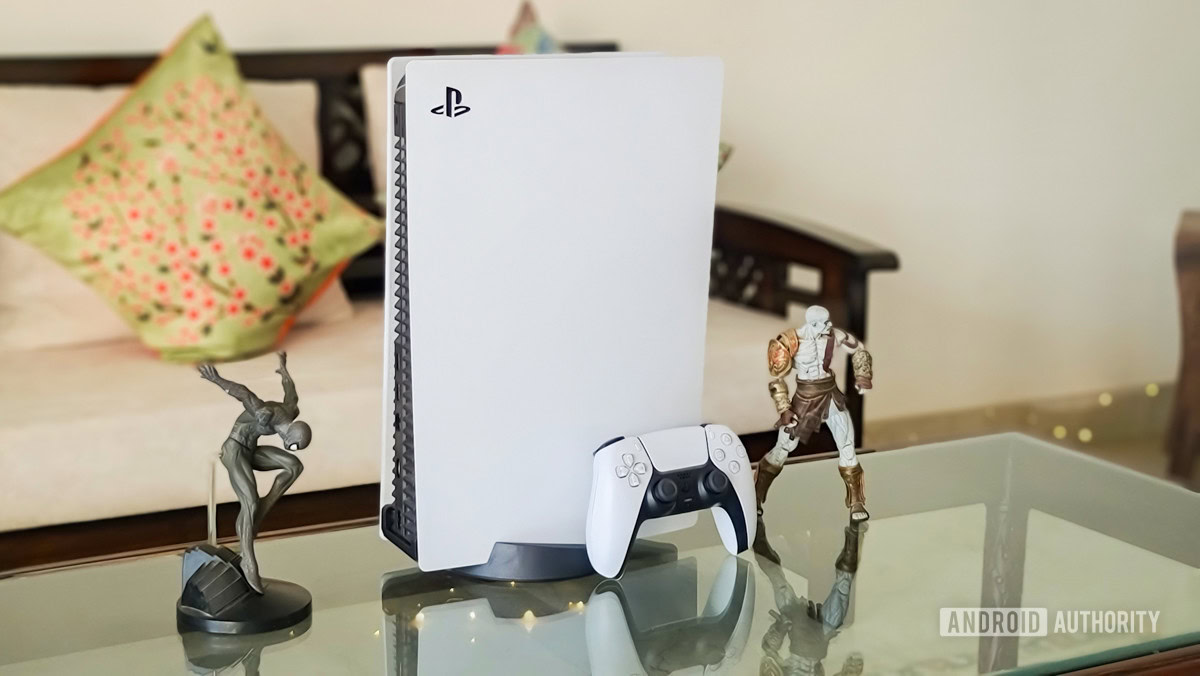
The PlayStation 5 homebrew scene has steadily transformed Sony’s flagship console into an absurdly flexible gaming rig beyond anyone’s imagination, managing everything from PS2, PS3, Wii U, NDS, 3DS, to even Windows 7 and Nintendo Switch emulation. Now, the boundaries are being pushed even further: developers have unlocked native Android game execution on the console, alongside an experimental Nintendo Switch 2 emulator port and polished launchers that run your PC and Steam games.

Hydroid brings native Android games to your PS5

The standout development on the mobile front is a new open-source project called Hydroid. Created by developer ZiZc3, Hydroid lets you run 64-bit Android games directly on a jailbroken PS5 without setting up a resource-heavy Linux dual-boot environment. Instead of booting an entire virtual machine, it runs a game’s compiled ARM64 code using a dynamic recompiler (dynarmic) and translates Android subsystem calls for graphics, audio, DualSense controller input, and storage.

Several popular mobile games, including Subway Surfers, Sonic Dash, Shadow Fight 2, and Jetpack Joyride, are already playable, with support seemingly extended to engines such as Unity, Unreal Engine, and others.

Switch 2 emulation is also available on the PS5 now

If you’re wondering if you can play Switch 2 games on the PS5, the answer is now yes (with experimental strings attached). Developers heydemoura and team have been working on EglantinePS5, an experimental PS5 port of Eglantine, which in turn is a fork of the Eden emulator with early architectural scaffolding for the Nintendo Switch 2. Building on earlier milestones like ProsperoEden, this early alpha delivers up to 4x resolution scaling, DualSense rumble and motion support, and experimental frame generation.

If you want to test it, you can try out mucahidkambur’s fork of the v1 release of EglantinePs5. Some Reddit users report that Pokémon Pokopia works, though others report that they’ve not had such good luck with titles like Mario Kart World and Splatoon Raiders. As is usually the case with early-release “experimental” homebrew projects, your luck could vary.

You can even play PC games on your PS5

Play PC games on PS5 - Playden PS5

Meanwhile, PC gaming on the PS5 has also steadily matured into more user-friendly front ends. Two standout projects, Playden and PC5, harness a native Wine stack (through prospero-win) to run Windows titles.

Play PC games on PS5 - PC5

Playden signs directly into your Steam account to install and manage games with dedicated home-screen tiles and cloud save sync, while PC5 lets you install your own offline PC games directly from an exFAT USB drive, complete with adaptive triggers and cover art.

Your PS5 can run these projects only when it is jailbroken

As always, taking advantage of these new homebrew tools requires a jailbroken PS5 running older system firmware (v13.60 and below), firmware that Sony has long since patched for online play. But for those of us who have resisted upgrading to the later firmware and are looking to take a plunge into the deep end, there’s now even more reason to consider jailbreaking your PS5 and converting it into the ultimate living-room gaming console that can play just about anything and everything.

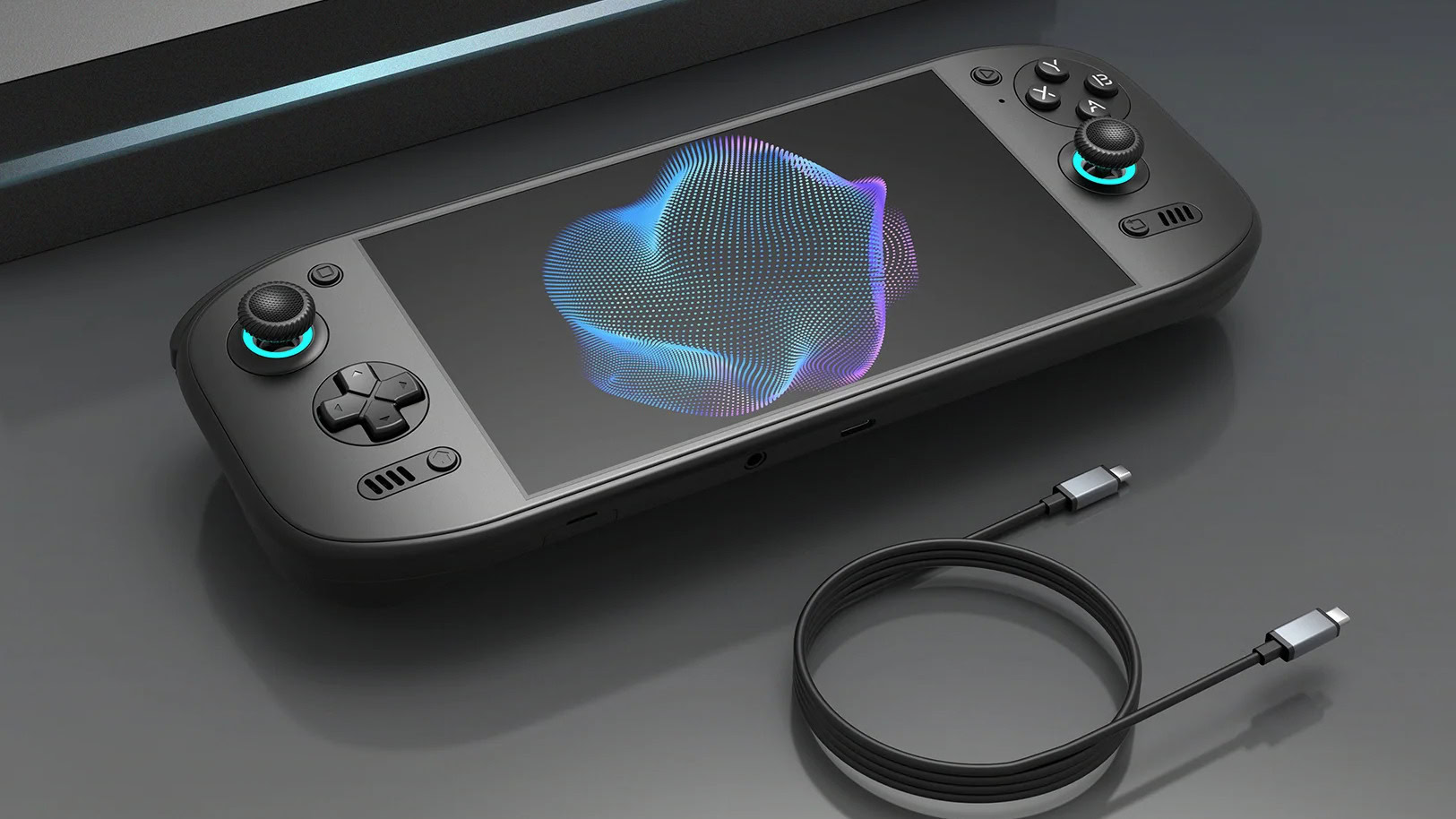
14AYN downgrades this key Odin 3 Portal spec before it even starts shipping - Android Authority
Read on androidauthority.com

AYN-Odin-3-Portal-black-model-official.jpg


AYN

Add Android Authority on Google:

TL;DR

  • AYN launched Odin 3 Portal last month with some impressive specifications, including a massive 9,000mAh battery.
  • The brand also claimed 60W fast charging, but has since changed its stance.
  • The Odin 3 Portal instead comes with 45W charging, which is less than what the previous flagship Odin 3 supports.

Last month, AYN launched a new flagship gaming handheld — the Odin 3 Portal, packed with premium components and high-quality physical controls. These include a non-cellular Snapdragon 8 Elite variant, a 7-inch OLED display, a massive 9,000mAh battery, and a fan to keep the internals cool.

At launch, AYN also promised 60W fast charging, but now appears to be backtracking, calling it a mistake. In an update recently shared on its official Discord server, AYN confirmed that the Odin 3 Portal’s charging speed would be capped at 45W, instead of the 60W previously advertised.

It claims an “internal documentation discrepancy” led to the erroneous reporting at the time of the launch, and further apologized for the confusion. The product page has been updated accordingly, it added.

AYN

It’s difficult to say whether it was truly an error, or AYN changing plans to favor more efficient manufacturing. Here’s what it adds:

The finalized design specification and actual product configuration support a maximum charging rate of 45W.

The Odin 3 Portal will be manufactured and delivered according to the finalized 45W specification.

For anyone hoping to buy the new Portal, this could seem a bit disappointing, as the previous Odin 3 (non-Portal) also supports 60W fast charging.

The Odin 3 Portal comes in four configurations, with 12GB or 16GB RAM and storage ranging from 128GB to 1TB. The base model starts at $419 ($399 for early birds), while the high-end Max goes up to $699 ($669 right now).

At launch, AYN had also said the Odin 3 Portal would start shipping “early November,” though the exact date remains unclear. If you’re okay with the slower charging speeds, you can already book yours at the official store.

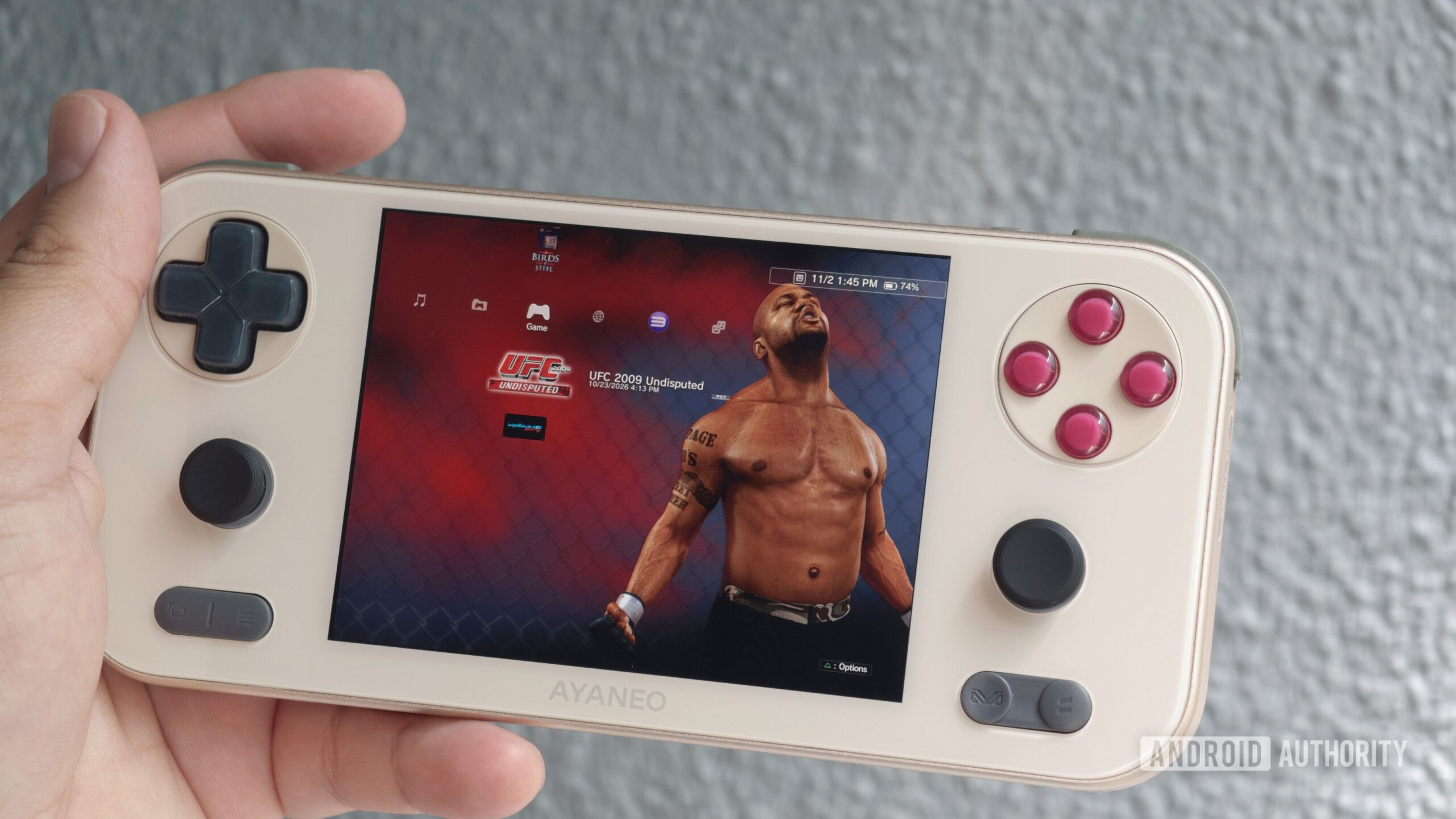
15ARMSX3 just cloned the PS3’s UI, and it even supports PS3 theme files - Android Authority
Read on androidauthority.com

ARMSX3-PS3-emulator-XMB-interface-scaled.jpg


Hadlee Simons / Android Authority

Add Android Authority on Google:

TL;DR

  • ARMSX3 v1.6 is out now, bringing an alternative home screen that recreates the PS3’s user interface.
  • The so-called XMB Mode supports PS3 themes and lets you access all major ARMSX3 settings.
  • Other recent updates have brought online multiplayer, the equivalent of Nintendo’s Download Play, and more.

ARMSX3 is the top PlayStation 3 emulator on Android at the moment, and the app previously let users boot up the PS3’s firmware to check out Sony’s XrossMediaBar (XMB) interface. Now, the development team is taking things a step further by offering a brand-new home screen based on the XMB.

ARMSX3 v1.6 was released on GitHub and the Play Store yesterday and now offers a so-called XMB Mode. This is an alternative home screen that recreates the PS3’s user-interface. It can be enabled by opening the side menu from the main home screen and tapping “XMB Mode.” The team adds that XMB Mode’s icons, words, fonts, startup sound, and more are taken from the PS3 firmware you’ve downloaded. You can even use PS3 theme files if you want.

Once you’ve enabled this mode, you’ll be greeted by that familiar UI, featuring a horizontal list of categories (e.g., Users, Settings, Game, Network), and a vertical list of options under each category. This XMB recreation even extends to game-specific backgrounds when highlighting titles in your library, as well as an RPCN category in lieu of the PlayStation Network.

In a great touch, you also have access to virtually all ARMSX3 settings. That means you don’t have to visit the main home screen to change options like custom drivers, resolution, and more. Even the in-game menu uses an XMB interface.

Otherwise, the PS3 emulator brings a few other improvements. This includes faster game booting and faster game patch applications. Recent updates also brought Remote Play, online multiplayer functionality, and support for space-saving CHD files.

16First look: Google Messages gets a new gradient icon - Android Authority
Read on androidauthority.com

google-messages-logo-pixel-11-pro-close-scaled.jpg


Joe Maring / Android Authority

Add Android Authority on Google:

TL;DR

  • Google Messages v20261030 beta introduces a redesigned app icon featuring a rounded speech bubble and a blue gradient.
  • The new look replaces the minimalist, interlocking flat pill design and aligns the icon with gradient icons for other Google apps.
  • The updated icon is live for beta testers, though a stable rollout timeline remains unconfirmed.

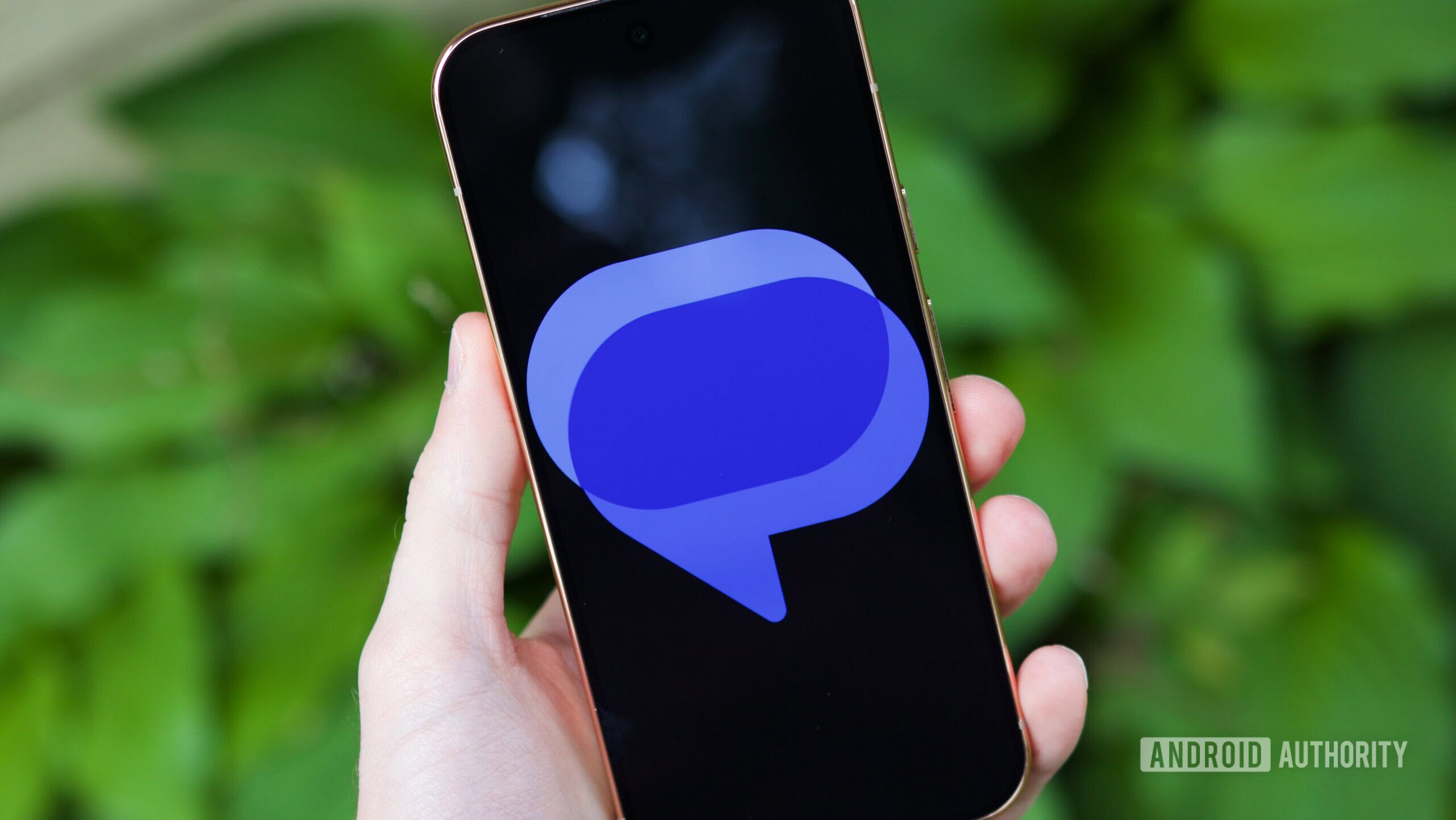
Alongside an overhaul of Google Messages’ settings, Google appears to be preparing a fresh coat of paint for the app icon of its default texting app. The latest Google beta comes with a new Google Messages icon, complete with the newer gradient look that aligns it better with other recently redesigned Google icons.

The current Google Messages icon relies on a flat, minimalist aesthetic: two interlocking horizontal pill shapes in contrasting shades of blue, forming a third overlapping tone in the center. It is clean and modern, but distinctly abstract and screams “messaging app” in the right way. You can see it in the image above.

The latest Google Messages v20261030 beta comes with this new gradient icon out of the box:

AssembleDebug / Android Authority

The new design shifts toward a more expressive depiction of a messaging conversation bubble. Instead of the flat pills, the foreground features a plump, rounded speech bubble. It also incorporates a smooth gradient, blending from a softer pinkish-blue highlight across the top edge down into a vibrant royal blue. Tucked behind it to the upper-left is a darker solid blue bubble, carrying over some inspiration from the previous icon and depicting an ongoing conversation.

The new Google Messages icon is also available on Wear OS with the same beta version of Google Messages:

The icon is available to beta users. It remains to be seen if this is the finalized design and when Google will roll it out to the stable branch.

17One UI 9 update praised by plenty of readers, but some can’t ignore a potential weakness - Android Authority
Read on androidauthority.com

one-ui-9-frowning-plush-scaled.jpg


Stephen Radochia / Android Authority

Add Android Authority on Google:

One UI 9 kicked off its stable journey at the end of September, with more devices now receiving the Android 17-based update. My phone received it this week, and I’m excited by the subtlety of the changes. There’s nothing flashy here, only functional changes, like Quick Settings panel customizations, a Warranty and care menu, and the option to block specific apps from accessing the internet. Functional!

If you also received One UI 9 on your Samsung device, what is your impression of it? We posed this question to our community in a recent reader poll, and it appears that Samsung’s Android 17 update has gone down rather well.

Andy Walker / Android Authority

The survey garnered over 1,300 votes, and Samsung will be happy to hear that most recipients are satisfied. 35.1% of respondents think the update is “fine,” but a further 25.9% are “loving it.” When looking at these two voting cohorts together, it appears that One UI 9 is a mostly successful update.

This isn’t to say that there aren’t a few detractors. Just under 15% of respondents are “not impressed” by the update. There have been reports of various bugs just after release, but none appear to be particularly game-breaking a few weeks into its rollout.

Around 24% of users haven’t yet received the update.

‘I want my battery back’

Pankil Shah / Android Authority

So what are readers saying about One UI 9? Our comments section highlighted a few reasons why One UI 9 has gone down so well with the majority. Reader MarilynMore writes:

Finally got it today and I’m so excited to be spending time with it. More noticeable is the decent battery depletion rate, the faster application opening rate, and the general look and feel upgrade. Android 17 is a breeze.

Others aren’t so supportive. Dave M highlights a core problem related to efficiency:

I go through my battery over 10% faster after the update to One UI 9.

Reader mbp agrees:

I get up in the morning with a full battery, by 10 it’s to 20-something. There’s no new feature I like well enough to even have it. I want my battery back.

For the most part, the critiques seem few and far between. One UI 9 seems a largely successful and, more importantly, undramatic update for Samsung.


Have you received the One UI 9 update? What has been your experience thus far? Be sure to let us know in the comments section.

18Tired of slow Android Auto feature rollouts? This new tool lets rooted users skip the wait - Android Authority
Read on androidauthority.com

android-auto-home-screen-joe-hero-scaled.jpg


Joe Maring / Android Authority

Add Android Authority on Google:

TL;DR

  • Google frequently delays Android Auto interface changes behind server-side flags, extended tests, and slow rollouts.
  • AA Experiments is an open-source LSPosed module that lets rooted users toggle more than 100 hidden Android Auto flags without repacking the APK.
  • The tool operates offline without tracking and includes safeguards to suspend conflicting flag mappings whenever Android Auto updates.

Google is notoriously slow with how it rolls out features to Android Auto, often hiding fully functional interface changes behind server-side flags, extremely extended testing phases, and very selective drip-rollouts. While we’ve recently seen community projects like Android Auto Maker expand what you can do on your car’s screen, tinkering with the core Android Auto platform has historically required messy system-level patching. Now, an open-source LSPosed module called AA Experiments lets rooted users take control, giving them an interface to easily inspect and selectively override Android Auto’s hidden experimental flags.

AA Experiments by developer HighwindBR pairs an Android manager app with an LSPosed module that hooks directly into Android Auto without modifying or repacking the APK. The app scans the installed Android Auto build on your phone, does its magic in the background to let users toggle hidden features on and off.

The app was born when the developer got tired of waiting for Android Auto’s light theme to fully roll out, and so took matters into their own hands.

The scope of what can be toggled stretches well beyond day and night themes, however. The developer has documented over 100 active flag overrides covering various Android Auto interface elements. These include Gemini Assistant personalization, wallpaper-derived theming, quick settings panels, edge-to-edge maps, multi-card media dashboards, toggles for immersive full-screen apps, and more.

One of the main hurdles with such flag-based experimentation is app safety and version compatibility. AA Experiments addresses this by binding overrides to the exact build of your installed Android Auto package. If Google pushes an app update and some flag signatures change, the module suspends conflicting mappings rather than blindly forcing them and crashing your head unit. There is also a one-tap restore option to revert to default behavior.

This vibe-coded project is also free, open-source, and claims to operate completely offline with no tracking or telemetry.

The big caveat with AA Experiments, though, is the fact that you need root access as well as working LSPosed on it, so not everyone will be able to enjoy these experimental Android Auto features. It joins other recent community utilities, like the UnknownAuto sideloading tool, in granting power users greater autonomy over their car’s infotainment setup.

19Motorola Signature 27 specs are out, and its display easily outshines the competition - Android Authority
Read on androidauthority.com

moto-signature-27-bO.jpg


Motorola

Add Android Authority on Google:

TL;DR

  • The upcoming Motorola Signature 27’s specifications have been revealed in an official collaboration with a YouTuber.
  • The confirmed specifications include a Tandem OLED display, which goes as bright as 12,000 nits.
  • The phone also features a 50MP Sony LYTIA sensor with LOFIC, plus a special action sensor to capture fast-moving objects.

Motorola looks more than ready to return to true flagship territory after years of skirting around it. The Motorola Signature 27 has already been teased a few times ahead of its global launch, set for later this week. We’ve already seen plenty of leaks about the Signature 27 recently, and Motorola is now officially confirming some of the key features.

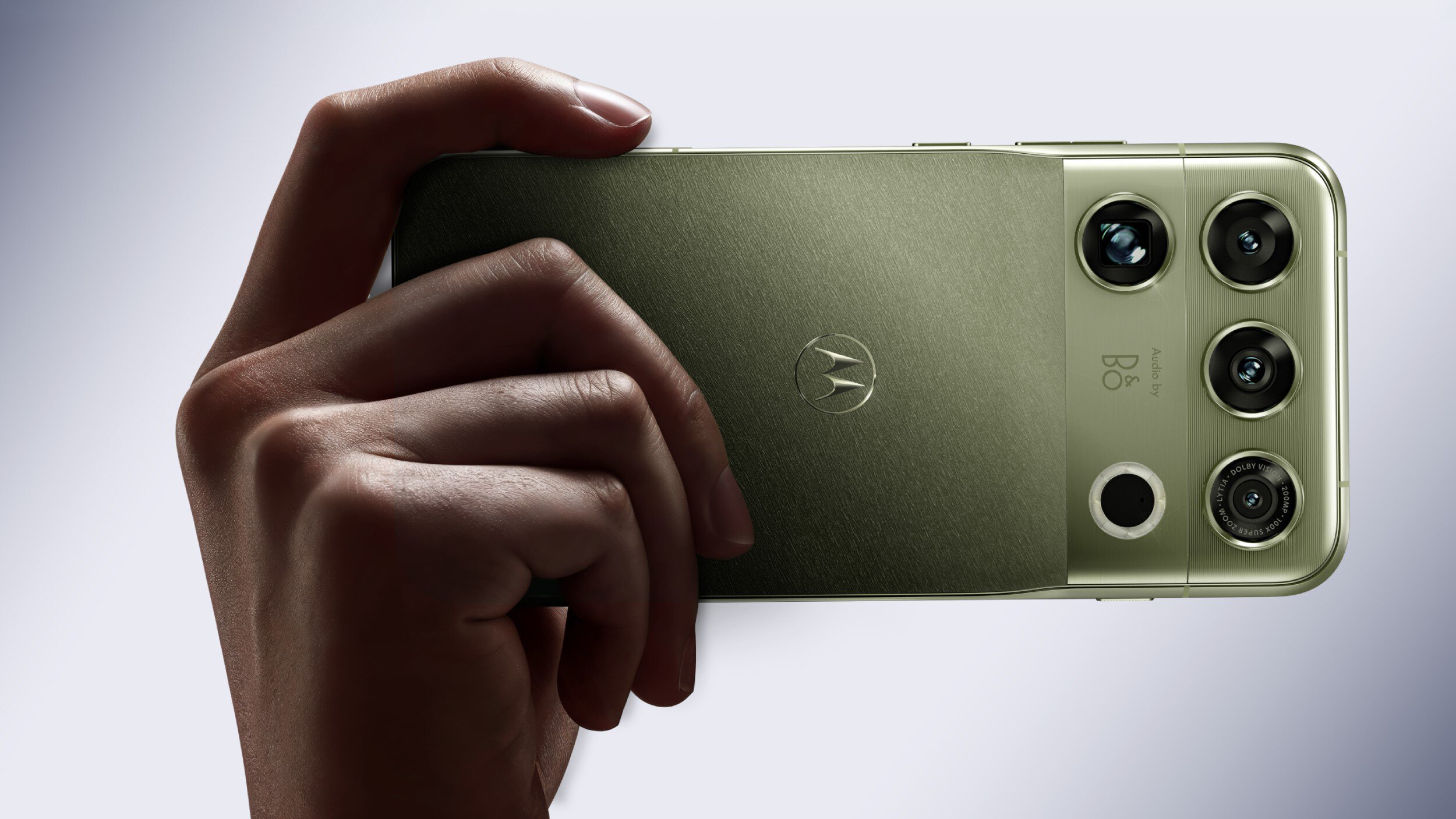
For this early preview, Motorola has partnered exclusively with YouTuber Danny Winget, who recently posted a hands-on video featuring the Signature 27 ahead of the flagship’s launch. In the video, the YouTuber discussed its design, including its two color variants (both Pantone-certified), the “aircraft-grade aluminum” construction, and use of ceramics. They also discuss key Signature 27 specifications that could shame Pixel and Galaxy phones.

The phone’s biggest talking point is the new 6.8-inch “Extreme AMOLED Duo,” with a claimed brightness of 12,000 nits. In comparison, the display on the Galaxy S26 Ultra goes only as bright as 2,600 nits, while the one on the Pixel 11 Pro XL goes up to 3,600nits in peak (per-pixel) brightness.

As Winget confirms, this is a Tandem OLED, which refers to a technology in which the display has two layers of organic LEDs, instead of one, stacked over one another for a much higher brightness. A similar Tandem OLED appears on the latest iPad Pro and the recently launched MacBook Pro with the PROLED XDR touch screen. The video also confirms it is a 120Hz refresh-rate panel. In addition to being brighter, the panel also helps conserve power.

Along with that, the YouTuber confirms details about the quad-camera stack, including its 50MP Sony LYT-910 as the primary camera with LOFIC support. The phone also features a 200MP telephoto sensor, offering a total of up to 100x zoom, as well as a 50MP ultrawide-angle camera.

C. Scott Brown / Android Authority

Another distinguishing feature of the Motorola Signature 27 is what Motorola calls an Action sensor, which is especially helpful for owners to capture fast-moving objects. While the video doesn’t talk about the technology yet, it does show a few good examples of the sensor in action. One of them is that of a spinning top, with several of the images taken capturing its design clearly, even when it is moving rapidly.

This bit was already known, but the video also doubles down on the fact that the Motorola Signature 27 runs on a Snapdragon 8 Elite Extreme Gen 6. Qualcomm’s newest, most powerful chip will be paired with 16GB of LPDDR5X RAM and UFS 4.1 storage. The phone’s vapor chamber has also been expanded by 40% for more efficient heat dissipation.

Other details, such as the battery capacity, charging speed, and storage variants, remain undisclosed until the launch on November 5. The price, too, has been left for the launch, but recent leaks suggest the 512GB variant could be priced as high as $1,800.

20Android Auto and One UI 9 aren’t getting along for some Galaxy owners (Update: Fix) - Android Authority
Read on androidauthority.com

android-auto-third-party-apps.jpg


Sanuj Bhatia / Android Authority

Add Android Authority on Google:

TL;DR

  • Some Samsung Galaxy owners report Android Auto connectivity problems after updating to One UI 9.
  • Complaints involve multiple Galaxy models, with users reporting failed connections and unexpected disconnections.
  • Google has acknowledged the issue, but there’s no confirmed cause or fix yet.

Update, November 2, 2026 (8:04 PM ET): Google has reached out to Android Authority to confirm that a fix has been rolled out, and the issue should be resolved shortly.


Original article, November 2, 2026 (5:24 AM ET): Your phone gets a shiny new Android update, but your car suddenly wants nothing to do with it. That’s the frustrating situation some Samsung Galaxy owners are facing after installing One UI 9, with reports of Android Auto refusing to connect or repeatedly dropping connections. The complaints have now caught Google’s attention, although the cause remains a mystery.

The problem isn’t limited to one Galaxy model. In a Samsung Community thread, a Galaxy S26 owner reported that Android Auto stopped working after updating to One UI 9. Re-pairing devices, clearing app data, and switching to a wired connection did nothing. Other Reddit users described similar failures, although some said Android Auto continued working normally.

One particularly revealing report involved a Galaxy S25 Edge owner who tested other Samsung phones running One UI 8.5. Both connected successfully, but updating a Galaxy S24 Ultra to One UI 9 reportedly reproduced the problem.

Meanwhile, Google has responded to a Galaxy A55 user’s complaint, confirming that the Android Auto team received the report and forwarded it internally.

However, that acknowledgment leaves several questions unanswered: We still don’t know whether an investigation is complete, whether these reports represent a known issue, or whether One UI 9 is responsible.

Android Auto has been down this road before. Earlier complaints involved wireless disconnections, including on the Galaxy A55, long before these One UI 9 reports surfaced.

Could this be an old problem resurfacing, or has Samsung’s latest update introduced a fresh headache? We’ve reached out to Google to clarify whether the company is investigating the complaints, if they’re connected to earlier reports, and whether a fix is in the works. We’ll update this article if we hear back.

For now, affected drivers will have to keep troubleshooting a connection that worked before their phones got smarter.

21Googlebook detachables are coming, and this could be the first one to launch - Android Authority
Read on androidauthority.com

Googlebook-Acer-10.jpg


Brady Snyder / Android Authority

Add Android Authority on Google:

TL;DR

  • Google confirmed at the Android Dev Summit that Googlebook detachables are coming “soon.”
  • Lenovo’s Googlebook Duet m could be the first Googlebook detachable.
  • The company recently received FCC certification for a detachable Googlebook keyboard and stylus.

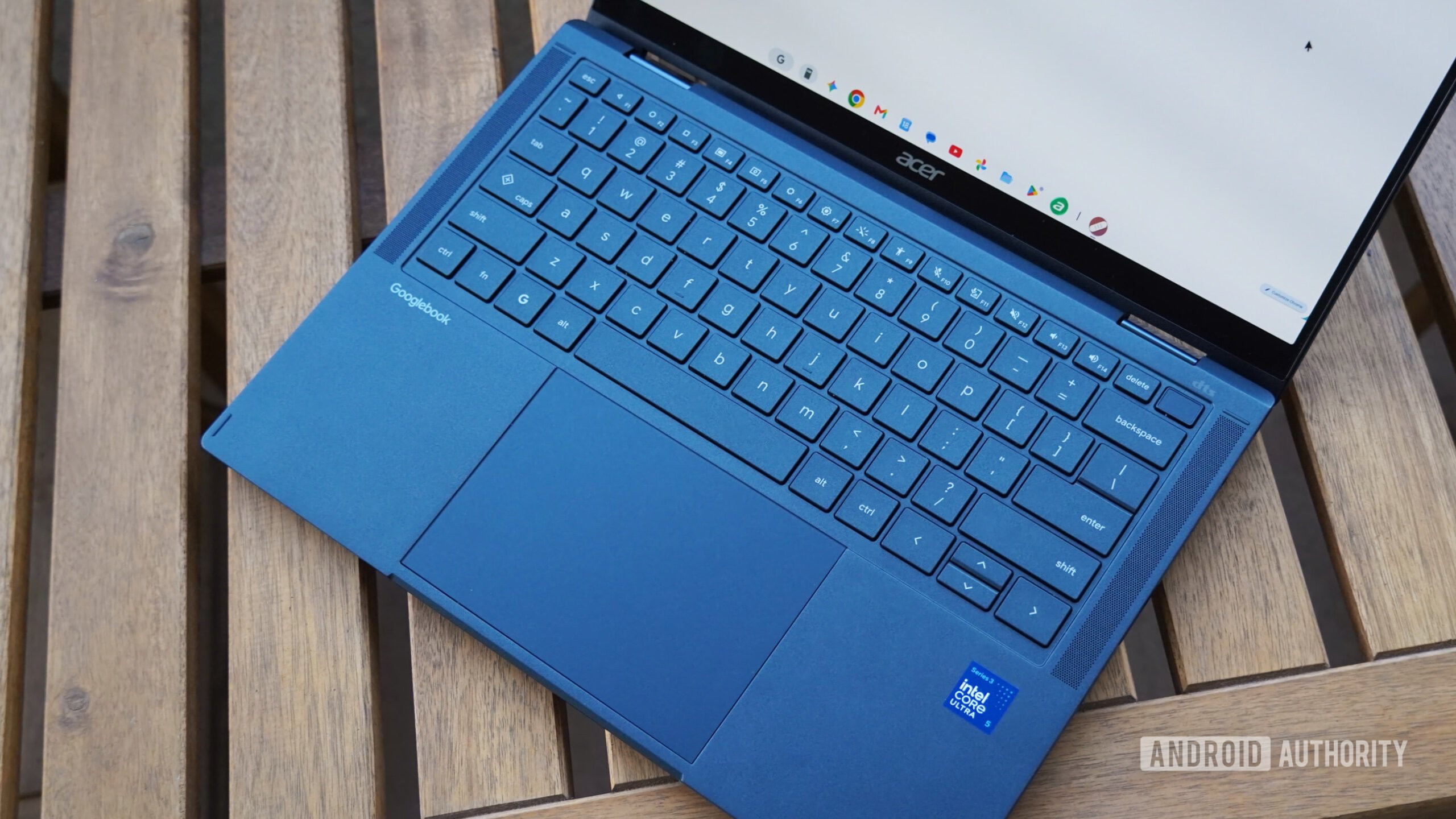
At the Android Dev Summit last week, Google said that Googlebook form factors will go beyond those currently available. The company confirmed that Googlebook detachables are coming soon, joining the existing clamshell and convertible designs that launched in September. If you’re wondering which company could launch the first Googlebook detachable, you don’t need to look too hard.

Remember the Lenovo Googlebook Duet m? The 2-in-1 Googlebook with a detachable keyboard was one of the many devices we expected to see at the Googlebook launch. Although it didn’t appear then, it seems it could be coming soon. We’ve already seen highly detailed leaked images of Lenovo’s yet-to-launch Googlebook detachable, and now we’re getting even more hints that it’s getting closer to a launch.

A Lenovo Bluetooth keyboard and a Lenovo stylus recently appeared in the FCC database (via ChromeUnboxed) with FCC IDs O57DUET13BTKB and O57AP501U1, respectively. The FCC documentation for the keyboard confirms that it’s meant for a Googlebook device, thanks to the “Googlebook” branding on the left palm rest. The device schematics also clearly show the pogo pins that will connect the keyboard to the Lenovo Googlebook Duet m.

Previous leaks have also given us a fairly good idea of the specs for the Lenovo Googlebook Duet m. It’s expected to feature a 13-inch display, 16GB of RAM, and a MediaTek Dimensity CX C10 Max processor. A MediaTek processor could also help Lenovo’s Googlebook detachable offer better support for Android apps than Intel-powered Googlebooks.

A detachable Googlebook makes a ton of sense for many users, especially those who told us that they were waiting for more Googlebooks. The added flexibility of a laptop that can turn into a tablet on demand could convince users who may have been considering a tablet. Google didn’t mention a timeline for Googlebooks with detachable keyboards beyond saying that they’re coming “soon.” However, with FCC certification out of the way for at least some of Lenovo’s accessories, a detachable launch might not be too far off.

22You’ll lose this critical cross-device feature if you root your Googlebook - Android Authority
Read on androidauthority.com

Googlebook-Acer-3.jpg


Add Android Authority on Google:

TL;DR

  • A top Android tinkerer has confirmed that you’ll lose app casting capabilities if you root your Googlebook.
  • This is apparently because your Googlebook will no longer pass hardware key attestation.

Googlebooks have been on the market for roughly a month now, and they have a few selling points. This includes deep Gemini integration, a variety of cross-device features, and Android app support. Unfortunately, it looks like you’ll lose out on one key feature if you choose to root your Googlebook.

Magisk creator and Googler John Wu has confirmed on X that you can’t cast apps from your Android phone to your Googlebook if the laptop is rooted. The developer explained that this is because the phone rejects app casting if the Googlebook doesn’t pass hardware key attestation.

It’s no surprise to lose out on some features if you have a rooted device. It’s not uncommon for banking apps, Google Wallet, and some streaming apps to stop working after rooting an Android phone.

However, app casting is one of the key reasons to buy a Googlebook in the first place. So it’s unfortunate that you might lose out on this feature if you choose to root your new Google-powered laptop. Then again, I imagine that casting apps to a rooted Googlebook could be a security risk for your phone and associated apps.

In any event, the news also comes after a rather disappointing initial reception to these Google-powered laptops. Issues at launch include broken app casting, no multiple profiles in Chrome, and barebones Linux support. Thankfully, Google has fixed these issues or confirmed that a fix is on the roadmap.

23Some older Google Home smart clocks can’t tell the correct time - Android Authority
Read on androidauthority.com

lenovo-smart-clock-vs-google-nest-hub.jpg


Add Android Authority on Google:

TL;DR

  • Several Lenovo Smart Clock units are showing the incorrect time in many parts of Canada.
  • Canada recently adopted daylight saving time permanently, but Lenovo Smart Clocks haven’t updated correctly.
  • The issue reportedly occurs on both the Clock and Clock Essential models.

Several territories in Canada recently flipped the decades-long tradition of changing clocks at the start and end of winter, permanently switching to permanent daylight saving time. That includes Alberta, parts of British Columbia, Manitoba, Northwestern Ontario, Saskatchewan, and Yukon. While that saves you the mental exercise of adjusting time every time at the major change of the seasons, big tech companies, including Lenovo, may have been scrambling to implement the change smoothly.

Last month, Google had warned that the final time change, supposed to happen yesterday, November 1, would turn the clocks back by an hour on Android devices that are either old or running outdated software. But users of Android devices are not the only ones suffering due to the change.

A slew of users who own the Lenovo Smart Clock Essential report seeing incorrect time on the clock. Reports on Reddit indicate that several owners of Lenovo’s smart clock, including those residing in Alberta, British Columbia, and Manitoba, have been facing a similar issue.

Reddit / kaos1961

Many of these owners also confirm that other Google Home devices, including the TV Streamer and other smart displays, have correctly updated to the new time. It is just the particular Lenovo Smart Clock Essential that’s off by an hour.

Interestingly, the smart clock still deploys Google Assistant and hasn’t fully upgraded to Gemini, even though the non-Essential variant with an actual display started migrating to Gemini last year.

Existing users have observed that when asked for the current time, Google Assistant responds correctly, even though the LED display shows the wrong time. Measures such as factory resetting the watch don’t address this either.

However, some users have figured out a workaround by switching their home addresses to other regions, matching the time to their actual location.

Reddit / louismacvux

In another Reddit post, owners of the Lenovo Smart Clock (non-Essential) confirm that the change hasn’t been implemented on their smart displays. Understandably, that can be frustrating for users, especially those who rely on the Smart Clock’s core functionality — of a clock — for crucial alarms, timers, and more.

A similar pattern of smart displays showing the incorrect time appeared in 2022, when Jordan permanently adopted Summer time, and again in 2023, when Mexico discontinued daylight saving. The resolution, unfortunately, took months back then, though it’s unclear how long it might take.

We’ve written to both Lenovo and Google to ask about the correct implementation of Canada’s new time rules, and will share any updates we receive.

24Apple HomeView is getting ready to teach Google’s Pixel Tablet a home security lesson - Android Authority
Read on androidauthority.com

Apple-HomeView-lineup-261013.jpg


Apple

Add Android Authority on Google:

TL;DR

  • Leaked strings in HomeView Software 27.2 reveal Apple may turn the upcoming smart display into a full HomeKit Secure Video security camera with four operating states and three presence modes.
  • The feature seems to incorporate clear privacy safeguards, including a screen indicator, an audible chime when streaming or recording, and notifications if settings are changed.
  • While Google never brought Nest Cam features to the docked Pixel Tablet, Apple’s approach could mirror that on the Nest Hub Max while potentially relying on local on-device analysis and iCloud Plus rather than a dedicated security subscription.

Apple’s recently unveiled Apple HomeView is designed to be the central command hub for your smart home, but it might soon take on additional duties as an indoor security camera. Evidence uncovered in HomeView Software 27.2 suggests that Apple is preparing to turn the smart display’s built-in 12MP Center Stage camera into a full-fledged HomeKit Secure Video camera.

According to strings discovered by X user pdfu in HomeView Software 27.2, setup files explicitly state: “Your HomeView can be used as a security camera with HomeKit Secure Video”.

The leak reveals comprehensive camera controls, including four operating states: Off, Detect Activity, Stream, and Stream & Allow Recording. The software also accounts for household presence modes, distinguishing between When Home, When Away, and When Asleep.

To protect privacy, a green indicator is also said to appear on the display alongside an audible chime when someone accesses the live feed or when recording kicks off, and household members will seemingly receive notifications if any security settings are altered.

If this security camera feature rolls out, it would highlight a stark contrast between Apple’s and Google’s ambitions for the centrepieces of their respective smart home ecosystems. When Google launched the Pixel Tablet, the pitch for its Speaker Dock was that it transformed the tablet into a hybrid smart display designed to live on your counter. Yet despite sitting stationary on a magnetic base, the Pixel Tablet never gained Nest Cam functionality or remote indoor surveillance features.

In fairness to Google, Apple never offered security camera functionality on iPads either. But to be fair to Apple, it never marketed iPads as dedicated tabletop home hubs, whereas the Pixel Tablet explicitly straddled that line.

C. Scott Brown / Android Authority

Instead, the Google Nest Hub Max is a lot closer to the Apple HomeView than the Pixel Tablet is. The Nest Hub Max does double as a Nest Cam, letting users check live feeds, receive motion alerts, and record events through Nest Aware. However, HomeView’s implementation could gain the upper hand for privacy-conscious households. By integrating directly into HomeKit Secure Video, Apple’s solution relies on local on-device analysis, end-to-end encryption, and storage handled via iCloud Plus plans rather than a dedicated security subscription (based on leaked details so far).

Turning an always-docked smart display into a home surveillance device makes immense practical sense, sparing users from buying a separate indoor camera for their living room or kitchen. HomeView is already slated to ship on November 13, and while this capability is tied to upcoming 27.2 software builds, it could instantly give Apple’s smart display a compelling utility edge, a boat that the Pixel Tablet missed entirely.

25Google bug made zooming into images a nightmare, but there’s a fix - Android Authority
Read on androidauthority.com

DSC00477.jpeg


Khamosh Pathak / Android Authority

Add Android Authority on Google:

TL;DR

  • A bizarre Google Images bug caused pictures to darken or turn nearly black when users zoomed in.
  • Complaints spanned different phones and browsers, suggesting the issue wasn’t exclusive to Chrome or Android.
  • Google has confirmed that the problem is resolved, although it hasn’t explained what caused it.

Zooming in on a picture should bring the details into focus, not send them into the shadows. But for some Google Images users, a simple pinch-to-zoom recently came with an unexpected special effect: the closer they looked, the less they could see. Thankfully, Google has now turned the lights back on, confirming that the bizarre image-darkening bug has been fixed.

The official confirmation came in a Reddit reply, where the GoogleHelpCommunity account said it had forwarded the feedback to Google’s team, which resolved the problem.

We appreciate the feedback, we passed this off to our team who were able to resolve this.

The strange behavior surfaced in Reddit complaints in late October. Instead of enlarging a picture normally, Google Images would drape it in darkness, sometimes leaving it almost completely black. Zoom back out, and the image returned as though nothing had happened. A video of the problem shows precisely that: a brightly lit photo of the Circuit of the Americas observation tower dims dramatically as the user zooms in, then brightens again when the preview returns to its normal size.

Naturally, this made looking for tiny details a rather pointless exercise. Some users even reported being unable to zoom in at all, even though they could still zoom out.

This wasn’t simply Chrome throwing a tantrum. Reports appeared across Google Pixel and Samsung phones, with complaints also mentioning other browsers, including Firefox and Safari. This suggests something was amiss with Google Images’ viewing interface, not any particular phone or browser.

While users puzzled over the blackout, a few found escape routes. Opening pictures directly in a new tab or switching to another image search engine sidestepped the issue for some. Others reported that normal zooming had already returned.

Google hasn’t explained what caused the dimming or when it rolled out the fix. Still, anyone looking for the finer details should finally be able to see the bigger picture again.

26Wear OS 7.1 is official, but a future version will copy this key Android phone feature - Android Authority
Read on androidauthority.com

google-pixel-watch-5-hands-on-8-scaled-e1786466755516.jpg


Joe Maring / Android Authority

Add Android Authority on Google:

TL;DR

  • Google has released a new version of its Wear OS emulator, based on Wear OS 7.1.
  • The emulator also debuts a system status bar inside apps, akin to Android.
  • Unfortunately, this feature won’t actually be available when Wear OS 7.1 actually lands on devices.

Google has brought a variety of features and improvements to Wear OS over the years, with some of these tweaks (like Material 3 Expressive aesthetics) bringing the platform more in line with Android. However, it looks like the company could bring another core Android feature to smartwatches.

Google has published the latest version of its Wear OS emulator, and it turns out this uses the Wear OS 7.1 software (h/t: 9to5Google). This hitherto-unannounced software is based on Android 17. The company says this emulator will also allow developers to try a system status bar in apps.

The search giant outlined the system status bar in the emulator announcement:

To prepare for an upcoming platform release of Wear OS, this canary emulator renders a persistent system status bar over Wear OS app windows at the top position of the circular display. The system status bar displays the current time and system status indicators. These indicators use standardized clock typography, placement, and backplate across the platform and different apps, including your app.

Google notes that the status bar time will appear in apps after two seconds of user inactivity. Furthermore, full-screen dialogs (e.g., date/time picker, alerts, general dialogs) will automatically hide the status bar. The emulator doesn’t actually show final system status icons just yet, though. Instead, this early build only shows a star icon for now.

Unfortunately, the system status bar isn’t actually launching in Wear OS 7.1:

The system status bar is included exclusively in this canary emulator to support early testing and feedback. It won’t be included in the upcoming Wear OS 7.1 stable emulator.

Either way, it looks like a future version of Wear OS will gain a welcome feature from Android phones. This should reduce the need for users to visit the home screen or activate quick settings to see system status info.

27ChatGPT could soon turn your Android health data into something you can actually use - Android Authority
Read on androidauthority.com

chatgpt-health-image.jpg


Add Android Authority on Google:

TL;DR

  • ChatGPT Health could soon connect to Google Health on Android.
  • It could use your health information to offer insights and advice personalized to your health needs.
  • It could also read historical health data to draw inferences from data collected over a longer period of time.

ChatGPT Health was originally announced earlier this year, and OpenAI started rolling it out more widely back in July. However, though the feature is now widely available in the US on both iOS and Android, it’s still lacking a key integration for Android users — Google Health support. iPhone users can already connect ChatGPT Health to Apple Health, but a similar integration with Google Health remains unavailable. Fortunately, that might change soon.

You’re reading an Authority Insights story. Authority Insights brings you all the latest exclusive reports, app teardowns, leaks, and in-depth tech coverage from the Android Authority team that you won’t find anywhere else.

While digging into the latest version of the ChatGPT app on Android (v1.2026.300), we found evidence suggesting OpenAI could soon let you connect ChatGPT to Google Health. Since data from wearables like smartwatches and fitness trackers is usually synced with Google Health, this integration could finally make ChatGPT’s health features more useful.

We found code to add support for several Android Health Connect permissions. Most importantly, the app might support reading historical health data from Google Health. This means it could potentially draw inferences from your health information over a longer period of time. Meanwhile, the “READ_HEALTH_DATA_IN_BACKGROUND” permission suggests the app may be able to access health data without the user explicitly opening it.

AssembleDebug / Android Authority

Other permissions we spotted include reading health data such as body weight, basal metabolic rate, body fat, lean muscle mass, and bone mass. The app could also read reproductive health data, including menstruation, sexual activity, and ovulation data.

We also spotted two new activities for ChatGPT’s Health Connect rationale and permission-usage interfaces. It’s unclear what these activities will do, but adding them to the app strongly suggests that work on ChatGPT’s Google Health integration is well underway.

AssembleDebug / Android Authority

We already know ChatGPT Health isn’t meant to be just a way to check your daily steps (though it can do that). OpenAI wants users to rely on the AI to analyze their health information and offer insights and advice. That said, it’s important to note that ChatGPT recently found itself in hot water, after it gave fatal advice to a woman taking seizure medication.

It’s also worth noting that these permissions aren’t yet live in the ChatGPT app, and support for Google Health isn’t live for Android users, either. However, it certainly seems that ChatGPT on Android could soon let users connect Google Health data to the AI.

⚠️ An APK teardown helps predict features that may arrive on a service in the future based on work-in-progress code. However, it is possible that such predicted features may not make it to a public release.

28Spotify could make Premium subscribers pay $5 more a month for its next big bet - Android Authority
Read on androidauthority.com

Spotify-stock-photo-2.jpg


Edgar Cervantes / Android Authority

Add Android Authority on Google:

TL;DR

  • Spotify is reportedly targeting a Q1 2027 launch for a new AI-powered music service.
  • The platform could potentially charge Premium subscribers an additional $4 to $5 per month for it.
  • The optional add-on would reportedly let users remix and cover existing songs, but Spotify still needs to finalize licensing deals and convince artists to participate.

Spotify may be getting ready to give Premium subscribers another reason to spend more on the streaming service.

The platform is reportedly working on a new AI-powered offering for early 2027, and is considering charging Premium users an additional $4 to $5 per month for it.

According to a report from the Financial Times, the new service would let subscribers use AI to create remixes and covers of existing songs.

Spotify is reportedly targeting a launch in the first quarter of 2027, potentially unveiling the service around the Grammy Awards in February. The company is also said to be negotiating licensing agreements with major record labels as it works toward the launch.

Would you pay an extra $5 a month for Spotify's upcoming AI-powered music feature?

207 votes

The potential price tag is worth noting, particularly for subscribers who are already paying for Spotify Premium. The proposed add-on would be an additional expense rather than a confirmed increase to the existing Premium subscription, but it could still make Spotify’s most expensive offerings considerably pricier.

Bernstein analyst Ian Moore estimates 7% to 8% of Spotify’s US subscribers could sign up for the AI service by the end of 2028. While that could potentially become a meaningful revenue stream for Spotify, it also suggests the new paid service might only appeal to a small fraction of paying Spotify subscribers.

Meanwhile, Spotify’s plans are also seemingly facing another hurdle, i.e., convincing artists to participate.

The company and Universal Music Group have reportedly held meetings with individual artists to persuade them to make their music available for the service. However, winning over major contemporary stars has proved more challenging than securing participation from some established older artists.

Artists will reportedly be able to opt in or out of the service, even if their record labels have signed licensing agreements with Spotify.

Spotify is reportedly developing a system that would allow fan-created remixes to appear in playlists, with their streams counting toward the original songs in Spotify’s music charts. Royalty payments from these remixes would also flow back to the original artists.

Spotify co-CEO Gustav Soderstrom has argued that the service could offer artists a new way to make money. Whether that argument will convince artists and subscribers remains to be seen.

29Google Wallet may soon let you trade convenience for extra payment security - Android Authority
Read on androidauthority.com

Google-Wallet-logo-on-smartphone-next-to-credit-cards-and-cash-Stock-photo-12-1000w-563h.jpg


Jerry Hildenbrand / Android Authority

Add Android Authority on Google:

TL;DR

  • Google Wallet’s new Tap to pay setting might still require users to unlock their phones before making contactless payments.
  • The setting appears to give users more control over whether they need to verify their identity again before paying.
  • It’s still unclear how the new option will work with Google Wallet’s existing three-minute verification window.

Just a few days ago, we spotted a new Tap to pay option in Google Wallet’s verification settings. At the time, we weren’t entirely sure how Google planned to implement the feature. Now, a fresh look inside the Google Wallet app has given us a better idea of what to expect.

You’re reading an Authority Insights story. Authority Insights brings you all the latest exclusive reports, app teardowns, leaks, and in-depth tech coverage from the Android Authority team that you won’t find anywhere else.

The latest Google Wallet update, version 26.43.1009867093, includes the new setting, which we managed to enable with some tinkering. More importantly, the ‘Tap to pay’ option no longer crashes when opened, and new text strings offer a clearer explanation of how it will work.

As we previously speculated, the setting could have something to do with how often Google Wallet asks users to verify their identity before making contactless payments. However, it doesn’t appear to be a way to skip unlocking your phone altogether.

Google Wallet will still require you to unlock your phone

Google Wallet already has a system that lets users make multiple contactless payments without repeatedly verifying their identity.

According to Google’s support documentation, users may not need to verify themselves again if they’ve already done so in the past few minutes. This is part of Google Wallet’s Enhanced verification system, which introduces a three-minute window after you unlock your device.

Once that window expires, you’ll need to verify your identity again before making another payment.

AssembleDebug / Android Authority

The new Tap to pay setting appears to offer more control over this behavior. As shown in the screenshot above, Google clearly states that “All transactions require that your device be unlocked but you can choose to verify again right before you tap to pay.”

This clears up one of our earlier assumptions. The new option isn’t designed to let users make regular contactless payments without unlocking their phones, as they can with supported transit payment systems. You’ll still need to unlock your device before paying.

What does the new verification setting actually do?

The new text suggests Google could let users decide whether they want to verify their identity again immediately before making a payment. However, we still don’t know how this setting will interact with the existing three-minute verification window.

At this point, we think there could be two possible scenarios:

If the additional verification option is turned off, Google could let users make subsequent payments without verifying themselves again, even after the three-minute window expires.

On the other hand, turning the option on could require users to authenticate again before every transaction, even if they’ve already unlocked their phones within the past three minutes.

The latter would effectively override the existing verification window, making users confirm their identity for every payment.

For now, we can’t confirm which of these behaviors Google will implement. The latest Google Wallet update makes it clear that the new setting isn’t about bringing transit-style payments to regular purchases. However, we’ll have to wait for Google to roll out the feature to see exactly how it changes the payment verification experience.

⚠️ An APK teardown helps predict features that may arrive on a service in the future based on work-in-progress code. However, it is possible that such predicted features may not make it to a public release.

30Android Auto can run sideloaded apps for free with this new tool - Android Authority
Read on androidauthority.com

android-auto-home-screen-1.jpg


Andy Walker / Android Authority

Add Android Authority on Google:

TL;DR

  • Someone has created a tool called UnknownAuto that lets self-built or sideloaded apps run on Android Auto.
  • The tool marks the app as “installed from Google Play,” so Android Auto accepts it.
  • UnknownAuto is billed as a free, open-source alternative to AA Enabler.

Android Auto can run a large variety of apps, but not every app. The platform refuses to run apps that have been sideloaded. If there was ever an app you wished could run on Android Auto but doesn’t, there may be a solution.

One user, who goes by u/mannumaster on Reddit, says they wanted to build their own app and use it on Android Auto. When they ran into roadblocks, they created a new tool called UnknownAuto. This tool is free, open-sourced, and can work offline. The creator describes it as an alternative to the proprietary AA Enabler.

As mentioned earlier, Android Auto won’t run an app unless it believes it came from Google Play. Sideloaded apps are recorded as not from the Play Store, so the platform ignores the app. UnknownAuto solves this problem by installing an APK the way Android Auto requires, flagging the app as “installed from Google Play.”

AA Enabler uses a similar trick, but the creator points out that AA Enabler is closed-source. It also only allows you to install an app for free once every 30 days. Meanwhile, UnknownAuto allows you to install an unlimited number of sideloaded apps for free.

If you’re interested in giving the tool a try, UnknownAuto is currently available on GitHub. It should be noted that this tool was vibe-coded with the help of Claude.

31YouTube bug keeps kicking viewers out of full screen and killing audio - Android Authority
Read on androidauthority.com

youtube-logo-google-pixel-10a-2-scaled.jpg


Joe Maring / Android Authority

Add Android Authority on Google:

TL;DR

  • Some YouTube users are reporting a bug that randomly kicks videos out of full-screen mode and into the floating mini player.
  • The glitch also kills audio playback, forcing users to restart videos or the YouTube app to restore sound.
  • Common troubleshooting steps haven’t helped. We’ve contacted Google to ask whether a fix is in the works.

Despite its never-ending battle against ad blockers, YouTube otherwise offers a mostly fuss-free video streaming experience, especially if you’re a Premium subscriber. You open the app, scroll and find something you want to watch, and hit play. But what if even that seamless experience starts showing signs of instability?

That’s precisely what some YouTube users, on both Android and iOS, are experiencing right now.

Users have taken to Reddit to air their frustration about a new video playback bug, and comments under the posts make it clear that this isn’t an isolated issue. According to those affected, YouTube videos randomly exit full-screen mode and shrink into the app’s floating mini player without any user interaction. And if that wasn’t enough, this kills the video’s sound, so simply expanding it back into full-screen mode doesn’t resume playback normally.

The bug was first reported roughly a fortnight ago, and recent comments indicate that it’s still present. I, for one, haven’t encountered it on either Android or iOS, so I don’t have firsthand experience. Users, however, suggest that they’re forced to entirely close the affected video and start playback again to restore sound.

Reddit user u/OzenFPV

The OP said they started encountering the bug roughly a week before posting, suggesting that the playback glitch started affecting users sometime early in October. We came across a separate Reddit thread describing the same issue, but in their case, simply closing the video and playing it again doesn’t restore sound. They’re forced to restart the YouTube app. Commenters under that thread also reiterated the bug’s presence, with some going through multiple troubleshooting steps only to still be stuck.

User Jzgamer_12, for example, wrote:

Cleared cache, uninstalled and reinstalled youtube updates, forced stopped, restarted my phone a bunch, turned off and on certain playback settings, and reset all app preferences to see if a setting was changed to cause it but its still occurring.

At this point, it’s unclear what’s causing the issue. Considering the number of users reporting the issue, it’s hard to chalk it up to user error, accidental screen touches, or even ghost touches. Add to that the fact that audio stops working when videos are minimized, and it seems increasingly likely that something is wrong with YouTube itself.

For now, there seems to be no reliable workaround. We’ve reached out to Google to ask whether it’s aware of the issue and if it’s working on a fix. We’ll update this article if and when we hear back.

32We asked which Googlebook you’d buy and many said they’d pass - Android Authority
Read on androidauthority.com

Lenovo-Googlebook-15-open-scaled.jpeg


Richard Priday / Android Authority

Add Android Authority on Google:

A little over a month ago, we got our first look at Google’s Android-derived line of Googlebooks. Googlebooks are designed to let users seamlessly switch between their phones and laptops to create a true Android ecosystem. It’s a little too early to tell if they’ll succeed, but we wanted to know if they won you over yet. So we asked you which one of the five you would buy (or if you even want one at all) in a poll.

The Lenovo Googlebook 15 came out on top with 19% of the vote. It has a 15.3-inch display and comes in at 2.84 pounds, making it the biggest of the group. With Lenovo behind it, it holds the promise of being a reliable, if pricey workhorse, starting at $1,299.

The Dell XPS Googlebook was the Googlebook of choice for 16% of you. No one shared their reason for choosing it, but it might have something to do with the fact that while it was announced with a starting price of $1,199, it surprisingly is actually $200 less. The Dell has a Snapdragon X Elite processor and up to 1TB of storage. At the launch event, Google referred to it as the “hipster” one, though it never elaborated on how it earned that designation.

Next most popular among readers is the Acer Googlebook 14, which was the choice for 14.1% of respondents. The Acer stands apart from the others in that it’s the only convertible in the lineup and is the least expensive, starting at $899.

The ASUS Googlebook 14 got 12.7% of votes. At 15.9 millimeters thick and 2.2 pounds, the ASUS feels delightfully light. Its price is not, though, since it starts at $1,299.

Coming in last among the Googlebooks was the HP Googlebook 14, with just 9.8% of the votes. It has the same Snapdragon X Elite processor as the Dell, and starts at $1,299.

The idea of Googlebooks in general intrigued 15% of respondents, who didn’t make a selection among the five, but said they are waiting for more to choose from.

One reader, gjgraf91, said they wanted to see something from Samsung:

I’m waiting to see if Samsung offers anything akin to their galaxy books.

It’s not clear if they want Googlebooks from Samsung, which does make Chromebooks, or are just waiting on the next iteration of Samsung’s own Galaxy Book line.

For others, the answer was much more straightforward, as with notforhire, who is just not interested at all:

No thanks.

That was the sentiment for 13.3% who said they had absolutely no interest in a Googlebook.

Price likely plays the biggest factor. In our story introducing the five models, readers had a lot to say about the fact that the majority of Googlebooks are over $1,000.

Take, for instance, montisaquadeis, who got straight to the point:

They priced themselves right out of the chromebook market they were suppose to be replacing.

In a similar sentiment, mikegwald said:

Hard Pass at these prices macbooks are same price range.

There were even some surprisingly kind words for Apple:

I look at this offering and wonder why? A Mac is a far superior instrument and Android, while great for phones, is maybe suboptimal for anything else.

Tell us what you think in the comments: Are Googlebooks too expensive? Is an Android-first platform not the way to go when it comes to laptops? Are there secretly MacBook fans among you?

33Is GitHub down for you? Here’s what’s going on (Update: Back online) - Android Authority
Read on androidauthority.com

Add-Any-GitHub-Library-to-Android-Studio-Using-Maven-JCenter-and-JitPack.jpg


Add Android Authority on Google:

TL;DR

  • Users are reporting that GitHub is down.
  • GitHub has confirmed that its services are experiencing degraded performance.
  • The issues extend to Webhooks, Actions, and Pages.

Update: October 30, 2026 (4:01 PM ET): According to the GitHub status page, the affected services have been restored. Everything should be working fine now.


Original article: October 30, 2026 (2:10 PM ET): If you’re trying to access GitHub today, you may run into a few problems. The online platform for storing, sharing, and collaborating on software projects is having some issues. GitHub has confirmed there is an outage.

According to the status page for GitHub, the team is currently investigating degraded performance. At the moment, Webhooks, Actions, and Pages are the services that are down. It appears everything else is in the green.

According to reports on Downdetector, this is the second time today that GitHub has gone down. The graph shows that reports also came in around 10 AM ET.

We’ll keep an eye on the situation. When the service is back online, we will update this article.

34OpenAI caves to backlash and reverses course on reducing ChatGPT usage limits - Android Authority
Read on androidauthority.com

Open-AI-ChatGPT-logo-on-phone-stock-photo-7.jpg


Edgar Cervantes / Android Authority

Add Android Authority on Google:

TL;DR

  • OpenAI has announced it is doubling usage limits for ChatGPT Pro $100, $200, and $500 plans and Business Premium.
  • This announcement comes after the company received backlash from a previous plan to reduce usage limits for Pro 200 subscribers.
  • The company also says it will continue offering extended limits for dots.

Your voice matters; don’t let anyone convince you otherwise. A perfect example of this is a recent dispute between OpenAI and its users over usage limits. Due to backlash, the company is now reversing course. It also provided some news on dots limits.

Thibault Sottiaux, a software engineer and product executive at OpenAI, announced on X that OpenAI will double usage limits for all ChatGPT Pro $100, $200, and $500 plans and Business Premium. This primarily affects ChatGPT Work and Codex, which share usage limits under eligible subscriptions. According to Sottiaux, the change is scheduled to go into effect immediately.

Day 25/

We are doubling all usage limits for all Pro 100/200/500 tiers and Business Premium, effective today.

We heard your kind feedback and won’t be reducing usage limits for Pro 200, so your Work and Codex usage will stay the same. We’re also going to continue offering extended limits for dots for now, and usage of your dot will still continue to be separate from your default usage.

And we’ll of course also keep shipping better models and other efficiency improvements that increase your effective usage over time.

Previously, OpenAI had planned to reduce usage limits for the Pro 200 tier, without lowering the price. This usage reduction was expected to start on October 29. But it appears that a healthy amount of feedback convinced the company to change its mind. “We heard your kind feedback and won’t be reducing usage limits for Pro 200, so your Work and Codex usage will stay the same.” OpenAI has not revealed the exact numerical allowances for each tier.

Tacked onto this announcement, Sottiaux also offered an update for dots, personal AI agents that run in the background. OpenAI plans to continue offering extended limits for dots, at least for now. Sottiaux adds that “usage of your dot will still continue to be separate from your default usage.”

35Chrome’s working on two text-search upgrades that you’ll actually use - Android Authority
Read on androidauthority.com

Chrome-logo-on-phone-stock-photo-1.jpg


Edgar Cervantes / Android Authority

Add Android Authority on Google:

TL;DR

  • Google is testing two new improvements to Chrome’s Find in Page tool.
  • A new Match case button will let users search for words and phrases with specific capitalization.
  • New navigation buttons will let users skip matches already visible on their screen and jump directly to results further up or down a webpage.

Google Chrome offers a trove of advanced tools, including the likes of Gemini integration, Safe Browsing, Tab Groups, Live Captions, and more, but it’s often the simplest tools that make the biggest difference in everyday browsing. Chrome’s Find in Page is one such tool, and it looks like it’s only going to get better.

The tool, which lets you find specific words or phrases on a webpage, could soon get two new features that make finding and navigating search results a lot easier.

Google’s working on giving Find in Page the ability to match case, alongside new buttons to skip over results that are already visible on your screen, as shared by @Leopeva64 on X.

Chrome’s current word search is completely case-insensitive, which means it doesn’t distinguish between uppercase and lowercase letters. For example, searching for the word “Web” will highlight instances of “Web, “web,” and even “WEB.” That limitation can be annoying when you’re looking for something case-specific. Up until now, users have relied on third-party extensions for their case-sensitive search needs, though that approach might soon not be required.

In Chrome Canary, Google has been spotted giving Find in Page a dedicated Match case button.

@Leopeva64 on X

Eagle-eyed users would have also spotted two new arrow icons next to the Match case button in the image above. Those are the buttons for the other big Find in Page upgrade.

The buttons are labeled Previous outside view and Next outside view, respectively. While the regular Previous and Next buttons take you to the previous or next word search result, the new buttons let you entirely skip over results that are already visible on your screen.

So, for example, if you search for the word “Google,” and there are numerous instances of the word in your current view, tapping the Next outside view button will skip all visible matches and jump to the next result further down the page. Previous outside view does the same, but in the opposite direction.

The two features combined aren’t necessarily huge, but they’re welcome quality-of-life improvements that could make Find in Page a whole lot more convenient, especially when it comes to searching through lengthy pages with several matches.

Note that both features are still in testing. It’s unclear if and when they’ll make their way to the stable Chrome experience.

36Google’s working on a Pixel upgrade for handling calls on your commute - Android Authority
Read on androidauthority.com

google-pixel-10-pro-phone-app-leave-a-message-scaled.jpg


Joe Maring / Android Authority

Add Android Authority on Google:

TL;DR

  • Transit mode offers a convenient way to configure phone settings for minimal disturbance during your commute.
  • Take a Message, meanwhile, offers on-device voice memos and transcription for missed calls.
  • Now Google finally appears to be getting ready to connect the two, with Take a Message-specific notifications for Transit mode.

Google’s always cooking up new features for its Pixel phones, but with so much new stuff arriving all the time, not everything’s always going to be super-tightly integrated, right out of the gate. But now it looks like Google could finally be getting around to connecting two recent Pixel additions, as we spot work towards bringing what looks like some special Take a Message support to Transit mode.

You’re reading an Authority Insights story. Authority Insights brings you all the latest exclusive reports, app teardowns, leaks, and in-depth tech coverage from the Android Authority team that you won’t find anywhere else.

Transit mode debuted earlier this year as our latest Modes option, giving Pixel users a one-tap way to easily configure their handsets for operation on crowded public transit systems. That means things like limiting sounds, as well as restricting notifications we might not want strangers peeking at.

Looking through the changes present in Google’s version 245.0.1006864670-publicbeta-pixel2026 release of its Phone app, we see references to a new component labeled BeeslyTransitModeService. Some of you Android super-nerds might remember from our past coverage that “Beesly” is an internal Google codename for Take a Message.

Digging a little further into the release, we spot strings like “Transit mode enabled, attempting to start Beesly.” We also see the app getting ready to issue some new notifications:

Code

<string name="taking_a_message_transit_mode_notification_title">Taking a message - In Transit Mode</string>
<string name="taking_a_message_multi_sim_transit_mode_notification_title">Taking a message via %1$s - In Transit Mode</string>
<string name="notification_missed_call_transit_mode_summary_title">Missed call from %s - In Transit Mode</string>
<string name="notification_missed_call_audio_only_transit_mode_summary_title">%s - In Transit Mode</string>

Transit mode already gives us the ability to limit notifications for incoming calls to only specific contacts. So what exactly would be the distinction here?

Well, this could be an option for users who might not want to leave Take a Message on all the time, but find that it offers extra utility when they’re avoiding calls on a commute. This way, it would automatically engage during Transit mode, but otherwise not be active.

We also see those strings above preparing to work with Take a Message across the different nations where it’s supported. Right now, there’s a split between countries where full transcripts are permitted, and those where Take a Message just saves audio — and the app is getting ready for this future Transit mode integration across both.

Ultimately, though, we haven’t yet been able to see this feature in operation, so there still may be some details about how Google’s planning to make it work that we’re not aware of. Maybe users could deliver custom Take a Message greetings that are specific to Transit mode? We might just need to wait for future work on this feature before the rest of the picture becomes clear.

Finally, it’s unrelated to this Take a Message support, but we’ve also spotted the Phone app preparing another small change:

Currently, when you go to switch your incoming call gesture in Phone settings, you’ll see the interface on the left, which forces you to first pull up this screen, then tap on your existing selection before you’re able to change it. Google appears to be considering a simplification here, putting that toggle right on the screen itself, and saving us from an extra tap. Hey, it’s not the biggest time-saver we’ve seen, but we’ll take it!

⚠️ An APK teardown helps predict features that may arrive on a service in the future based on work-in-progress code. However, it is possible that such predicted features may not make it to a public release.

37Not hearing your notifications on Android Auto? You’re not alone - Android Authority
Read on androidauthority.com

Android-Auto-2024-Apps-List.jpg


C. Scott Brown / Android Authority

Add Android Authority on Google:

TL;DR

  • An Android Auto bug is silencing notifications for some users.
  • A pop-up will appear on the screen, but no sound will play through the vehicle’s speakers.
  • The issue seems to be happening on devices running Android 17 and Android Auto 17.9 or newer.

We learned this week that Android Auto could soon remember a preferred phone number for contacts with multiple numbers. While those changes have yet to roll out, a bug appears to have caused the platform to forget something else. Specifically, how to play a sound when a notification comes in.

Some users are reporting that a glitch is causing notifications to be silenced on Android Auto. While a pop-up will still be shown on the screen, there’s no audio accompanying the alert. However, Android Auto reportedly pauses music as if it is trying to play the notification sound through the vehicle’s speakers.

It’s unclear how widespread this problem is, but there are reports from both Pixel and Galaxy owners. These users are blaming a recently rolled out update. Based on the reports, it seems the issue is happening on devices running Android 17 and Android Auto 17.9. However, a report from Autoevolution claims the issue is also happening on Android Auto 18 and the 18.1 beta build.

The only fix for the bug appears to be removing the update and disabling automatic updates until Google releases a patch. We have reached out to Google for comment. This article will be updated when new information becomes available. Until then, let us know if you’re experiencing the same bug.

38Your favorite YouTube channel could suddenly appear blank — here’s why - Android Authority
Read on androidauthority.com

YouTube-on-smartphone-stock-photo-18.jpg


Edgar Cervantes / Android Authority

Add Android Authority on Google:

TL;DR

  • YouTube is testing a new cleanup process that gives certain channels facing termination over spam violations a second chance.
  • Eligible creators have 30 days to fix or remove offending videos, or delete their entire video library to avoid termination.
  • Creators who wipe their videos can retain their subscribers, channel handle, and monetization status, potentially leaving viewers with empty channels in their subscriptions.Preview

Imagine heading to YouTube to revisit an old video from one of your favorite creators, only to find that the video, and in some cases, the creator’s entire library, has vanished. You’d normally blame YouTube, but soon, the platform might not be the culprit.

The streaming giant is testing a new approach to dealing with channels that violate certain spam policies, and it includes giving creators the chance to voluntarily delete videos to save their channel from being terminated.

For reference, traditionally, channels found guilty of repeated or serious spam policy violations faced the possibility of permanent termination. It was a complete execution, which meant losing everything associated with the channel, including all videos and the subscribers amassed over the years. The only recourse was submitting an appeal. Now, YouTube is offering a different recourse.

The company is experimenting with a new “cleanup” option for terminated channels. “Instead of immediate channel termination, eligible channels will now have the opportunity to self-correct, edit, or remove the violative content,” wrote YouTube.

A fresh start, without losing your subscribers

YouTube explained that if a channel is eligible for the experiment and is bound to be terminated, it will enter a 30-day locked period. During this time, they can’t upload new videos or post comments. They will, however, be able to leverage these new cleanup remedies to save their channel.

These are like being put in detention. The punishment is still there, but there’s an opportunity to make things right. The first option is to identify the videos that violate YouTube’s policies and either edit them or remove them entirely. This will be subject to YouTube’s review.

The second option is more drastic. Creators can delete all uploaded videos to immediately unlock their channel. The measure lets you start fresh while keeping your subscribers, channel handle, and even your YouTube Partner Program (YPP) status. The option to appeal YouTube’s decision remains. Failing to address the issue within 30 days will ultimately lead to termination.

So if you find a channel you’ve been subscribed to for years without any of its videos, it might not mean that the channel has been abandoned. Instead, the creator might have voluntarily wiped it to avoid losing the channel altogether.

39Big blow for Qualcomm? This upcoming Ultra flagship could skip Snapdragon flagship SoCs - Android Authority
Read on androidauthority.com

oppo-find-x9-ultra-vs-s26-ultra-3.jpg


Sanuj Bhatia / Android Authority

Add Android Authority on Google:

TL;DR

  • Chinese smartphone brand OPPO is reportedly going with the MediaTek Dimensity 9600 Pro chip for the Find X10 Ultra flagship.
  • The Find X9 Ultra launched earlier this year with the Snapdragon 8 Elite Gen 5 SoC, making this a big shift for OPPO.
  • OPPO’s Find X10 Ultra is expected to include several key camera upgrades, including a 200MP main camera with LOFIC tech.

Qualcomm once dominated the premium smartphone segment with its Snapdragon chipsets, but that grip is gradually slipping. Multiple companies are pivoting to other sources for their high-end devices, with fellow chip producer MediaTek being a key beneficiary. Now, another prominent smartphone maker, OPPO, is rumored to be making a similar switch for its upcoming Find X10 Ultra flagship.

As per leaker Smart Pikachu on Weibo, OPPO could equip the Find X10 Ultra with the MediaTek Dimensity 9600 Pro SoC. Another prominent leaker, Abhishek Yadav, shared similar info on X and also shed light on some other details about the X10 Ultra, supposedly codenamed “xinyun.”

For context, the Find X9 Ultra, which we ranked among the best camera phones on the market, launched with the Snapdragon 8 Elite Gen 5 processor just this year. Meanwhile, the recently launched Find X10 Pro Max already features the 2nm MediaTek Dimensity 9600 Pro chipset.

Yadav also claims a device identified as PYQ110 could either be a OnePlus or OPPO phone, but no additional details are supposedly available right now.

The leaker further points to other upcoming smartphones, including a potential OnePlus 16R with high-FPS gaming support. However, this device could be limited to select markets across Asia, particularly given the company’s recent exit from North America and Europe.

As for the OPPO Find X10 Ultra, we already have some background about its camera credentials, courtesy of a recent leak. So far, we’ve learned it could feature a 200MP, 1/1.12-inch primary camera equipped with LOFIC tech. This could be paired with a 200MP 1/1.3-inch periscope sensor, plus a 50MP 10X camera. The company may also give the selfie camera a big upgrade, potentially with a 100MP square sensor that supports a 1:1 aspect ratio.

40One UI 9 with Android 17 is rolling out to these two popular Galaxy phones in the US - Android Authority
Read on androidauthority.com

Samsung-Galaxy-A35-app-drawer.jpg


Ryan Haines / Android Authority

Add Android Authority on Google:

TL;DR

  • One UI 9 is now rolling out to the Galaxy A16 and the Galaxy A35 in the US.
  • The Galaxy A16 was the first Samsung phone to launch with the promise of six years of Android updates.
  • The Android 17-based update introduces a handful of new features, including improved Quick Settings customization and a revamp of Samsung Health, among other upgrades.

Samsung began rolling out the Android 17-based One UI 9 update to some of its flagships several weeks ago. Since then, we’ve seen the manufacturer gradually bring some older devices into the fold, including devices from its popular budget and midrange smartphone lineup. Now, two Samsung A-series devices in the US are joining the party.

US customers of the Galaxy A16 and the mid-tier Galaxy A35 can now download and install the much-anticipated One UI 9 update, according to SamMobile. The Galaxy A35 update arrives with the firmware version A356USQUCEZJ2, while the Galaxy A16 receives A166USQUAEZJ5.

In addition to the noticeable visual enhancements, the update adds a more extensive Quick Panel customization layout and tweaks some of its existing tools like Samsung Notes. The Samsung Health app is also getting a revamp. Additionally, users will see privacy indicators to alert them when their location or microphone is being used in the background.

You won’t find some of the memory-heavy AI features that devices like the Galaxy S25 picked up after the update, largely due to hardware limitations. Still, this update will breathe new life into your Galaxy A16 or Galaxy A35, with the former being the company’s first budget phone to support six years of Android updates.

If you haven’t seen an update notification yet, head over to Settings > Software update to check for one manually.

One UI 9 is also rolling out to a few other Galaxy midrangers globally, including the Galaxy A36 5G. So it should only be a matter of time before most eligible Galaxy phones pick up the coveted update.

41Google is testing an iOS-style Family hub on the Pixel - Android Authority
Read on androidauthority.com

Expressive_Settings_homepage_in_Android_16_Beta_4-scaled.jpg


Mishaal Rahman / Android Authority

Add Android Authority on Google:

TL;DR

  • Google is testing a new Family Hub in the Settings of Pixel phones, with a placement similar to iOS.
  • This makes it easier for the family administrator to manage subscriptions or keep a tab on family members’ shared live locations.
  • The feature is only available for a handful of users, and we’re unsure of wider availability.

Both Android and iOS let you create a group of different users in your family and share perks, including owned media, paid apps, and subcriptions to services such as Google One, YouTube Premium, iCloud, etc., with them. These controls also allow parents to control the content their kids consume or the apps they use. While iOS makes it easy to access settings related to family members by placing them way up in iOS Settings, Android requires users to download the Family Link app for the same utility, or manage permissions through the Play Store, thus adding more steps.

However, it now seems like Google may be simplifying steps for Android users too, starting with Pixel 11 devices. A couple of Pixel 11 owners have recently spotted a new Family option that now appears above all the options in the Settings app and shared their findings with Android Authority contributor AssembleDebug.

Tapping the option opens up a dedicated space that lists the various family members along with details about shared Google One storage and other subscriptions, including Google AI and YouTube Premium. The page also lists Calendar events concerning multiple family members.

Along with that, Google lets you view the current locations of family members, as well as suggestions or feature recommendations for the family manager.

We are unsure of details about the rollout, including confirmed information on whether this is a controlled test for a small set of users or a feature that can be expected more widely. For now, the reports only stem from the Pixel 11, but there’s no reason why the Family hub wouldn’t be available on older Pixel devices too. Whether it will be available across all Android devices is something else to be observed too.

We’ve reached out to Google to ask about the feature and will ensure sharing more details based on its response.

42No internet, no problem: Google is working on an offline mode for Gemini Live - Android Authority
Read on androidauthority.com

Google-Gemini-Live-Maps-extension.jpg


Tushar Mehta / Android Authority

Add Android Authority on Google:

TL;DR

  • An Android Authority teardown has revealed that Gemini Live could get an offline mode.
  • Two strings mention the mode, noting that you can “use Gemini Live without an internet connection.”
  • We’re guessing that this mode could be slower and/or less accurate than the conventional Gemini Live feature.

Gemini Live is one of the more technologically impressive AI features we’ve seen in recent years, allowing you to have a more natural, real-time conversation with Gemini. Google has steadily added features to Gemini Live, such as camera and screen sharing. What could be next, then? Well, we’ve now got a good idea.

You’re reading an Authority Insights story. Authority Insights brings you all the latest exclusive reports, app teardowns, leaks, and in-depth tech coverage from the Android Authority team that you won’t find anywhere else.

We conducted a teardown of the Google app for Android (v17.71.17) and discovered strings mentioning an offline mode for Gemini Live. Check out the relevant strings below. The “ui_account” string name suggests that this option could appear in Gemini’s account switcher menu.

Code

<string name="assistant_ui_account_offline_mode">Offline mode</string>
<string name="assistant_ui_account_offline_mode_subtitle">Use Gemini Live without an internet connection</string>

We’re not exactly sure how this will work, though. Gemini Live is one of the more advanced AI features, owing to the need for speedy and continuous speech recognition, extremely fast conversational responses, and voice synthesis. We’re guessing that offline Gemini Live would still retain some of these core conversational strengths, but I wouldn’t be surprised if it’s slower and less accurate than the cloud-based mode. It’s also unclear whether camera and screen sharing will be available in this local-only mode.

You have to assume that offline Gemini Live won’t have access to the full-blown Gemini chatbot, though, as that would require far too much RAM and computational resources for a smartphone. However, many modern Android phones run the on-device Gemini Nano AI model along with the ARCore service. So Gemini Live’s offline mode could theoretically handle less complex tasks by falling back to Gemini Nano.

Either way, Gemini Live was one of the more ambitious AI features we’ve seen, so we’re keen to see whether offline mode still retains that core spirit. This wouldn’t be the only feature added to Gemini Live in recent months. The company added Guided Vision functionality early this month and live translation functionality back in September.

⚠️ An APK teardown helps predict features that may arrive on a service in the future based on work-in-progress code. However, it is possible that such predicted features may not make it to a public release.

43Nothing’s Android 17 update arrives early for four more phones - Android Authority
Read on androidauthority.com

Nothing-Phone-4a-display-scaled.jpg


Adamya Sharma / Android Authority

Add Android Authority on Google:

TL;DR

  • Nothing has expanded its stable Android 17 rollout to four more smartphones.
  • The update is arriving ahead of the company’s original November schedule.
  • Nothing OS 5.0 introduces a redesigned interface, new customization tools, and camera improvements.

Nothing appears to have lost patience with its own Android 17 roadmap, and for once, that’s a scheduling problem phone owners will happily welcome. November hasn’t even arrived, yet the company is already handing out updates originally reserved for next month.

After kicking off its stable Nothing OS 5.0 rollout with the Phone 3 earlier this month, Nothing is now bringing Android 17 to four more devices: the Phone 3a, Phone 3a Pro, Phone 4a, and Phone 4a Pro.

Nothing’s official roadmap initially penciled all four for early November. However, newly published changelogs for the Phone 3a series, Phone 4a, and Phone 4a Pro confirm that the stable release is rolling out ahead of schedule.

Nothing OS 5.0 update brings more than a fresh Android version number. Nothing is giving its distinctive interface another coat of polish, led by a frosted-glass Translucent theme, redesigned Settings, smoother animations, and additional lock-screen customization.

There’s plenty happening beneath the visual makeover, too. Highlights include:

  • Smarter navigation: Split notifications and Quick Settings, bulk home-screen icon arrangement, and one-tap Bluetooth connections.
  • Fresh widgets: Collector, Away Time, and Glyph Timer widgets, alongside a dedicated Glyph app.
  • Camera upgrades: Dual-view video, improved zoom and recording, plus additional Tuning and Presets tools on the Phone 3a series.
  • Android 17 extras: Expanded dark theme, enhanced HDR brightness controls, improved Live Updates, and new privacy indicators.

The Phone 4a models also receive faster Essential Voice transcriptions.

Nothing is distributing these updates in stages, so don’t panic if your phone hasn’t received its invitation yet. You can check manually under Settings > System > System update.

Next on the calendar are the Phone 2a and 2a Plus, currently scheduled for mid-November. But given Nothing’s newfound enthusiasm for beating deadlines, it’ll be interesting to see whether those devices also get an early boarding pass.

44Android’s SMS of Death bug can knock out your phone, but a fix is coming soon - Android Authority
Read on androidauthority.com

Google-Pixel-10-Pro-XL-Android-17-scaled.jpg


Stephen Radochia / Android Authority

Add Android Authority on Google:

TL;DR

  • A newly disclosed Android vulnerability allows malicious text messages to silently crash a phone’s calling service, potentially interrupting emergency calls.
  • Repeated messages can trigger persistent crashes and reboot loops, making affected devices hard to recover without technical help.
  • Google developed a fix months before the public disclosure, but questions remain about when users will receive the patch.

Imagine dialing 911, only for your phone to suddenly drop the call. You haven’t pressed anything, your signal hasn’t disappeared, and there’s no obvious explanation. Somewhere in the background, however, a text message you never received has just brought your phone’s calling service to its knees.

That’s the frightening scenario behind SMS of Death, a newly disclosed Android vulnerability that lets attackers remotely disrupt phones without the victim lifting a finger.

Security researcher Mark Blaszczyk discovered the flaw, which involves a specially crafted text message that Android struggles to process. Unlike a normal SMS, it never appears in your inbox, so you won’t see a suspicious notification or unfamiliar sender to warn you. Instead, the message crashes the system that handles phone calls, immediately disconnecting ongoing conversations, including calls to emergency services. But a dropped call might be the least of your worries.

Because Android can keep trying to process the same malicious message, the crash can happen repeatedly. Blaszczyk says around 20 such messages can leave a phone practically unusable, potentially trapping it in a bootloop.

Even a factory reset might not provide lasting relief if the carrier resends the offending messages. Recovering without wiping the phone may require connecting it to a computer and manually clearing the messages, which is hardly a realistic solution for the average Android user.

The researcher successfully reproduced the attack on Google Pixel and Samsung Galaxy devices. The vulnerable code dates back to Android 12, but the risk depends on whether a device has received the fix. Older Android versions that no longer receive security updates may remain exposed.

Google said it wasn’t a security issue. Its own fix suggests otherwise.

Taylor Kerns / Android Authority

Blaszczyk first alerted Google on May 5, but says Google repeatedly dismissed his report as a non-security issue. Frustrated by the response, he publicly disclosed the vulnerability and released a working demonstration on October 29. Except Google had already been working on a solution.

According to Android’s own code records, the company developed a fix on June 15. Instead of letting the malicious message repeatedly crash the phone, the updated software handles the error and removes the troublesome message before it can cause further damage. GrapheneOS later clarified on X that Google distributed the fix through security previews in July, months before the researcher’s public disclosure.

The vulnerability is also tracked as CVE-2026-58882, carries a Critical severity rating, and is apparently slated for inclusion in November’s Android Security Bulletin.

So why was Google apparently dismissing a problem its engineers had already fixed? An internal communication breakdown could be to blame, possibly involving a duplicate report, though Google hasn’t publicly explained the discrepancy.

According to Blaszczyk, Google included the fix in October’s Android security updates for versions 14 through 17. GrapheneOS, meanwhile, says the vulnerability is scheduled for November’s security bulletin, having already received the underlying fix through Google’s July security previews.

Those timelines aren’t necessarily at odds. Manufacturers can receive security fixes before they appear in a public bulletin, but the rollout to individual devices remains unclear. For Android users, the safest move is to install the latest available security update.

We’ve reached out to Google for clarification on the patch timeline and will update this article if we hear back.

45You can now easily find and add textbooks in Gemini Notebook - Android Authority
Read on androidauthority.com

Samsung-Galaxy-Z-Fold-8-Ultra-Gemini-Notebook-scaled.jpg


Adamya Sharma / Android Authority

Add Android Authority on Google:

TL;DR

  • Google has added a new “Textbooks” feature to Gemini Notebook.
  • It lets users add textbooks from OpenStax, Open Textbook Library, and S. Chand Publishing as sources.
  • The feature is rolling out to users in the US and India.

Google is making Gemini Notebook (previously called NotebookLM) even more useful for people looking to use textbooks as reference sources. The company announced “Expert Intelligence” last month, which lets users import owned ebooks from Google Play Books into Gemini Notebook. Now, it’s taking things a step further with a new “Textbooks” feature.

Google has announced on its blog that users in the US and India can now access hundreds of textbooks from OpenStax, Open Textbook Library, and S. Chand Publishing directly in Gemini Notebook.

You can go to the “Add sources” option in an open notebook and select “Textbooks” to search for books. A handy filtering system lets you easily find textbooks for a particular topic and education level, and the search bar at the top helps you find the book you’re looking for.

Once you add a textbook, you can use Gemini Notebook’s tools to turn it into easily digestible content, create quizzes to prepare for an upcoming test, or ask questions and get answers grounded in the textbook’s content. The feature could help students by letting them add textbooks from an official source without manually finding each book, downloading it, and then adding it to Gemini Notebook.

On the other hand, by using free sources such as OpenStax and Open Textbook Library, Google could circumvent any potential copyright headaches that might otherwise arise from such an integration. The company has already faced copyright infringement allegations from authors and publishers over the apparent use of titles from Google Play Books to train AI.

The new “Textbooks” feature in Gemini Notebook has already started rolling out and should be available to all users in India and the US. Google hasn’t said anything about expanding the feature to other regions, but we will keep you updated as we learn more.

46From dual-screen handhelds to Xbox Cloud Gaming, DroidDeck just got a huge update - Android Authority
Read on androidauthority.com

DroidDeck-on-Retroid-Pocket-G2-scaled.jpg


Hadlee Simons / Android Authority

Add Android Authority on Google:

TL;DR

  • The DroidDeck app for Android now supports Xbox Cloud Gaming, allowing you to stream Xbox games over the internet.
  • The PC gaming app now integrates the Battle.net storefront as well, coming days after it gained Game Pass and Itch.io integration.
  • DroidDeck also brings better second-screen support, improved performance, improved efficiency under sleep mode, and more.

DroidDeck launched early this month but has already established itself as one of the better PC gaming apps on Android. The app brings a SteamOS-like experience and recently gained Xbox Game Pass integration. Now, the latest update has brought even more exciting additions.

DroidDeck v0.6.7 was released on GitHub late yesterday, and perhaps the standout feature is support for Xbox Cloud Gaming. This allows you to stream Xbox games over the internet via the game’s store page or the Games tab. This uses the web player by default, but the app also offers an optional native player that supports frame generation.

Another significant addition this time is support for the Battle.net storefront, joining the existing Steam, GOG, Amazon, and Itch.io stores. Games from Battle.net also appear in the Steam and Library tabs, as well as in the desktop mode.

What else does this DroidDeck update bring?

There’s also good news if you want even more Steam OS stylings in the app. Steam’s brightness and volume sliders now control the device’s brightness and volume, while holding your handheld’s back button now shows a quick-access menu for Steam input and screenshots.

The developers have also focused on sleep improvements, saying that a game left suspended overnight now only consumes 2% battery. Have a dual-screen Android handheld? Then DroidDeck v0.6.7 makes better use of the second screen. The team says the bottom screen can show text/typing fields, trackpad/keyboard/Deck controls in games, and the in-game menu (letting the whole game occupy the top screen).

Other tweaks include improved performance, an Android app launcher, a unified game library, an Ubuntu 26.04 desktop, improved portrait orientation support, on-screen keys for any key or keyboard combo, and better support for screens wider than 16:9.

Either way, DroidDeck looks like the best PC gaming app if you value integration with the most storefronts. But the performance and battery life improvements, in concert with better second-screen functionality and Steam OS stylings, make this updated app worth a look if you want an alternative to GameNative, GameHub, and other PC game “emulators.”

47Samsung Galaxy Fit 4 looks close to launch, and its biggest features just leaked - Android Authority
Read on androidauthority.com

Samsung-Galaxy-Fit-3-Sleep-scaled.jpg


Kaitlyn Cimino / Android Authority

Add Android Authority on Google:

TL;DR

  • A teardown of the Galaxy Fit 4’s companion app has revealed nearly all of its features.
  • The budget tracker could offer a similar set of health tracking features as the Galaxy Fit 3.
  • It could come with a slightly taller display, use the same tile-based UI, and support 12 tiles.

Samsung is expected to launch the Galaxy Fit 4 budget fitness tracker sometime this year. We’ve already reported on documentation hinting at the tracker and exclusively shared 360-degree views of the Galaxy Fit 4 a few months ago. Now, a new leak is giving us a detailed look at the upcoming fitness tracker’s features.

SammyGuru‘s teardown of the Galaxy Fit 4 Manager app has spilled nearly every feature the fitness tracker could offer, and it seems very similar to the Galaxy Fit 3 from 2024.

Galaxy Fit 4 health features

The teardown revealed daily tracking support for steps, active time, and activity calories. These are low-hanging fruit that one would expect on any fitness tracker worth its salt. The Galaxy Fit 4 could also include stress tracking and send alerts if a user experiences high stress for an extended period.

The fitness tracker could also support heart rate monitoring, along with alerts for high or low heart rate readings. In addition, it could offer support for heart rate zones, which can come in handy while working out.

Other health features revealed by the teardown include sleep tracking, complete with information about sleep stages, a sleep score, and personalized sleep coaching after seven recorded nights. It could also support blood oxygen monitoring, snoring detection, automatic workout tracking, cycle tracking, food and water tracking, and more.

Nearly all of these features were also available on the Galaxy Fit 3, which launched in 2024. Surprisingly, Samsung doesn’t seem to be adding anything new. However, the company could be betting on other upgrades for the Fit 4, such as improved battery life or more accurate tracking.

Galaxy Fit 4 interface

The outlet also spotted several new banners, animations, and images showcasing how users could interact with the Galaxy Fit 4. Samsung could continue using the tile-based UI, with the teardown hinting at support for adding up to 12 tiles.

The tracker is said to also feature a swipe-based navigation system, the same as the Fit 3. Users will likely be able to swipe to access quick settings, notifications, or apps. Additionally, users will be able to find their phone using their Galaxy Fit 4, according to screenshots spotted in the teardown.

Galaxy Fit 4 watch faces

The teardown also revealed watch face assets with a resolution of 258 x 428 pixels. That resolution will likely match the tracker’s screen resolution, implying a slightly taller display than the Galaxy Fit 3.

Samsung has yet to announce a release date for the Galaxy Fit 4, or even confirm that the tracker is coming this year. However, with the tracker getting FCC and BIS certifications, Samsung will likely launch it sooner rather than later.

48Google could upgrade Pixel 11 Pro’s HiLight with Highlight - Android Authority
Read on androidauthority.com

HiLight-for-calls-working-on-Google-11-Pro-XL.jpg


Shimul Sood / Android Authority

Add Android Authority on Google:

TL;DR

  • Android 17 QPR3 Beta 3 code reveals Google is working to connect the Pixel 11 Pro’s rear HiLight LED array to its upcoming Notification Rules system.
  • Users may soon be able to assign the “Highlight” action within Notification Rules to specific apps and contacts, or even let on-device AI automatically highlight urgent messages and deliveries.
  • The Highlight action can potentially even flash the Pixel 11 Pro’s HiLight LED when the phone is placed face down.

One of Pixel 11 Pro’s highlight features was HiLight, an LED array around the camera flash that alerts you to some notifications. This feature had great potential, but Google hampered it by limiting it to just some notifications from the Phone app and WhatsApp. If you’re yearning for more HiLight functionality and don’t want to use third-party apps like HiLight Studio, then this news is for you. We’ve now spotted Google working on integrating HiLight into Android’s upcoming Notification Rules system through its Highlight action.

You’re reading an Authority Insights story. Authority Insights brings you all the latest exclusive reports, app teardowns, leaks, and in-depth tech coverage from the Android Authority team that you won’t find anywhere else.

Back in April, we spotted Google working on Notification Rules in Android 17 Beta 3. This upcoming feature could bring granular control over notifications from certain apps and people. Users would be able to assign one of five specific actions to notifications from certain apps and people: Silence, Block, Silence and Bundle, Highlight, and Highlight and Alert.

At the time, we weren’t quite sure what “Highlight” was referring to. With the latest Android 17 QPR3 Beta 3 release, we spotted new strings that bring clarity:

Code

<string name="notification_rules_action_highlight">Highlight</string>
<string name="notification_rules_action_highlight_description">Highlighted notifications show at the top of the notification shade.</string>

As the above string suggests, the “Highlight” action would essentially bring the notification to the top of the notification shade where it becomes easier to notice.

But this doesn’t end here. As it turns out, Highlight would also play in with Pixel’s HiLight feature:

Code

<string name="notification_system_highlight_light_title">HiLight</string>
<string name="notification_system_highlight_light_summary">Flash light when phone is face down</string>

The string name makes a mention of both “highlight” and “light” and explicitly calls out “HiLight” and its flashing light action in the string. Joining the dots, the Highlight action within Notification Rules would not only show the highlighted notification at the top of the notification shade, but on the Pixel 11 Pro series, it would also flash the HiLight light.

However, one could argue that HiLight could already achieve similar functionality to an extent, and this expansion isn’t all that wide. Countering this argument, we’ve also spotted strings that suggest the Highlight action would use on-device AI to “elevate urgent messages, deliveries, and time-critical updates to the top of your notification shade.”

Code

<string name="notification_system_highlight_rule_summary">Elevate urgent notifications to the top of your notification shade</string>
<string name="notification_system_highlight_rule_summary_long">"Elevate urgent messages, deliveries, and time-critical updates to the top of your notification shade. Highlight uses AI on your device, which may sometimes make mistakes. Your notifications are never sent to Google."</string>

Piecing together all the strings, it does seem like Notification Rules’ Highlight action could not only be assigned by the user to notifications from certain apps and people, but optionally also use an on-device AI rule to figure out which messages, deliveries, and updates are time-critical and highlight those as well. On the Pixel 11 Pro series, users would optionally be able to also match the Highlight action with HiLight, so highlighted notifications would not only go to the top of the notification shade, but also flash the HiLight LEDs when the phone is facing down. This would potentially open up HiLight functionality to a lot more notifications.

Notification Rules are not yet live in Android 17, and might be destined for QPR3 or a later release. We’ll keep you updated when we learn more about the feature.

⚠️ An APK teardown helps predict features that may arrive on a service in the future based on work-in-progress code. However, it is possible that such predicted features may not make it to a public release.

49This Google Photos bug made edited photos disappear, and there’s finally a fix - Android Authority
Read on androidauthority.com

google-photos-app-editor-light-theme.jpg


Taylor Kerns / Android Authority

Add Android Authority on Google:

TL;DR

  • Google Photos has fixed a bug that made edited pictures disappear from other Android apps.
  • The issue affected photo pickers and apps like Google Messages, Gemini, and WhatsApp.
  • The fix is available in Google Photos v7.97.

Your perfectly edited photo is ready for its grand WhatsApp debut. You open the app, tap the image picker, and suddenly your masterpiece pulls a disappearing act. No warning, no error message. Just an empty spot where your picture should be. For some Google Photos users, this wasn’t a magic trick. It was an irritating bug that turned a routine photo edit into a game of hide-and-seek across Android apps. Thankfully, Google appears to have finally called time on the disappearing act.

Artem Russakovskii, the founder of APKMirror, revealed on X that he reported the issue directly to the Google Photos team. Google later confirmed the bug was fixed in Photos version 7.97, and Artem independently tested the update to verify the fix worked.

The problem wasn’t that Google Photos deleted pictures. Instead, images edited and saved in Photos could become invisible to other apps, including WhatsApp and Telegram, even though they remained accessible in Google’s gallery.

The culprit appears to involve how Android handles non-destructive photo edits, which preserve the original image while allowing changes to be saved. A related Google Issue Tracker report specifically identifies a problem with local media URI indexing after such edits, potentially leaving other apps unable to find the modified image until a full reboot.

Saving the edited picture as a separate copy offered an escape route, but that’s hardly an elegant solution when you’re simply trying to share a photo. But this isn’t Google Photos’ only editing headache lately.

Last month, we reported another bug that made the app’s Share, Edit, Add to, and Trash buttons unresponsive after editing a picture. Google acknowledged the issue and later told Android Authority that version 7.94 fixed it. However, at least one of our readers has since reported that the problem persists.

The two bugs have different symptoms, and there’s no confirmation they share a technical cause. Still, it’s quite a double act for an app whose entire job revolves around managing photos.

With version 7.97 reportedly ending the latest disappearing act, your edits should finally travel beyond Google Photos without needing a rescue mission.

50Samsung’s next foldable is here, and it’s even more expensive than the iPhone Duo - Android Authority
Read on androidauthority.com

Samsung-W27-official-image-showing-hinge-and-frame.jpg


Samsung China

Add Android Authority on Google:

TL;DR

  • Samsung has launched the W27 foldable phone in China.
  • This is effectively a Galaxy Z Fold 8 Ultra with a high-end design.
  • The Samsung W27 starts at ~$2,852 for the 16GB/512GB model.

Samsung usually releases China-exclusive variants of its Galaxy Z Fold line each year, complete with swanky designs. The company teased the arrival of the Samsung W27 a few days ago, and it’s now made the device official.

The Samsung W27 is indeed a Galaxy Z Fold 8 Ultra with a more premium design. Expect a gold-colored frame and camera island, while the frame itself now has a textured finish. You can also choose between a dark red or dark blue rear cover. You’re still getting the same Gorilla Glass Ceramic 3 protection on the back, along with that ho-hum IP48 rating. It also has the same 8.9mm folded thickness and 215-gram weight.

Samsung China

Otherwise, the luxury foldable packs the same core specs as the Galaxy Z Fold 8 Ultra. That means an 8-inch folding OLED display, a 6.5-inch outer OLED screen, a Snapdragon 8 Elite Gen 5 for Galaxy chipset, and a 5,000mAh battery.

The cameras will also look familiar, consisting of a 200MP main camera, a 50MP ultrawide shooter, a 10MP 3x telephoto lens, and a 10MP camera on each screen. One significant spec difference is that the W27 is only available in 16GB/512GB and 16GB/1TB variants. Meanwhile, the Z Fold 8 Ultra is also available in 12GB/256GB and 12GB/512GB options.

Expect to pay 18,999 yuan (~$2,852) for the 16GB/512GB Samsung W27, while the 16GB/1TB model has a recommended price of 21,999 yuan (~$3,303). For what it’s worth, the 16GB/1TB Z Fold 8 Ultra has a recommended price of $2,700 in the US. The W27 is also more expensive than the 256GB and 512GB iPhone Duo in China, which will set you back ~$2,401 and ~$2,702, respectively.

On the upside, you’re at least getting quite a few accessories in the box. Expect a Kevlar magnetic case, a 45W charger, and a USB-C cable in the package.

51Google is giving Gemini’s overlay a literal sparkle on your Android phone - Android Authority
Read on androidauthority.com

gemini-overlay-sparkle-bubble-animation-ask-gemini-text-box-vivo-x300-ultra.jpg


Akshay Gangwar / Android Authority

Add Android Authority on Google:

TL;DR

  • Google is rolling out a new Gemini overlay animation to all Android phones.
  • The animation uses Google’s Neural Expressive design language and gives Gemini an ethereal look.
  • The redesign is rolling out as part of a Google app update.

Google loves redesigning things, and Gemini is one of the things it loves redesigning the most. We’ve already seen the company experiment with new animations for Circle to Search and Gemini Live. We also spotted a new Gemini animation that later arrived on the Pixel 11 series. Well, if you were hoping to get that new Gemini design without buying a new Pixel, you’re in luck.

A new Google app update is now finally bringing the updated Gemini design to all Android devices (spotted via 9to5Google). The redesign brings Google’s Neural Expressive design language to the Gemini overlay, complete with the sparkling effects and tiny dots surrounding the “Ask Gemini” text box.

Check out the video below to see the new Gemini overlay animation:

The initial animation isn’t the only bit that’s new, however. Once the animation completes, the “Ask Gemini” text box now has slightly shaded edges, giving it a more three-dimensional look. These shaded edges are more obvious in dark mode. In light mode, it looks pretty much the same as it always has.

It’s worth noting that the redesign is part of a Google app update. You can head to the Play Store and update the Google app on your phone to the latest available version to get the new animation. If you still don’t see it, try force-stopping the Google app on your phone.

52Motorola finally puts a date on its Galaxy Ultra challenger - Android Authority
Read on androidauthority.com

Motorola-Signature-27-2-of-6.jpg


C. Scott Brown / Android Authority

Add Android Authority on Google:

TL;DR

  • Motorola has officially confirmed that the Signature 27 will launch on November 5.
  • The phone’s US landing page is live, showcasing its premium design and flagship hardware.
  • A Geekbench listing reveals more performance details, but pricing remains under wraps.

The original Motorola Signature had the looks and the hardware to rub shoulders with Android’s finest, but American buyers never got an invitation. Its successor is rewriting that script. It first made a cheeky appearance on Motorola’s US website, then debuted at Snapdragon Summit, putting the Galaxy Ultra and Pixel Pro on notice. Now, the Signature 27 has a date with America, and it’s just days away.

Motorola has officially confirmed November 5 as the launch date for the Signature 27. In a new X teaser, the company highlights the phone’s premium design and comfortable ergonomics and invites fans to see it next Thursday.

The Signature 27’s US landing page is also live, featuring a slick promotional video that highlights its distinctive camera island and premium finishes. Motorola proudly bills it as its most advanced smartphone yet, and the hardware backs up that claim.

Underneath that polished exterior sits Qualcomm’s Snapdragon 8 Elite Extreme Gen 6, paired with Motorola’s elaborate ArcticMesh cooling system. Photography gets equally ambitious treatment, with a 50MP Sony LYTIA 910 main sensor and a whopping 200MP periscope telephoto camera. Bang & Olufsen-tuned audio completes the flagship package.

Meanwhile, the Signature 27 has already flexed its silicon on Geekbench (via AndroidTreasure), posting 3,313 single-core and 11,088 multi-core points. The listing also reveals Android 17 and 12GB of RAM.

However, all that flagship firepower could burn a sizable hole in your wallet. A recent European retailer leak pointed to a €1,594.90 price tag — roughly $1,773 — although Motorola hasn’t confirmed US pricing. November 5 should bring more clarity, including whether Americans can actually buy the phone immediately.

Motorola has already made its case on paper. Now it needs to prove the Signature 27 is more than a beautifully dressed spec monster, especially if it wants US buyers to look past their Galaxies and Pixels.

53Gemini’s latest integration can tell you if you’re getting faster, one run at a time - Android Authority
Read on androidauthority.com

Google-Gemini-logo-on-smartphone-stock-photo-2.jpg


Edgar Cervantes / Android Authority

Add Android Authority on Google:

TL;DR

  • Strava subscribers can now connect their accounts to Google Gemini for personalized fitness and training insights.
  • Gemini can analyze race performance, compare personal records, track activity streaks, and assess how weather affects workouts.
  • The integration is read-only and rolling out in the US, with no confirmed availability date for other markets.

Strava is bringing its fitness-tracking data to Google Gemini, allowing subscribers to get personalized training insights and analyze their performance through simple conversations with Google’s AI assistant.

The new integration lets users connect their Strava accounts directly to Gemini and ask questions about their activity history, training progress, and performance across different sports. The move follows Strava’s recent integration with Anthropic’s Claude.

Once connected, Gemini can analyze activity trends to answer questions such as whether a runner is getting faster at the same heart rate, how strength training affects their running performance, or how they performed in their most recent race. Users can also ask for a mile-by-mile breakdown of their race efforts.

Moreover, Gemini can also compare a user’s fastest 10K time this year against their all-time best, track current and longest activity streaks across sports, and examine how weather conditions may have affected a workout.

For instance, users can ask Gemini how much heat slowed them down during a particular run. The assistant can factor in temperature, humidity, wind, and other conditions recorded alongside the activity to provide a more contextual analysis.

Strava’s Gemini integration is optional and read-only. So while the AI assistant can access activity information, it can’t modify a user’s Strava account. Users also have the option to disconnect the service at any time.

Strava’s Gemini integration is now rolling out in the US and is available to subscribers across all Gemini plans. To get started, users need to open Personal Intelligence in Gemini, select Strava under connected apps, sign in, and authorize access to their account.

There is no word yet on availability in other markets.

54Reddit is coming for logged-out browsing, and users aren’t having it - Android Authority
Read on androidauthority.com

Reddit-stock-photo-3.jpg


Edgar Cervantes / Android Authority

Add Android Authority on Google:

TL;DR

  • Reddit plans to shift to a primarily logged-in experience, potentially limiting how people browse the platform without an account.
  • Nearly 59% of Reddit’s daily active uniques were logged out in Q3 2026, meaning the change could affect the majority of its audience.
  • Reddit will begin testing the changes in select markets outside the US, but users are already pushing back against the idea.

Reddit’s about to look and feel a lot different, and no, I’m not just talking about the new For You and Following feeds the platform announced yesterday. Reddit is planning something much bigger — something that could fundamentally change how millions access the platform.

Earlier today, Reddit CEO Steve Huffman announced that the platform is transitioning to a primarily logged-in experience, and users are (very) unhappy with the development.

The platform, which launched back in 2005, has always allowed users to browse its content without the need to log in. Of course, those just visiting never really enjoyed the benefits logged-in users did, but they could browse through regardless (barring old.reddit and age-restricted content). Now, Reddit wants to change that.

How do you feel about Reddit moving to a primarily logged-in experience?

794 votes

Huffman gave some reasons to support the change. He wrote that moving to a logged-in-only experience would improve personalization, encourage more participation, help the company serve more personalized ads, and (most importantly) prevent AI models from scraping content.

In Reddit’s Q3 shareholder letter, Huffman wrote:

Moving to primarily logged-in will ensure our users have the best Reddit experience possible, and can find the content and communities most relevant to them. It is better for our business because we will have more signals for ads targeting, and being logged-in leads to higher engagement generally. It also allows us to protect access to Reddit’s extremely valuable corpus of data, and helps us better adapt to emerging regulations around the world.

According to the company’s Q3 shareholder letter, Reddit averaged 130.3 million daily active uniques in Q3 2026. Out of those, 76.8 million were logged-out visitors, and 53.5 million users were logged in. That essentially means 59% of Reddit’s active user base last quarter accessed the platform without being logged in. In other words, Reddit’s upcoming change could affect the majority of its daily audience, and not just a small subset of users.

Fortunately, it looks like Reddit won’t be locking everything behind a login screen. In a section about boundaries between logged-in and logged-out experiences, Huffman suggested that Reddit’s homepage will remain accessible to all.

The front page being available logged-out is useful and important. And we, of course, want people to be able to share posts, and for visitors arriving from search or other external sources to see the content that’s being linked to.

Unsurprisingly, the development hasn’t gone down too well with users, and comments under Huffman’s post make that clear. When asked whether this means being constantly blocked by a login prompt when trying to look up a one-off solution, Huffman reiterated that the company will have to test and find the right balance. He added that “the one-off visitor from a shared link or search referred user aren’t the primary target here.”

Others argued that the platform should focus on adding new features and improving existing ones, instead of making the platform less accessible. Some even expressed frustration about the possibility of Reddit becoming like X or Pinterest, where visiting a shared link means being greeted by a login prompt.

Huffman wrote that the company is still trying to figure out the right boundaries, and that it plans to experiment with different approaches in select markets outside the US over the coming months.

55Android 17 is barely making a dent as Android 11 still powers 10% of phones - Android Authority
Read on androidauthority.com

android-17-logo-hero-7-scaled.jpg


Joe Maring / Android Authority

Add Android Authority on Google:

TL;DR

  • Android 16 is now the most widely used Android version, accounting for 25.4% of active devices, up from 7.5% in December 2025.
  • Android 17 has reached just 1% adoption, despite becoming available in June 2026, and even Android 8.1 has a larger share.
  • Android fragmentation remains a problem, with 43.6% of active devices still running Android 13 or older.

Android 16 has finally become the most widely used version of Google’s mobile operating system, but the latest Android distribution figures suggest that getting users onto newer software remains a challenge.

Despite Android 17 reaching more devices since its release in June, the latest software accounts for just 1% of active devices. The figures also show that a surprisingly large number of Android users are still running versions that are several years old.

According to the latest figures shared by heise.de via Android Studio, Android 16 accounts for 25.4% of active Android devices as of October 2026. That’s quite a considerable jump from the 7.5% adoption recorded in December last year, when Google last updated its distribution figures.

Meanwhile, Android 14 is the second most widely used version, with 15.3% of devices still running it, while Android 15 follows at 14.7%. Together, the two releases account for 30% of active Android devices.

Even more surprisingly, Android 13 and Android 11 continue to have quite a substantial presence, with 11.8% and 10.5% shares, respectively. Android 12 isn’t far behind at 9.6%. In other words, more than 30% of active Android devices are still running Android 13 or an older version.

Google’s figures show that 56.4% of active devices are running Android 14 or newer. While that’s a majority, it also means that more than four in every 10 devices are yet to make the jump to Android 14 or later.

Which Android version is your phone running?

711 votes

It’s worth remembering that these aren’t figures from a real-time survey of every Android phone. Google no longer publishes a regularly updated public distribution chart. The company only offers cumulative adoption figures through Android Studio. The latest estimates are derived from those figures and cover devices that contacted the Google Play Store during a seven-day period.

There’s also a timing caveat when comparing Android 17 with its predecessor. Android 17 has had less time to reach devices than Android 16 had when the previous distribution snapshot was published. Still, its 1% share highlights how slowly the latest release is reaching the wider Android ecosystem.

56Google confirms: Fix is in the works for Pixel Watch extreme battery drain issue - Android Authority
Read on androidauthority.com

Pixel-Watch-2-zero-battery-scaled.jpg


Kaitlyn Cimino / Android Authority

Add Android Authority on Google:

TL;DR

  • Pixel Watch owners have been complaining about their battery life suddenly taking a nose dive.
  • Multiple generations of watches have been impacted, making this look like a software issue, rather than hardware failure.
  • Google now confirms that it’s identified the problem, and is developing a fix.

Smartwatches are great, but battery life continues to be a problem. Sure, they can do a lot, but what good is all that potential if there’s no charge left when we go to use them? Things can be dicey enough when our watches are behaving as they should, but this week we learned about a new problem that seemed to be affecting Pixel Watch models, dropping battery life from the normal day or two we’re used to, down to just 12 hours. Thankfully, a fix is already in the works.

Multiple reports from owners spanning from the Pixel Watch 2 up to the current generation all shared similar tales: battery life diving even as the watches sat idle. Disabling the Always-on Display didn’t seem to make much of an impact.

Some wrote that they saw the situation improve after a full device reset, but that didn’t look like it was a universal solution — and definitely not one we’d prefer. The good news is that Google is on the case.

Over on some of the same Reddit threads we saw the battery life problem first being posted, Google is now responding to Pixel Watch owners to let them know that salvation is almost within reach:

We have identified a battery drain issue, affecting a small number of Pixel Watch users, and are working to roll out a fix as soon as possible. Thank you for your patience and understanding.

Even without a specific ETA, it’s great news to know that Google has already figured out what’s causing battery life to plummet, and is in the process of preparing a fix.

Hopefully — especially if you’re included in that small number of impacted owners — it won’t be more than a few more days before we see that solution finally arrive.

57Google is cleaning up Home’s messiest bugs, with fixes for cameras, Matter devices, and more - Android Authority
Read on androidauthority.com

google-home-app-1-scaled.jpg


Rita El Khoury / Android Authority

Add Android Authority on Google:

TL;DR

  • Google is updating the Home app and Gemini with all its latest smart home fixes.
  • Gemini should no longer complain about misunderstanding commands you never issued.
  • A number of fixes aim to resolve performance problems with cameras in the app.

As anyone who has seriously built up a household around Google Home can attest to, the service can feel like it’s constantly in a state of flux. New fixes are arriving all the time, and today Google just shared word of a big wave of updates arriving for the company’s hardware. But that’s just the half of it, and Google’s also telling us about the latest improvements coming to Gemini and the Google Home app.

Google published an almost overwhelming Home changelog earlier today, detailing the past couple weeks’ worth of fixes and upgrades. Some of these read a little familiar, like promises for Gemini to understand us better — and here, specifically, Google’s putting a stop to devices blurting out “sorry, I didn’t understand,” in response to nothing at all.

We’re getting a few media-related upgrades, including smarter responses to requests to move music playback from one room to another, and fixes for misunderstanding commands to change volume levels. If you’re a YouTube TV subscriber, voice commands should start working better when viewing on smart displays.

Remember that issue with Pixel users missing alarms from the other day? Google’s fixing something that sounds very similar for smart home devices here, correcting an issue that would incorrectly set alarm volume to zero. It’s also attempting to fix a problem where devices would get confused about the distinction between regular timers and sleep timers for media playback.

Sanuj Bhatia / Android Authority

If you’ve got a lot of Matter devices connected to your smart home, Google’s got a couple changes worth your attention. Compatible Matter smart plugs will now be able to share both real-time and cumulative power consumption with Home. Google’s also learning to finally differentiate between all sorts of doors and windows when it shows icons for related Matter devices.

Google continues to refine the smart camera experience in Home, resolving some performance issues when scrolling on iOS or opening or closing Android foldables. Familiar Face detection is also getting some improvements for the wired Nest Doorbell.

And then we’ve got just heaps upon heaps of general bugfixes, fixing glitches with device rotation, handing long home names, displaying online status, and a whole bunch of UI cleanup. For the full breakdown, check out the changelog link up top.

58Android 17 QPR3 Beta 3 brings back app lock and fixes dozens of bugs - Android Authority
Read on androidauthority.com

Android-17-stock-image.jpg


Add Android Authority on Google:

TL;DR

  • Android 17 QPR3 Beta 3 is out now for Pixel 6a and newer devices in Google’s Pixel Beta program.
  • Like Beta 2 last week, this one is loaded with dozens of bugfixes.

It’s only been a little over a week since Google gave us our last peek at the next big upgrade for Android — after the next one, that is. QPR2 should be going stable near the end of the year, and then we’ve got QPR3 to look forward to in 2027. We just saw Android 17 QPR3 Beta 2 deliver a whole heap of bugfixes, and now Google’s back with a lot more in QPR3 Beta 3.

Google’s full changelog for Beta 3 highlights 26 fixes that Pixel testers can look forward to:

Over on X, Google’s Mishaal Rahman is calling attention to some of the bigger changes with today’s release. In a thread there, he highlights the return of app lock, keeping sensitive software secure, as well as the ability to launch app bubbles right from the recents menu.

Even though Android’s already got plenty of ways to get to your phone’s camera software, QPR3 offers yet another, bringing a camera shortcut to Quick Settings. Alarms displayed on your lock screen should now properly reflect AM/PM, and Google’s bringing back a bit of recently removed lock screen blur.

Pixel 6a through Pixel 10 devices are getting Android 17 QPR3 Beta 3 as build DP11.261016.003, while Pixel 11 models have DP11.261016.004. If you’re interested in getting involved with these software previews, make sure you’ve backed up all your device’s data, and then register your hardware for Google’s Android Beta for Pixel program.

59Google’s got some big updates landing for pretty much everything in your smart home - Android Authority
Read on androidauthority.com

google_home_nest_camera_2.jpg


Stephen Schenck / Android Authority

Add Android Authority on Google:

TL;DR

  • Google’s sharing its latest suite of smart home improvements, and they include a ton of updates for the company’s hardware.
  • New software releases target everything from Nest Wifi routers to Chromecast streamers.
  • The majority of the updates are looking to address specific bugs.

Google Home can’t seem to go more than a couple weeks between reports of its latest smart-home-breaking bug — and if that’s all you see, it can be easy to get a little frustrated with it. But Google’s got a team of talented developers working tirelessly on dozens upon dozen of Home upgrades, and today the company’s sharing a massive list of everything it just pushed out to users and their devices.

Google’s latest set of Home updates is positively expansive, covering everything from Gemini, to cameras, to speakers — and more. Right now we want to focus on smart home hardware in particular.

Get your smart home online with the help of Nest Wifi? Google’s got some fresh updates headed out to both the Nest Wifi and the newer Wifi Pro. In addition to the standard suite of stability tweaks and bugfixes, Google highlights a few specific upgrades, like better handling of DNS requests when one server can’t be reached, and improved mesh performance.

We’ve also got some new firmware for both the HD and 4K versions of the Chromecast with Google TV, delivering fixes and updating them to the August 2026 security patch level.

Joe Maring / Android Authority

Between the Google Home Speaker, Nest Audio, and Nest Mini, plenty of us have at least one Google smart speaker in our homes, and the company’s got quite a few new tricks it’s bringing this hardware. For people just getting started, Google’s fixing issues with Wi-Fi 7 and WPA3. And then during playback, we’re getting upgrades promising smoother streaming performance and better volume controls. Devices should show up faster when you’re looking to cast some tunes, and Google’s also fixing a ton of bugs for issues with Bluetooth connectivity, Google Meet calls, and vanishing speaker groups.

Finally, let’s take a look at cameras. Google’s targeting the Nest Cam Indoor (1st gen), Nest Cam Outdoor (1st gen), Nest Doorbell (wired, 1st gen / Nest Hello), Nest Cam IQ Indoor, and Nest Cam IQ Outdoor with these latest updates. For the older Nest Cams, Google’s got a fix for excessively slow transitions between regular and night mode. The Doorbell should stay in sync more consistently and avoid unexpected resets. And Cam IQ status lights are getting a small fix. For all models, Google’s making some tweaks to help with Wi-Fi stability.

That’s a whole lot of updates, targeting a wide swath of smart home hardware. Make sure all your devices are powered and online to ensure that they’re getting access to Google’s upgrades as soon as possible.

60Time may be up for Samsung Galaxy Watch extended software support - Android Authority
Read on androidauthority.com

Galaxy-Watch-6-Classic-Daily-Activity-Number-scaled.jpg


Kaitlyn Cimino / Android Authority

Add Android Authority on Google:

TL;DR

  • Samsung is reportedly considering an end to major OS upgrades on older Galaxy Watches.
  • According to the leaker, the security update schedule will continue as planned.
  • Galaxy Watches have faced persistent performance issues and bugs.

Samsung Galaxy Watch owners have dealt with a lot, especially lately. Some watches have overheated so much that they’ve caused burns on the wrists of those who wear them. Others charge so slowly because of thermal throttling that people are using fans and ice baths to speed the process. But now a new rumor raises a painful possibility for someone who’s invested in a Galaxy Watch: Samsung might be about to stop OS upgrades on older models.

According to Korea-based leaker kro in a post on X, Samsung is reconsidering its update policy for the Galaxy Watch series and is thinking about ending OS upgrades for older Galaxy Watch models, though it will reportedly continue security updates. Kro does not specify which models qualify as “older.”

Samsung’s current OS upgrade and security update policy is five years for both the latest Galaxy Watch 9 and above (including the Galaxy Watch Ultra 2). The policy for the Galaxy Watch 4 through Galaxy Watch 8, as well as the Galaxy Watch FE and Galaxy Watch Ultra, is four years of OS upgrades and five years of security updates. Just last month Samsung ended security updates for the Galaxy Watch 4 and Galaxy Watch 4 Classic.

Kro also noted that Samsung has not fully addressed the processor and bug issues that repeatedly plague the Galaxy Watch.

Kris Carlon / Android Authority

Samsung recently moved from using its own Exynos processor in the Galaxy Watch to Qualcomm’s Snapdragon Wear Elite in the Galaxy Watch 9 and Galaxy Watch Ultra. The switch comes after Galaxy Watch owners have complained about battery drain time and time again and performance lag issues that follow OS updates.

As for the bugs, well, they continue to pop up. In August, the Galaxy Watch 6 Classic, Galaxy Watch Ultra, and even the Galaxy Watch Ultra 2 had trouble booting back up during the restart process. In the Galaxy Watch sub on Reddit, there are recent complaints for backup issues, overheating, and just the frequency with which bugs crop up in general.

If Samsung does make a change to its upgrade policy, it could be a sign that it’s as frustrated as Galaxy Watch owners when it comes to these issues and, like some of them, is choosing to divest itself of the problem. Android Authority has reached out to Samsung for comment, and we’ll update this story if we hear back.

61Google brings richer document editing to Gemini on mobile and the web - Android Authority
Read on androidauthority.com

Gemini-Neural-Expressive-1-scaled.jpg


Brady Snyder / Android Authority

Add Android Authority on Google:

TL;DR

  • Gemini is bringing in-app document editing and preview to mobile and the web.
  • After creating custom files, Gemini users can directly interact with the preview to deliver further revision requests.
  • The mobile app supports PDFs, while Gemini on the web can handle a larger variety of file types.

At this point, we’ve all seen how easy it is for AI to generate some documents. But there’s still often a big gap between getting that first draft produced, and fine-tuning the model’s output to the point where every last element is just how we want it to be. Google’s always working on tweaks to improve that process, and today the company shares some of its latest progress.

Over on its news blog, Google is highlighting some of the new ways Gemini is learning to work with files like PDFs, spreadsheets, presentations, and even code. Users can now easily explain their edits to Gemini and get previews straight away, combining text and visual input to refine what Gemini creates.

If some of this sounds a little familiar, we don’t blame you — Gemini is just so multi-faceted at this point, and shows up in so many different places, that it’s hard to avoid a little overlap. And sure enough, Gemini’s been creating and editing documents for us already. For this, though, Google’s focusing explicitly on being able to pull all this off right from within the Gemini app itself, complete with rich, interactive previews.

Right now, Gemini on the web enjoys the broadest support across different document types. That includes everything from Workspace cloud files, to even stuff like Markdown. If you’d rather use Gemini on your phone, the app’s limited to working with PDFs at the moment.

That restriction aside, access here is pretty wide open, and Gemini users everywhere should be able to get started creating and revising documents in all supported languages. Give it a try for yourself, and let us know how well Gemini performed — or tell us where Google itself needs to make a few edits — down in the comments.

62OnePlus just unveiled a monster 16R preview, and we’re suitably jealous - Android Authority
Read on androidauthority.com

OnePlus-Ace-7-aka-OnePlus-15R.jpg


OnePlus

Add Android Authority on Google:

TL;DR

  • OnePlus has launched the Ace 7 and Ace 7 Pro in China, packing 9,000mAh batteries, 185Hz gaming displays, and 200MP main cameras.
  • The phones could offer an early glimpse of the OnePlus 16R, although the Ace 6-to-15R transition suggests some hardware changes are possible.
  • With OnePlus ending official US launches, Americans hoping to upgrade to the 16R may need to import one.

OnePlus may have packed its bags and left the US, but the phones it once brought to American shores haven’t stopped getting more interesting. Its latest Chinese launch is a particularly painful reminder of what fans are missing, especially anyone hoping to replace their OnePlus R-series phone with something newer.

Meet the OnePlus Ace 7 and Ace 7 Pro, two gaming-focused powerhouses with 9,000mAh batteries, 185Hz displays, active cooling fans, and 200MP cameras. If the names sound unfamiliar, the hardware lineage shouldn’t. OnePlus has spent several generations turning China’s Ace phones into global R-series devices.

The pair doesn’t split into entirely different hardware categories, either. They share a display, battery, charging system, and cooling hardware, with the processor and secondary camera doing most of the separating.

Here’s what each brings to the table:

SpecsOnePlus Ace 7OnePlus Ace 7 Pro
Specs

Chip

OnePlus Ace 7

Snapdragon 8 Elite Gen 5 V-series

OnePlus Ace 7 Pro

Snapdragon 8 Elite Gen 5

Specs

Display

OnePlus Ace 7

6.78-inch LTPO OLED, 165Hz (185Hz in select games)

OnePlus Ace 7 Pro

6.78-inch LTPO OLED, 165Hz (185Hz in select games)

Specs

Battery

OnePlus Ace 7

9,000mAh, 100W charging

OnePlus Ace 7 Pro

9,000mAh, 100W charging

Specs

Main camera

OnePlus Ace 7

200MP, OIS
8MP ultrawide

OnePlus Ace 7 Pro

200MP, OIS
50MP periscope, 3.5x zoom

Specs

Selfie camera

OnePlus Ace 7

16MP

OnePlus Ace 7 Pro

16MP

Specs

IP rating

OnePlus Ace 7

IP66 + 68 + 69 + 69K

OnePlus Ace 7 Pro

IP66 + 68 + 69 + 69K

Specs

Cooling

OnePlus Ace 7

Dual-path Glacier Air-Cooling

OnePlus Ace 7 Pro

Dual-path Glacier Air-Cooling

Specs

Software

OnePlus Ace 7

ColorOS 17 (Android 17)

OnePlus Ace 7 Pro

ColorOS 17 (Android 17)

Specs

Colors

OnePlus Ace 7

White, Midnight Black, Quenched

OnePlus Ace 7 Pro

White, Midnight Black, Windbreaker

The cooling system uses an integrated fan, with OnePlus claiming temperature reductions of up to 10 degrees Celsius during gaming. Both phones also carry IP66, IP68, IP69, and IP69K ratings, alongside Wi-Fi 7 and ultrasonic fingerprint readers.

The OnePlus 16R could have a few tricks up its sleeve

OnePlus

The OnePlus Ace 2 became the OnePlus 11R, the Ace 3 became the 12R, and the Ace 5 supplied the foundation for the 13R. That makes the Ace 7 a natural blueprint for the OnePlus 16R. But the OnePlus 15R already taught us not to take that blueprint literally.

China’s OnePlus Ace 6 packed a Snapdragon 8 Elite, 7,800mAh battery, and 120W charging. The global OnePlus 15R instead arrived with a Snapdragon 8 Gen 5, 7,400mAh battery, and 80W charging, although it gained a sharper 32MP selfie camera.

Whether the OnePlus 16R inherits the Ace 7’s enormous battery, flagship processor, and cooling hardware or trades some of them for regional priorities remains anyone’s guess. OnePlus hasn’t confirmed the phone yet. And that’s where this launch stings for American fans. Even if the 16R eventually reaches international markets, the OnePlus 15 generation is the end of the company’s official US sales.

This doesn’t necessarily kill the R-series upgrade path, but it’s now becoming an import business, with potential carrier compatibility and warranty headaches.

The Ace 7 starts at CNY 4,399 (roughly $660), while the Pro costs CNY 4,799 (around $720). For perspective, the OnePlus 15R launched in the US at $699.99 for the same 12GB/256GB configuration. That puts the regular Ace 7 about $40 below its predecessor’s US launch price, despite packing a bigger battery, faster charging, and more ambitious gaming hardware.

Even the Pro is only about $20 more. Of course, these are direct currency conversions, not a preview of potential global pricing, and Chinese launch discounts make both phones even cheaper.

63Rokid takes on Meta Ray-Ban Displays with its own rival - Android Authority
Read on androidauthority.com

Rokid-Glasses-2-colors.jpg


Add Android Authority on Google:

TL;DR

  • The Rokid Color and Rokid Glasses 2 have been announced.
  • The Color features 0.16cc microLED full-color displays, and the Glasses 2 have a single microLED waveguide display.
  • The company plans to globally debut both pairs of smart glasses at CES 2027.

Since Meta began leading the smart glasses market, many brands have been working to snatch its crown. Among them, Rokid may be one of the best alternatives out there. Earlier this year, the company launched a viable competitor to the Ray-Ban Meta in the Rokid AI Glasses Style. Now it’s launching a second-generation model of the Rokid Glasses and a rival to the Meta Ray-Ban Display.

Rokid Color

Starting with the Meta Ray-Ban Display rival, Rokid has announced the Rokid Color. According to Notebookcheck, these smart glasses are equipped with 0.16cc microLED full-color displays. These displays offer 167% sRGB color gamut and 100% sRGB color coverage. They also only weigh 55g, which is 14g and 15g lighter than the standard and large Meta Ray-Ban Display.

You’ll be able to control these glasses via the touchpad located on the temple, with your smartwatch/smartband, or with your voice. Rokid is also selling a smart ring (sold separately) that will let you control the glasses through gestures and touch controls. Additionally, it’s said there will be support for eye-tracking.

The Rokid Ring also opens some additional possibilities. It’s reported that you’ll be able to play mini games on the Rokid Color by using the smart ring as a game controller. This is a traditional smart ring, so you can expect it to also offer health insights, including heart rate monitoring, body temperature, SpO2 levels, calories, and sleep tracking. It’s said to cost CNY 1699, which would be about $255 in US dollars.

Rokid Glasses 2

The Rokid Glasses 2 are said to improve upon the original, with temples that open up to 22% wider than before. According to Notebookcheck, the company also made the nose pads more comfortable and more skin-friendly. Another improvement is that the included lenses are 70% less reflective.

These smart glasses maintain the previous IPX4 rating. They also still support magnetic clip-on prescription lenses if you have them. And you can expect the same amount of RAM and storage (2GB/32GB) to carry over from the original.

As for specs, there’s a single microLED waveguide display (green display). This display has a 480×380 resolution, 25-degree field of view, and 1,500 nits of brightness. Inside are two processors, BES2800BP and the Snapdragon AR1 Plus, an upgrade from the previous Snapdragon AR1 chip. Rokid has upgraded the speakers as well, bringing support for Dolby Audio. Along with that are four omnidirectional microphones and a bone conduction microphone.

There’s a 12MP camera that can record in 4K at 30fps, 2K at 60fps, and 1080p at 60fps. Something notable about this camera is that it features a super night video algorithm, which Rokid says is a first in the industry. Other notable details include Bluetooth 5.3, Wi-Fi 7, a 263mAh battery, and support for AI agents like Codex and OpenClaw.

Availability

While these smart glasses have launched in China, Rokid reportedly plans on making a global announcement at CES 2027. The Rokid Color glasses will be available in Black and Tortoiseshell, and there will be two configurations: a 2GB/64GB model and a 4GB/64GB model. The cheaper model will cost CNY 4,999 (~$750), while the more expensive variant costs CNY 5499 (~$825).

The Rokid Glasses 2 will also come in Black and Tortoiseshell. While there is only one configuration, the Tortoiseshell model will cost a little more. Black comes with a CNY 3699 (~$555) price tag, and Tortoiseshell will cost CNY 3849 (~$577).

64Alexa can now manage your Amazon billing complaints, subscription changes, and more - Android Authority
Read on androidauthority.com

Alexa-for-Shopping.jpg


Amazon

Add Android Authority on Google:

TL;DR

  • Amazon’s Alexa for Shopping can now handle over 100 shopping-related tasks through simple conversations.
  • You can manage subscriptions, create shopping lists, track refunds, update delivery instructions, and check Prime benefits.
  • All US Amazon customers can access the new features in the Shopping app and on the desktop website.

Shopping on Amazon is easy when you know what you want. But what about everything that comes afterward? Maybe you need to skip a subscription delivery, check on a refund that’s taking longer than expected, or change where a package should be left.

These aren’t complicated tasks, but finding the right option in Amazon’s app can sometimes be a hassle. Thankfully, Amazon is making things easier with a major update to its AI shopping assistant.

Amazon introduced Alexa for Shopping earlier this year, and it’s now expanding what the assistant can do. Alexa can now handle more than 100 different shopping-related tasks through simple conversations. So you can tell it what you need instead of navigating yourself.

For instance, if you regularly order household essentials through Amazon’s Subscribe & Save service but don’t need your next delivery, you can ask Alexa to skip it. You can also pause subscriptions or change how frequently products arrive. Similarly, if you’re putting together a birthday wish list, Alexa can create lists, add products, and help you keep track of what’s still needed.

The assistant can also help with some of the less exciting parts of online shopping. You can ask about an unfamiliar charge, check your gift card balance, or find out where your refund is. That means Alexa can now handle the shopping chores you’d otherwise have to sort out yourself, saving you a lot of time.

This is available to all Amazon customers in the US. To try it, open the Amazon app and tap the Alexa icon, or access Alexa for Shopping from the top of Amazon’s desktop website.

65Is your Pixel 9 Pro Fold acting up? Google support may offer a big upgrade to replace it - Android Authority
Read on androidauthority.com

Google-Pixel-11-Pro-Fold-review-hero.jpg


Robert Triggs / Android Authority

Add Android Authority on Google:

TL;DR

  • A couple of Pixel 9 Pro Fold owners have received a Pixel 11 Pro Fold as a replacement after hardware issues.
  • This appears to be part of a wider Pixel 9 Pro Fold bug, with issues ranging from a non-functional display to dead front cameras.
  • It’s hard to gauge how severe this problem is right now, but it may be wise to contact Google support if your Pixel 9 Pro Fold is facing similar trouble.

Regardless of which Android smartphone you get, it can run into problems over its lifetime. In some cases, the severity of the issue can prompt manufacturers to offer a full replacement. But what happens when there’s no replacement device available? Well, a Pixel 9 Pro Fold user has just found out.

According to a user on Reddit, their 256GB Pixel 9 Pro Fold “suddenly developed an issue with the front cameras.” After reaching out to Google support for a solution, the company appears to have approved a 512GB Pixel 11 Pro Fold as the replacement.

One might expect Google to still have some Pixel 10 Pro Fold units in its warehouses to use as replacements, but evidently it doesn’t. Receiving a 512GB version may indicate the company was running low on the 256GB model.

Additionally, the user claims Google is offering a three-year extended warranty on the Pixel 9 Pro Fold, adding that their foldable was out of standard warranty and had no insurance either. We’re seeing a similar user report on Reddit from just over a week ago, though it doesn’t mention the front camera at all, suggesting this may be part of a broader replacement program.

Some digging online reveals multiple reports from Pixel 9 Pro Fold users last year about a problem with the front cameras where they simply won’t work. However, it’s unclear whether the person who got the Pixel 11 Pro Fold as a replacement faced the same front camera issues.

If your Pixel 9 Pro Fold shows similar symptoms, it may be worth contacting Google support about a possible replacement. We have written to Google about this incident and asked for clarification on the user’s claims about a three-year extended warranty for the hardware problems. We’ll update the article when we hear back.

In the past, Google has replaced a Pixel phone with a newer variant, as some Pixel 5a customers learned in 2023. We’ve also seen this with the HUAWEI-made Nexus 6P nearly a decade ago, when customers were briefly provided the newer Pixel XL as a replacement.

66Garmin Messenger is placing too much trust in SMS verification, and this might not end well - Android Authority
Read on androidauthority.com

Garmin-Venu-4-Sleep-scaled.jpg


Kaitlyn Cimino / Android Authority

Add Android Authority on Google:

TL;DR

  • A Garmin Messenger user reports restoring their entire chat history on a second phone using only SMS verification, without a Garmin account password.
  • The findings raise concerns that recycled phone numbers could let new owners access previous conversations, including sensitive location information.
  • Garmin has reportedly been informed of the issue, but it hasn’t confirmed a fix.

Handing over an old phone number shouldn’t mean handing over your private conversations. But a Garmin Messenger user has raised an uncomfortable question: Could the next person assigned your number inherit your chats, too?

In a Reddit post, the user describes installing Garmin Messenger on a second, freshly set-up phone. They entered their existing number, verified an SMS code, and watched their previous conversations reappear. No Garmin account password was required. The second phone reportedly also began sending and receiving messages, with no obvious way to view or remotely disconnect other sessions.

For someone upgrading phones, that sounds wonderfully convenient. The worry begins when the number changes owners.

Garmin

Carriers routinely reassign abandoned numbers. If Garmin Messenger doesn’t distinguish a new subscriber from the previous owner, a stranger who legitimately receives that number might be able to retrieve old conversations. Importantly, the Reddit test involved the same person controlling both phones. No recycled-number takeover has been demonstrated, and knowing someone’s number alone isn’t enough since an SMS verification code is still required.

This is especially sensitive given what Garmin Messenger does. The system keeps adventurers connected through conversations that can include check-ins, travel plans, and shared locations. If those details fall into the wrong hands, someone could potentially track where you’ve been, discover where you’re headed, or pinpoint your location while you’re out in the wilderness. At that point, this isn’t just about exposed messages. It’s a potential threat to your physical safety.

Garmin’s documentation explains why it didn’t require a password. Unlike a regular Garmin account, Messenger lets users sign in using just their phone number and an SMS verification code. That’s convenient for getting back into your chats, but it also raises questions about what happens if someone else gets hold of that number.

Garmin support allegedly said the behavior works as designed but agreed to review the findings. Sports tech reviewer Ray Maker, better known as DC Rainmaker, also contacted Garmin about the findings and said the company had forwarded them to the appropriate team. But neither response confirms a security flaw or a fix.

Notably, uninstalling Garmin Messenger doesn’t sever its connection to your number. If you’re giving up a number, open Messenger and go to Accounts > Manage Garmin Messenger Account > Delete Garmin Messenger Account. Garmin says this removes the number’s association without canceling an inReach subscription.

But until Garmin clarifies how it separates former and current number owners, it’s worth having this conversation before your old number gets a new life.

We’ve reached out to Garmin for clarification on the reported behavior, particularly whether recycled phone numbers could expose previous conversations and what safeguards are in place. We’ll update this article as soon as we hear back.

67This beefy Android handheld quietly got a gigantic, 10,000mAh battery - Android Authority
Read on androidauthority.com

mangmi-pocket-max-white.jpg


MANGMI

Add Android Authority on Google:

TL;DR

  • The MANGMI Pocket Max has quietly received a battery capacity upgrade, going from 8,000mAh to 10,000mAh.
  • This means it might have the largest battery out of any Android handheld on the market.
  • The handheld otherwise offers a Snapdragon 865 chip, a 7-inch 144Hz OLED screen, and a base 8GB/128GB model for $230.

The MANGMI Pocket Max is one of the most notable large Android handhelds on the market, delivering a 7-inch 144Hz OLED screen and an 8,000mAh battery for ~$230. That battery is pretty competitive for a large handheld, but it turns out that the company stealthily upgraded the capacity.

The Pocket Max product page reveals that the device now comes with a 10,000mAh battery instead of the existing 8,000mAh pack (spotted via r/sbcgaming). It’s unclear when this change took place, but it was still listed with an 8,000mAh battery in the most recently archived product page (August 6).

That’s great news and means this might be tied for the biggest battery of all Android handhelds on the market, matching the AYANEO Pocket S2. Other close rivals include the AYN Odin 3 Portal (9,000mAh) and the upstart ARC X1 (9,300mAh).

MANGMI’s handheld also offers a large 144Hz OLED panel, the ability to swap out the D-pad and face buttons via magnetic modules, and 27W wired charging. The latter means you’ll likely have to wait over two hours to fully charge the 10,000mAh battery.

The handheld also offers a Snapdragon 865 chipset, which is pretty old compared to the Snapdragon 8 Gen 2 seen in the ~$259 Odin 2 Portal and the $244 Retroid Pocket 6. But the Odin 2 Portal was originally released in 2023, while the Pocket 6 doesn’t have a huge screen compared to the AYN or MANGMI devices.

In any event, the 10,000mAh battery means the Pocket Max is worth considering if you care about endurance more than bleeding-edge emulation. So you might want to add this handheld to your wishlist if you want a large, long-lasting device for emulating PS2/GameCube/Xbox/Dreamcast and below.

68Survey says the Fitbit Edge’s biggest rival could be its own Google sibling - Android Authority
Read on androidauthority.com

fitbit-edge-review-workout-screen-scaled.jpg


Joe Maring / Android Authority

Add Android Authority on Google:

The Fitbit Edge has launched to much fanfare and appreciation from those seeking an affordable fitness tracker with a smartwatch-like feel. Sitting plumb between the Pixel Watch and Fitbit Air lines, it offers consumers an easy first step if they want to climb Google’s wearable ladder.

It’s not alone in its segment, though. There are a host of alternatives that undercut its price or offer a few more goodies.

Andy Walker / Android Authority

This poll garnered over 2,000 votes, and one thing is made immediately clear: readers don’t see smart rings as a viable alternative. The Oura Ring 5 received just 6.1% of the vote, trailing more traditional fitness tracker form factors.

There’s a big surprise in fourth place, too. The Pixel Watch 5, Google’s premier smartwatch and most feature-rich wearable, garnered support from only 20.3% of respondents. It lagged behind even the Fitbit Charge 6 (20.9%), a device that launched several years ago.

The device that won over most readers is the Fitbit Air. It gained 26% of the vote, the only device to garner more than a quarter of overall support. It’s practically the Edge sans screen, offering an unobtrusive tracking solution that can be worn with analog timekeepers.

Coming in just behind with 22.5% of the vote is the Samsung Galaxy Fit 3, a device that also launched in 2024 and will soon be replaced by its successor.

Notably, several readers — 4.2% of respondents, in fact — voted for a device that we didn’t list as an option. Some alternatives mentioned in the comments included the Garmin Venu 3, Hume Band 2.0, Fitbit Sense 2, and Suunto 9 Peak Pro.


Which device would you buy instead of the Fitbit Edge, and what would be your primary reason for picking it? Let’s discuss in the comments section.

69Trump Phone passes the bend test, fails the originality test - Android Authority
Read on androidauthority.com

T1-Trum-Mobile-Trump-Phone-3-of-3.jpg


C. Scott Brown / Android Authority

Add Android Authority on Google:

TL;DR

  • JerryRigEverything puts the Trump Mobile T1 through scratch, bend, and teardown tests, with the phone surviving the physical punishment.
  • The teardown reveals internals identical to the two-year-old HTC U24 Pro, reinforcing earlier findings from an iFixit investigation.
  • Swapping the motherboards between the two phones leaves both fully functional, further proving their shared hardware origins.

Buying a phone is one thing. Watching someone scratch, bend, and rip it apart is an entirely different kind of satisfaction. The Trump Mobile T1 Phone has finally received that treatment from JerryRigEverything, and while it holds up surprisingly well against physical abuse, its insides tell a far less flattering story.

YouTuber Zack Nelson put the gold-colored handset through his usual durability tests, starting with the display, which scratches at level six on the Mohs hardness scale, with deeper grooves appearing at level seven. That’s fairly standard for a modern smartphone. The metal frame also checks out, and despite attempts to bend the device from both directions, the T1 Phone survives without snapping or suffering an obvious structural failure.

So far, so good. Unfortunately, surviving a bend test doesn’t make a phone original.

We’ve already seen iFixit expose the T1 as a lightly modified HTC U24 Pro released in 2024. But this teardown delivers another damning demonstration, placing both phones side by side and revealing practically identical internals.

The screws, motherboard layout, battery placement, and even the model number printed on the daughterboard match. Outside, the T1 shares the HTC’s dimensions, button placement, headphone jack, and microSD slot. Its most noticeable changes are a gold-colored plastic back and redesigned camera housing.

JerryRigEverything

The teardown goes a step further than iFixit’s earlier one-way motherboard transplant. He swaps the motherboards between both phones, and both boot successfully in each other’s bodies. It’s hard to imagine a more convincing demonstration of just how closely related these devices are.

There’s one more interesting discovery. Although this T1 unit was previously submerged in water, its internal liquid damage indicators remain white, suggesting water didn’t reach those spots. That’s a testament to the phone’s water protection features.

The Trump Phone deserves credit for surviving JerryRigEverything’s punishment. But after watching its motherboard work perfectly inside a two-year-old HTC, it’s worth asking: What exactly are buyers getting here that HTC hadn’t already built?

70Samsung is killing another key Galaxy service - Android Authority
Read on androidauthority.com

one-ui-9-frowning-plush-scaled.jpg


Stephen Radochia / Android Authority

Add Android Authority on Google:

TL;DR

  • Samsung will seemingly discontinue Samsung News on December 21, 2026, ending all content delivery and widget updates.
  • The leftmost swipe panel on One UI home screens will likely default exclusively to Google Discover, with no replacement disclosed yet.
  • Samsung plans to delete collected personal user data upon termination, retaining only records required by local regulations.

Samsung has announced that it will officially discontinue Samsung News on December 21, 2026. According to an official in-app notice spotted by SamMobile, Samsung News will stop delivering content entirely on the shutdown date.

The standalone widget will no longer receive updates, and Samsung recommends that users of Galaxy phones and tablets remove it from their home screens. The leftmost swipe panel on the One UI home screen, which previously hosted Samsung News alongside Google Discover, will likely default to Google Discover exclusively.

Samsung further noted that any personal information collected through the service will be deleted upon termination, retaining only records required by applicable local regulations.

Launched in 2023, Samsung News was the tech giant’s latest attempt to build a viable rival to Google Discover and Apple News, replacing the older Samsung Free (and Samsung Daily and Bixby Home before that). Despite revamping the reading experience with curated daily briefings and partner syndication, the platform never quite managed to unseat Google Discover as the default feed for most Galaxy users.

Samsung has not announced a replacement news aggregator, signaling that the company is stepping away from standalone content curation on Galaxy devices.

71Gemini in Google Sheets is getting faster, smarter, and easier to trust - Android Authority
Read on androidauthority.com

Google-Sheets-next-to-calculator-stock-photo-3.jpg


Edgar Cervantes / Android Authority

Add Android Authority on Google:

TL;DR

  • Google Sheets now shows web sources directly in AI-generated cells, making Gemini’s information easier to verify.
  • Gemini can now process up to 3,000 cells per request, with Google claiming up to 55 times faster performance than manual entry for certain tasks.
  • Google Sheets is also getting compact pivot tables and improved Excel compatibility, with both features available to all users.

Google Sheets already handles large amounts of data well, but add Gemini into the mix, and things get a lot more interesting. You can ask it to organize information, categorize hundreds of entries, or fill out an entire spreadsheet without doing all the tedious work yourself. The problem, however, is knowing whether Gemini’s information is actually correct. After all, nobody wants to spend more time fact-checking something that was supposed to save you time.

Thankfully, Google is addressing that. With its latest update to Gemini in Sheets, you can now see the web sources behind AI-generated information directly in individual cells. So, say you’re planning a vacation and putting together a spreadsheet comparing hotel prices, flight costs, and places to visit. If Gemini fills in those details using web information, you can now check where each entry came from without searching for sources yourself.

Google

This should make things a lot easier, especially since AI often gets things wrong while sounding completely confident. A source doesn’t guarantee accuracy, but it certainly makes double-checking less of a hassle. For now, this feature is available in Google Sheets on the web.

Google is also making Gemini faster and capable of handling bigger tasks. The company claims it can now complete certain 500-cell tasks up to 55 times faster than manual entry and process up to 3,000 cells in a single request. For example, if you have hundreds of customer reviews to sort into positive and negative feedback, Gemini could categorize them in one go.

These improvements are available automatically to users with Gemini in Sheets enabled, and you can access the assistant through the Ask Gemini button in the top-right corner.

But AI isn’t the only thing getting attention. Google is also introducing a compact layout for pivot tables, which should be especially useful if you’ve ever struggled with spreadsheets that stretch endlessly across your screen. The new layout now groups them into a single column, with expandable sections to keep things organized.

Excel users get a nice bonus, too. Previously, importing an Excel file containing a compact pivot table into Google Sheets would change its layout. That’s no longer the case, as Sheets can now preserve the original formatting when importing and exporting these files. Everyone can use this feature, including users with personal Google accounts.

72Gemini’s new ‘immersive explorations’ turn it into an interactive encyclopedia - Android Authority
Read on androidauthority.com

gemini-logo-november-2025-1-scaled.jpg


Joe Maring / Android Authority

Add Android Authority on Google:

TL;DR

  • Google has added a new “immersive explorations” feature in Gemini.
  • It currently features a selection of 20 topics across different categories.
  • Immersive explorations are available to all users on mobile and the web.

Google is making Gemini even more useful for students and lifelong learners. Although Gemini was already fairly good at offering detailed explanations for most questions, Google is now making it more immersive for some of the most interesting topics people ask about.

Gemini now has a new “immersive explorations” library baked in, Google announced in a new blog post. It appears inside the Gemini student hub alongside options for creating flashcards, quizzes, and more.

The immersive explorations library currently features a selection of 20 topics across categories such as Civilizations, Energy, Engineering, Medicine, Geology, Oceans, and Spaceflight. You can select any topic that piques your interest and dive in. Check out Google’s official video about immersive explorations:

Immersive explorations are limited to the 20 topics available in the library. You can’t create custom immersive explorations on topics that you choose. This could change in the future, but Google hasn’t said whether it plans to let users create custom explorations in Gemini. Right now, it’s more of an interactive encyclopedia than a study tool.

I also tried using the new immersive explorations, but they failed to load for me across several browsers. For what it’s worth, the feature is in beta right now, so bugs are to be expected. However, from what little I could see of the UI, it will also let you ask questions about specific areas by selecting them and typing in your query.

Immersive explorations in Gemini are available to all users on mobile and the web in English, Indonesian, Hindi, Brazilian Portuguese, French, and Simplified Chinese. The feature has already rolled out and should be available in the Gemini student hub for users on Google’s Education Fundamentals, Standard, and Plus plans. Workspace users and those with personal Google accounts can access immersive explorations at this link.

73The next big threat to RCS isn’t another messaging app - Android Authority
Read on androidauthority.com

Google-Messages-upcoming-Redesign_2-scaled.jpg


Aamir Siddiqui / Android Authority

Add Android Authority on Google:

TL;DR

  • GSMA Intelligence warns that the next six to twelve months could determine whether RCS leads the shift toward AI-powered conversations or follows rival platforms.
  • Despite billions of daily RCS messages, commercial adoption remains relatively small, with the technology still largely focused on notifications.
  • The GSMA is developing new conversational capabilities, but hasn’t announced specific features or release timelines.

Six to twelve months. That’s how long GSMA Intelligence believes RCS has to establish itself as a serious player in the next era of messaging, or risk watching AI-powered conversations and rival platforms define that future without it.

It’s an unusually urgent warning from the organization responsible for the messaging standard, especially as RCS adoption accelerates. But the concern isn’t whether people will continue sending messages. It’s whether those messages can do more than simply deliver information in a world where AI assistants are increasingly capable of acting on it.

In its latest report, GSMA Intelligence argues that RCS must evolve beyond one-way notifications into meaningful, two-way conversations.

RCS has a real opportunity, but the clock is ticking. With established platforms at scale and AI tools moving fast, the next 6–12 months will shape whether RCS leads the shift to conversational messaging or follows it.

That’s according to Emanuel Kolta, GSMA Intelligence’s lead analyst for network innovation and sustainability.

RCS has the reach, but does it have the intelligence?

The numbers tell an interesting story. At the start of 2026, people worldwide received about 3.2 billion RCS messages each day. Yet businesses sent just over 20 billion RCS messages throughout 2025, averaging roughly 0.4 messages per subscriber per month, compared with around 15 traditional business SMS messages.

There’s plenty of room to grow, especially with broader RCS adoption forecast to increase 25% in 2026 and another 38% in 2027. But connecting more phones won’t necessarily make conversations smarter.

GSMA

Imagine an airline notifying you about a delayed flight. Instead of simply acknowledging the inconvenience, you could ask about alternative connections, change your booking, and receive an updated itinerary without leaving the conversation.

That’s the direction GSMA Intelligence envisions. United Airlines, IHG Hotels & Resorts, and Nespresso already demonstrate richer RCS interactions across travel assistance, customer support, and shopping. But the challenge is that WhatsApp already offers businesses interactive conversations, while AI assistants are raising expectations around context, accuracy, and actually completing tasks. A chatbot that merely presents buttons and scripted answers risks feeling outdated before it even reaches everyone’s phone.

We’ve already seen that limitation in Google Messages’ own business chat, which supports only preset responses rather than free-form questions. To address this, GSMA Intelligence says it’s working on additional capabilities to support emerging conversational use cases, including AI-powered interactions. However, it hasn’t announced which features will arrive or when.

That makes Kolta’s six-to-twelve-month window a warning about competitive momentum, not an official deadline for delivering new features.

RCS already has native phone integration, verified business identities, and growing interoperability. The bigger test is turning those advantages into conversations that remember context, respond intelligently, and accomplish something useful.

Otherwise, RCS could become very good at delivering notifications while the real conversations happen elsewhere.

74Google AI Mode is getting more ads, whether you like it or not - Android Authority
Read on androidauthority.com

google-ai-mode-vs-google-search-hero-photo-5-scaled.jpg


Joe Maring / Android Authority

Add Android Authority on Google:

TL;DR

  • Google is expanding ads in AI Mode to 10 more countries, including India, Australia, and Canada, with more markets coming later this year.
  • Sponsored listings will appear alongside AI-generated results, with Google promising clear labels to distinguish ads from regular recommendations.
  • Google is also introducing multi-turn ads in the US, allowing sponsored results to appear during follow-up questions in AI Mode.

Google’s AI Mode is meant to make web searches easier. You ask a question, it pulls information from different websites, and you get a detailed answer without opening a dozen tabs. But as more people turn to AI Mode for everyday searches, Google is also finding new ways to show them ads. And if you’ve been enjoying an ad-free experience in AI Mode outside the US, that’s about to change.

Google has announced that ads in AI Mode are expanding to 10 more countries, including India, Australia, Canada, Kenya, Malaysia, New Zealand, Nigeria, Pakistan, the Philippines, and Singapore. The company also plans to bring them to Brazil, Mexico, and the UK later in Q4 2026.

So, what will these ads look like? Say you’re using AI Mode to find a new smartphone with a good camera and long battery life. Alongside the usual AI-generated recommendations, you might also come across sponsored product listings that match what you’re looking for. Google says these ads will be clearly marked as Sponsored, making it easier to distinguish them from regular results.

Google believes these ads could be beneficial because of how people interact with AI Mode. According to the company, AI Mode searches are, on average, three times longer than traditional Google searches. Instead of typing a few keywords, people tend to explain exactly what they need, giving Google more context to show relevant recommendations and, of course, ads.

The company also claims that people are responding well to these sponsored listings, with click-through rates comparable to regular product results. That’s encouraging for Google, although whether users find the additional advertising useful is another question.

And there’s more coming. In the US, Google is introducing multi-turn ads, meaning sponsored results can also appear as you ask follow-up questions. For example, if you initially search for a laptop and then ask AI Mode to narrow the options to models under $1,000, you could encounter ads during that follow-up, too.

The announcement comes alongside Alphabet’s Q3 earnings, which showed slower growth in its core advertising business. With AI Mode becoming a bigger part of Google Search, it’s hardly surprising that the company wants to bring its advertising business along for the ride.

If the ads are relevant, they might actually help you find what you’re looking for. But if there’s one thing we’ve learned from Google Search over the years, it’s that more ads don’t always make for a better experience.

75Samsung Wallet’s new cash back perks can help you pay for dinner or settle up with a friend - Android Authority
Read on androidauthority.com

Samsung-Wallet-1.jpg


Joe Hindy / Android Authority

Add Android Authority on Google:

TL;DR

  • Samsung has started rolling out a new “Samsung Wallet Perks” feature in partnership with Rakuten.
  • It lets users earn cash back when shopping from thousands of US brands and adds it to their Samsung Cash Cards.
  • Users can spend their earned cash back to pay while shopping or even send money to a friend.
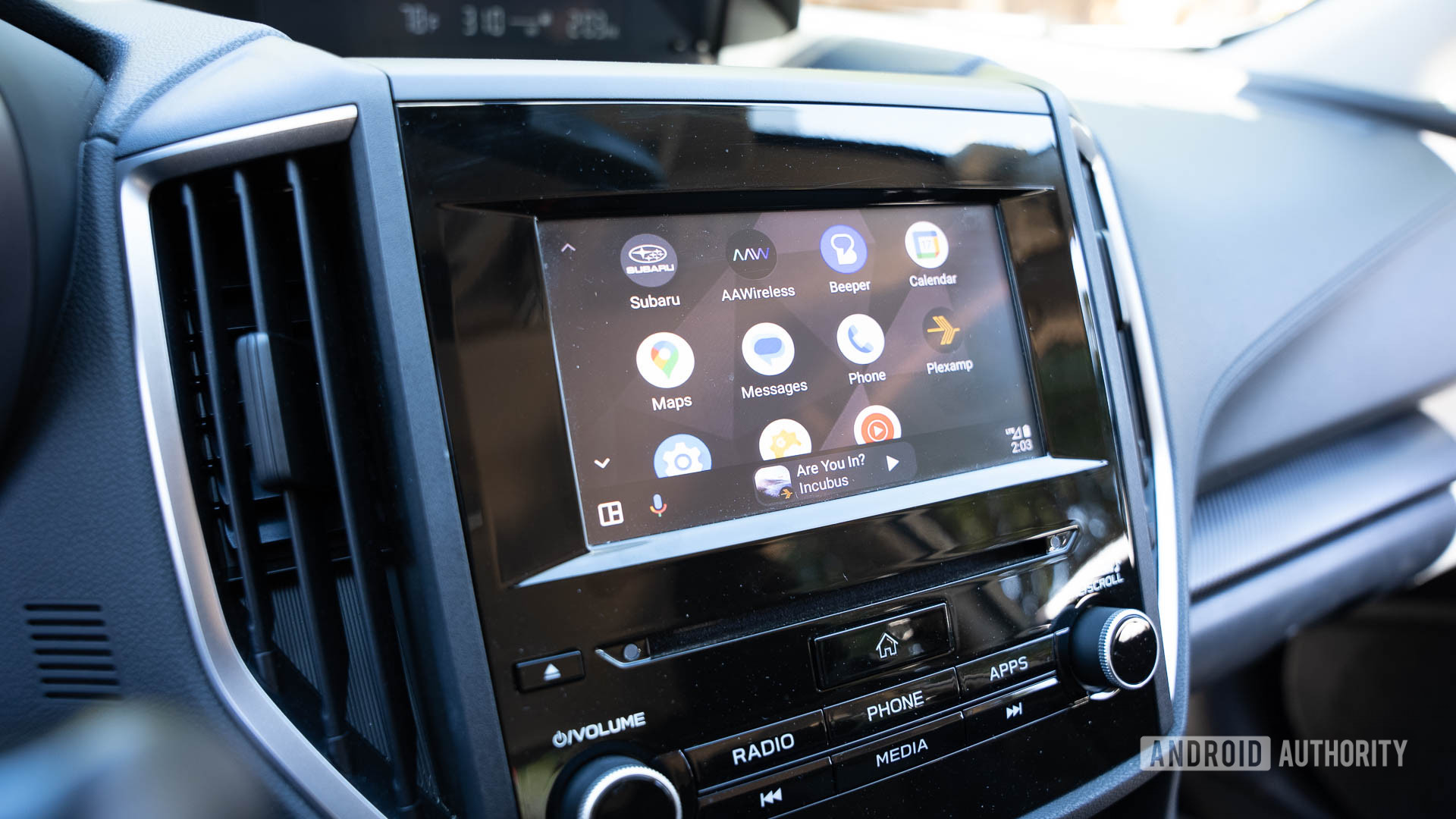
If you shop a lot, you’re probably used to juggling several rewards cards, payment apps, and dedicated point-management programs. Well, you might not need to do all of that pretty soon. Samsung is adding a new feature to the Samsung Wallet app that could make your life a lot easier.

Samsung today announced “Samsung Wallet Perks” in partnership with Rakuten. The feature lets users earn cash-back rewards from thousands of US brands, with the cash back added directly to the Samsung Cash Card in the Wallet app. Some of the brands offering cash back rewards to Samsung users include LEGO, Sephora, Expedia, PetSmart, Gap, and Lands’ End.
You can use the cash back on your Samsung Cash Card to pay when shopping or dining out. Plus, you can use the funds in your Samsung Cash Card to send money to other users, either by tapping their Galaxy device or an NFC-enabled debit card. While the tap-to-transfer feature isn’t entirely new, you can now use your earned cash back as transferable funds for friends.
Samsung Wallet Perks will also actively surface new deals personalized to your shopping habits. There’s a new “Nearby” feature as well, which highlights stores and restaurants in your area where you can earn cash back.

The feature is already rolling out in the US to “eligible users.” If you have a Samsung device running Android 9.0 or higher, you should be eligible for the new Wallet experience. Once it reaches you, you can earn cash back on online and in-store shopping, and even when dining out.

76Your Google Messages chats are getting a ChatGPT upgrade - Android Authority
Read on androidauthority.com

ChatGPT-Dots.jpg


OpenAI

Add Android Authority on Google:

TL;DR

  • OpenAI now lets you text your ChatGPT Dot directly through Google Messages on Android or iMessage on iPhone.
  • Your Dot can proactively send updates, photos, and voice notes while retaining context from previous conversations.
  • The feature is rolling out as a preview for ChatGPT Pro subscribers in the US.

Say you ask ChatGPT to keep an eye on a product you’ve been meaning to buy, and it texts you when the price drops. Or perhaps you’ve asked it to help plan an upcoming trip, and it messages you when there’s an important update. That’s the convenience OpenAI is bringing to ChatGPT, and you won’t even need to open the app to use it.

Last month, OpenAI introduced Dots, personal AI agents that run in the background, remember key details, and help you stay on top of ongoing tasks. You can interact with your Dot through ChatGPT, Slack, or Microsoft Teams, but one option was missing: your phone’s messaging app.

Well, that’s finally changing. OpenAI has announced you can now text your Dot directly via RCS on Android or iMessage on iPhone. More importantly, the conversation doesn’t always have to start with you. If you’ve asked your Dot to monitor something or work on a task, it can proactively message you with relevant updates, including text, photos, and voice notes.

What makes this useful is that your Dot remembers your previous conversations and keeps access to the same connected plugins, no matter where you’re talking to it. So, if you start planning something in ChatGPT and later continue the conversation over text, you won’t have to explain everything again.

Of course, letting an AI assistant into your messaging app might raise some privacy concerns. OpenAI says the conversation is strictly between you and your Dot, and enabling the feature doesn’t give it access to your other text conversations.

For now, the feature is rolling out as a preview for ChatGPT Pro subscribers in the US. If you’re eligible, you can enable it by opening your Dot’s profile and selecting Texting.

77Samsung teases Galaxy S27 plans as its phone business slips into the red again - Android Authority
Read on androidauthority.com

Samsung-Galaxy-S26FE-all-3-colors.jpg


Paul Jones / Android Authority

Add Android Authority on Google:

TL;DR

  • Samsung expects to ship fewer smartphones in 2027, particularly in the mid-range and entry-level segments, as higher memory and component costs push prices up.
  • The company is banking on “Intelligent Eyewear” in Q4 and is researching Glass, TriFold, and other new form factors for 2027.
  • Samsung is also prioritizing a more distinctive Galaxy S series, better battery life and performance, improved foldables, and new Galaxy AI experiences.

Samsung has reported its financial results for the past quarter, offering us a glimpse into its mobile business and future plans. The outlook comes as the company’s mobile division posted a second consecutive quarterly operating loss. But despite this, Samsung is busy preparing its next Galaxy flagships and exploring new device form factors.

During its earnings call, the company warned that it expects to ship fewer smartphones in 2027 as rising costs of memory and raw materials push prices higher.

At the same time, Samsung is betting on new Galaxy experiences to keep consumers interested, including its next Galaxy S series, improved foldables, and Intelligent Eyewear, which is arriving in Q4 this year. The company also confirmed it’s exploring another TriFold and other new form factors for 2027.

Speaking during Samsung’s Q3 2026 earnings call, Daniel Araujo of the Mobile eXperience (MX) division said the company expects challenging business conditions to continue next year as component costs remain high. S

Samsung anticipates that higher device prices will weigh on shipments, particularly in the entry-level and mid-range segments, potentially resulting in fewer models in those categories. Not great news for fans of the A series.

Samsung’s Galaxy S27 series will focus on practical upgrades

Android Headlines

Speaking about the Galaxy S27 series without naming it, Samsung said that it plans to give each model in its next Galaxy S series a more “distinct” identity, catering the lineup to the needs of different customer segments. We already know that Samsung might be planning a four-tier lineup next year, so Araujo’s comments align with leaks and rumors that have been circulating for months.

Meanwhile, hardware improvements will focus on privacy displays, battery life, and application processor (AP) performance.

Samsung also plans to maintain its focus on thinner and lighter foldables, an area that helps its devices stand out amongst competition.

Galaxy AI will remain a priority, too. Araujo said Samsung intends to introduce more user-centric features that deliver richer agentic AI experiences by better understanding users’ context and intent. However, the company did not provide specific details about these upcoming features during the call.

To make its premium phones more accessible, Samsung is also planning financing programs around the Galaxy S26 and Galaxy Z Fold 8. Araujo claimed the latest Fold attracted younger buyers and customers switching from other brands.

Looking further ahead, Samsung said it’s researching “Glass,” “TriFold,” and “other” innovative form factors for 2027.

Samsung is also preparing hardware improvements behind the scenes. Its Exynos 2700 development and production remain on schedule, with improvements to AI and gaming performance. Meanwhile, new 200MP camera sensors are headed into mass production for next year’s major flagship projects, and Samsung Display is working on stronger foldable panels with less-visible creases for 2027.

78Price hikes can’t stop YouTube Premium from hitting new subscriber records - Android Authority
Read on androidauthority.com

YouTube-on-smartphone-stock-photo-6.jpg


Edgar Cervantes / Android Authority

Add Android Authority on Google:

TL;DR

  • Alphabet published its Q3 2026 financial report this afternoon.
  • In sharing the news, CEO Sundar Pichai announced that YouTube Music and Premium now have over 150M subscribers.
  • That figure includes trial subscriptions, but it’s also up from the 125M the company shared earlier this year.

Google — sorry, Alphabet — is sharing its latest financial report today, detailing the company’s Q3 2026 performance. And as you should only expect, that’s full of tons of data points about AI, token usage, and all things Search. But it also offer us an all-too-rare peek into how things are doing for one of the biggest streaming services around, as Google shares new YouTube subscriber figures.

As CEO Sundar Pichai explains, YouTube Music and YouTube Premium now count over 150 million subscribers around the world. This past spring, that figure was only at 125 million.

Now, there’s one big caveat there: The number we’re seeing also includes free trials. But so did that old 125M tally, so at least we’re comparing apples to apples.

Back when we shared those old numbers, YouTube had only just announced its latest price increases a few days prior, raising the individual monthly rate to $15.99. That may have slowed new subscriber uptake a bit, but that’s also a figure that’s difficult to drill further down on — we knew that Google was previously taking on around 25M new subscribers a quarter, but that included things like Google One in addition to YouTube. Regardless, it’s still a number that’s growing at a rate that’s admittedly pretty impressive for the service’s age.

YouTube Premium keeps announcing new perks for subscribers, like Peacock Premium, set to arrive next year. More recently, we’ve heard that audiobooks could be on the way. While those are no doubt helping Google continue to grow its subscriber numbers, we also can’t help but wonder when it might start using them to justify its next rate hike. So far, subscribers seem to be hanging on — but it remains to be seen just what they’ll tolerate.

79Gemini 4 Carbon is Google’s second new frontier model this month - Android Authority
Read on androidauthority.com

gemini-4-carbon.jpg


Ryan McNeal / Android Authority

Add Android Authority on Google:

TL;DR

  • Google has introduced its latest frontier model — Gemini 4 Carbon.
  • Carbon improves upon coding, agentic and scientific tasks, full-stack web development, and multimodal understanding. However, cybersecurity is where it makes its biggest leap.
  • The model initially will be released to a subset of cyber defenders before eventually rolling out to developers, businesses, and consumers.
  • Carbon will be available at $2 per million input tokens and $10 per million output tokens, with cached input tokens priced at 95% off the input token price.

About a month ago, Google teased us with its next frontier model — Gemini 4 Argon. Two weeks ago, that model saw the light of day as it finally rolled out for everyday users. While two weeks may not sound all that long, time moves a little faster in the world of AI. Google is now teasing us once again with a brand new frontier model.

The latest AI model to come from the minds over there at the Mountain View-based firm is called Gemini 4 Carbon. According to Google, Carbon improves upon coding, agentic and scientific tasks, full-stack web development, and multimodal understanding. Carbon is said to outperform most other models, capturing the number one spot on version 5.0 of the Artificial Analysis Intelligence Index. However, cybersecurity is where Carbon really shines.

Based on the company’s own benchmarks, Carbon more than doubles the success rate for generating secure code compared to Argon. Meanwhile, Google claims “Carbon performed more than 10X better than another lab’s large frontier model when generating high-quality patches.” It also performed well on external benchmarks including SEC-bench Pro (for finding vulnerabilities), ExploitGym (for exploitation), and CWE-bench (for patching).

While Carbon builds on the same safety and security stack as Argon, Google went a step further to also improve the model’s alignment. The tech giant boasts that Carbon offers the following:

  • Reduced shortcuts and loophole exploitation
  • Greater transparency and honesty
  • Improved collaboration with the user when facing ambiguity
  • Less overstepping when following through a task
  • Improved resistance against prompt injections

For the release of Gemini 4 Carbon, the company has decided to follow the US government’s voluntary review process. As a result, it won’t be rolling out to consumers right away. Instead, the plan is to release it this week to a subset of cyber defenders. When it does become available to the general public, it will cost $2 per million input tokens and $10 per million output tokens. Cached input tokens will be priced at 95% off the input token price.

80Android’s upcoming automatic backup tool might not play nicely with your PC - Android Authority
Read on androidauthority.com

airdrop-quick-share-hero-11-scaled.jpg


Joe Maring / Android Authority

Add Android Authority on Google:

TL;DR

  • Google’s been working on a new local backup tool to automatically save phone files to your PC.
  • Earlier updates revealed that Samsung phones wouldn’t be supported.
  • That language is now expanding to additionally exclude Samsung PCs.

In 2026, you might have expected “storage” to be a largely solved problem, but somehow it never seems to last as long as we’d hope. Between galleries of pics, videos, and all the latest apps we’ve installed, device storage still fills up far too quickly — and we don’t even have microSD expansion anymore! Earlier this year we spotted Google working a new tool that promised to help ease our storage concerns a bit, automatically backing up device files to our PCs. While that’s still not quite ready to make its debut, we’ve uncovered a couple new details about how it’s taking shape.

You’re reading an Authority Insights story. Authority Insights brings you all the latest exclusive reports, app teardowns, leaks, and in-depth tech coverage from the Android Authority team that you won’t find anywhere else.

Everyone points to cloud backup as the obvious solution to modern storage needs, but that’s hardly the silver bullet it’s often made out to be. Upload speeds are still quite slow for a lot of users, and more often than not, with cloud storage we’re paying perpetual subscription fees.

That’s exactly why we were so excited to spot this “Automatic backup” tool in Android Quick Share settings. But while it looked very promising for most of us, by summer we uncovered new evidence suggesting that not everyone would be able to take advantage of this solution, with the tool preparing to explicitly exclude Samsung phones. At the time, we speculated that this might be due to Samsung preferring its users take advantage of the company’s own backup tools.

We still don’t quite have the full picture there, but today we can add at least one new plot point to the story: Beyond just excluding Samsung phones, Google’s backup tool also looks like it’s not planning to support Samsung computers.

Code

<string name="nearby_sharing_file_sync_info_samsung_not_supported">Samsung phones and PCs aren’t currently supported</string>

This expanded string appears in version 26.43.30 of Google Play Services, replacing the prior reference to phones alone. This suggests that Google’s feature could be even more restrictive than we previously thought — but also, still in a way that fits with our earlier interpretation of the reasoning behind it.

This other change is a bit more minor, but still related to that restriction. We’ve been curious about exactly how this backup tool might be branded. While we found Google preparing to place these options within Quick Share settings, we did notice that the language Google used in doing so didn’t make any further references to Quick Share.

Code

<string name="nearby_sharing_file_sync_automatic_backup_description">Keep your memories safe with automatic backup. Once set up, Quick Share automatically saves your photos and videos to your PC. No cables or cloud subscriptions needed.</string>
<string name="nearby_sharing_file_sync_info_start_on_pc_title">Start setup on your Windows PC</string>
<string name="nearby_sharing_file_sync_info_start_on_pc_description">Set up automatic backup from the Quick Share for Windows app. Keep your phone nearby and on, with both devices signed in to the same Google Account.</string>

With this update, Google’s finally starting to embrace Quick Share branding. For instance, this “Keep your memories safe…” message is due to replace the old “Files you select on this phone…” text from the earlier screens you see above.

None of that’s particularly surprising to see — we’re just wondering a bit why it took so long to finally show up. Perhaps Google wasn’t entirely sure how it wanted to position this tool when first building it out, but by now its Quick Share home is looking reasonably well established.

That also helps further cement the issue of Samsung support. Google’s Quick Share for Windows software already directs Samsung users to install the company’s own app:

Quick Share by Google is meant for non-Samsung PCs. If you have a Samsung PC please install Quick Share from Samsung from the Microsoft Store. Quick Share by Google is no longer supported on Samsung PCs.

For the rest of us, though, this still sounds like it could be a very handy, money-saving backup option. Now if Google would just ever get around to finishing work on it…

⚠️ An APK teardown helps predict features that may arrive on a service in the future based on work-in-progress code. However, it is possible that such predicted features may not make it to a public release.